
View Markdown
Rounding & Blending
Chisel rounds edges in three places, all with the same five profiles:
- Rounding rounds the edges of a single shape and is set on the shape.
- Blending rounds the seam where two things meet and is set on the modifier.
- The Smooth modifier sets a minimum radius for every edge and seam of a shape.
These roundings are part of the shape itself, not added geometry, and they update as you move or change the shapes.
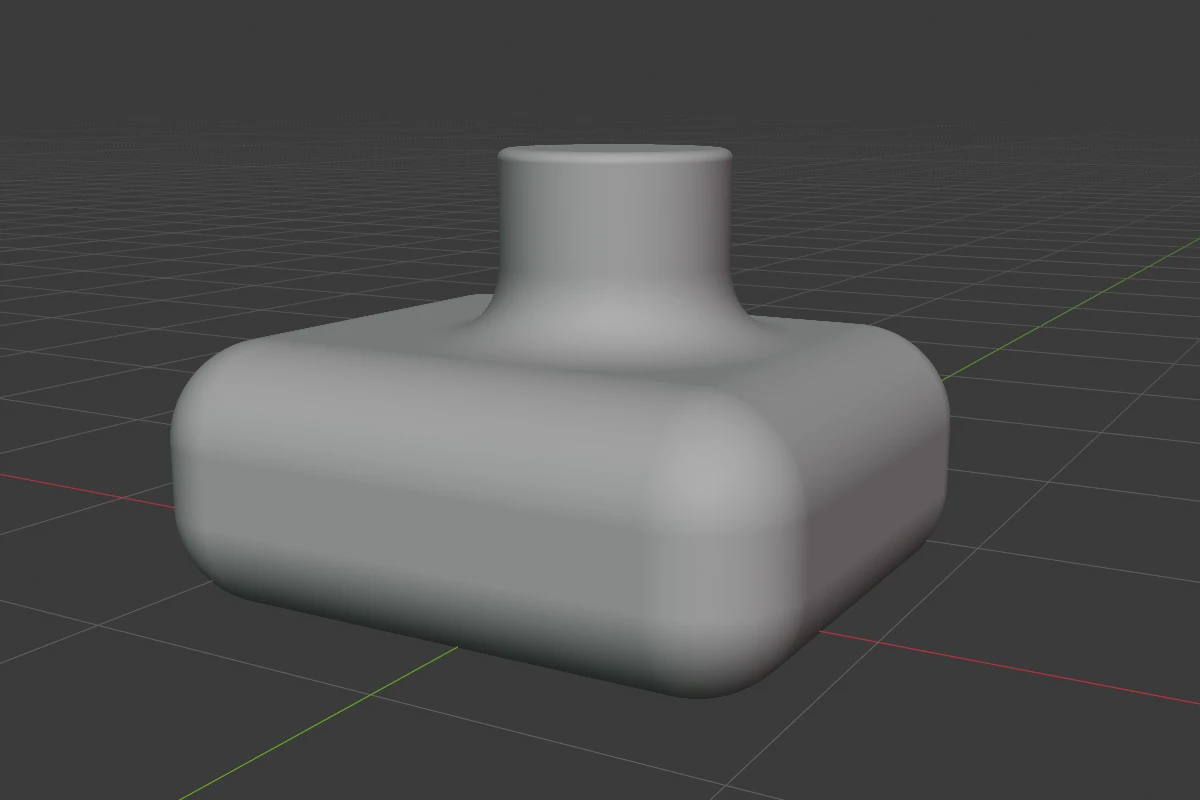
Every rounding and blend
| Where | Settings | Profile | In the viewport |
|---|---|---|---|
| A shape’s edges or rims | Profile, Rounding, Smooth | yes | B, the teal Rounding arc |
| The upright edges of a Prism, Trapezoid or Oblong | Bevel Profile, Bevel, Bevel Smooth | yes | the green Bevel arc |
| An Ngon’s corners | per corner: rounding, profile, Smooth | yes | the orange handles in Edit mode; the Bevel arc for all at once |
| A path shape’s Corner points | Rounding, Corner Profile, Corner Smooth (Points) | yes | the orange handles in Edit mode |
| A Lathe’s cut faces | Side Rounding | Round only | B, the Rounding arc |
| A Boolean’s seam | Blend, Profile, Outer, Smooth, Material Blend | yes | Ctrl + B, the blue Blend arc |
| A Carve’s rim | Blend, Profile, Outer, Smooth | yes | Ctrl + B, the blue Blend arc |
| An Emboss’s or Engrave’s edges | Outer and Inner, each with a profile and a Smooth | yes | Ctrl + B (Outer), the yellow or violet arcs |
| A Bisect’s cut and polyline corners | Blend, Profile, Outer, Smooth; Corner Blend per corner | yes | the orange blend and corner dots |
| A Mirror’s seam | Blend | Round only | none |
| Array copies | Smooth | Round only | the orange smooth dot |
| A Sweep path’s corners | per point Rounding | Round only | the orange corner handles |
| The whole shape | Smooth modifier: Radius, Profile, Smooth, Override All | yes | none |
| A shape drawn in Block mode | its bevel, rounding and blend | yes | B and Ctrl + B while drawing (Block mode) |
Most of these are also dragged from the pie (South-West and East wedges), the right-click menu and the Tape tree’s right-click options.