
View Markdown
Prism
A regular prism of 3, 5, 6 or 8 sides. The side edges and the rims round separately, as on an Oblong.
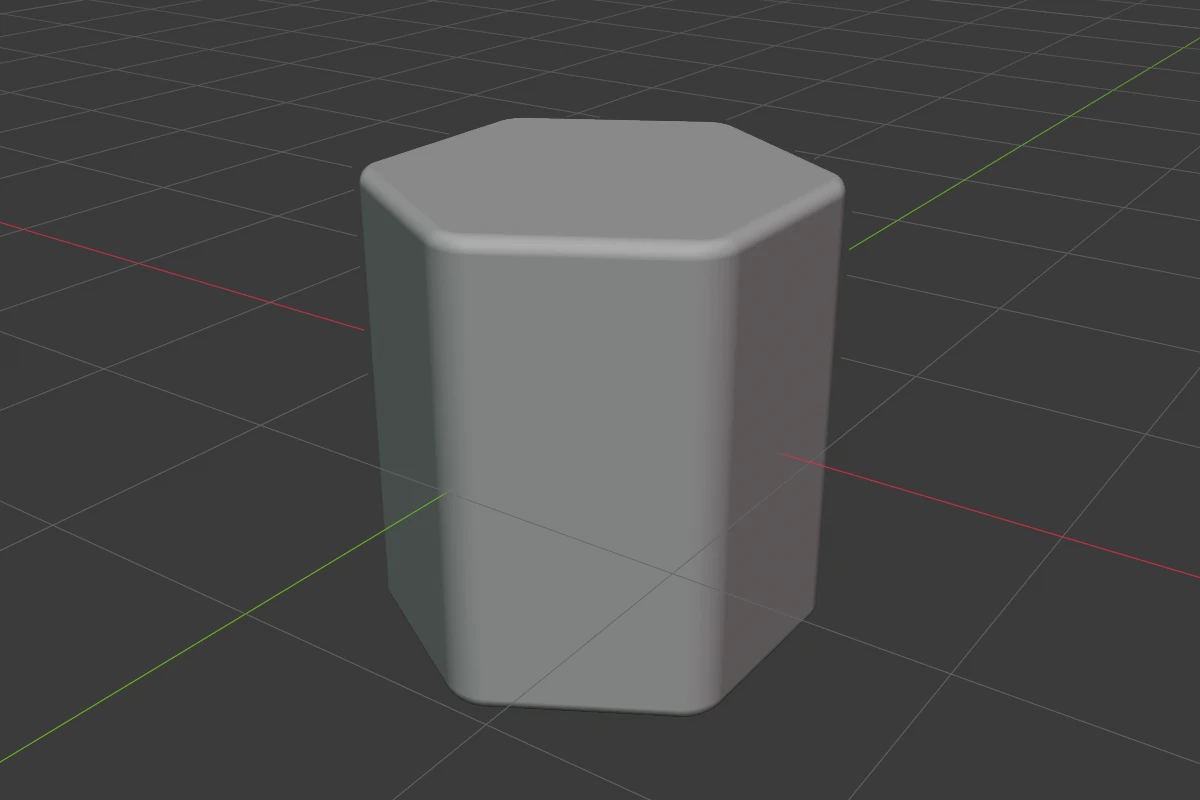
Settings
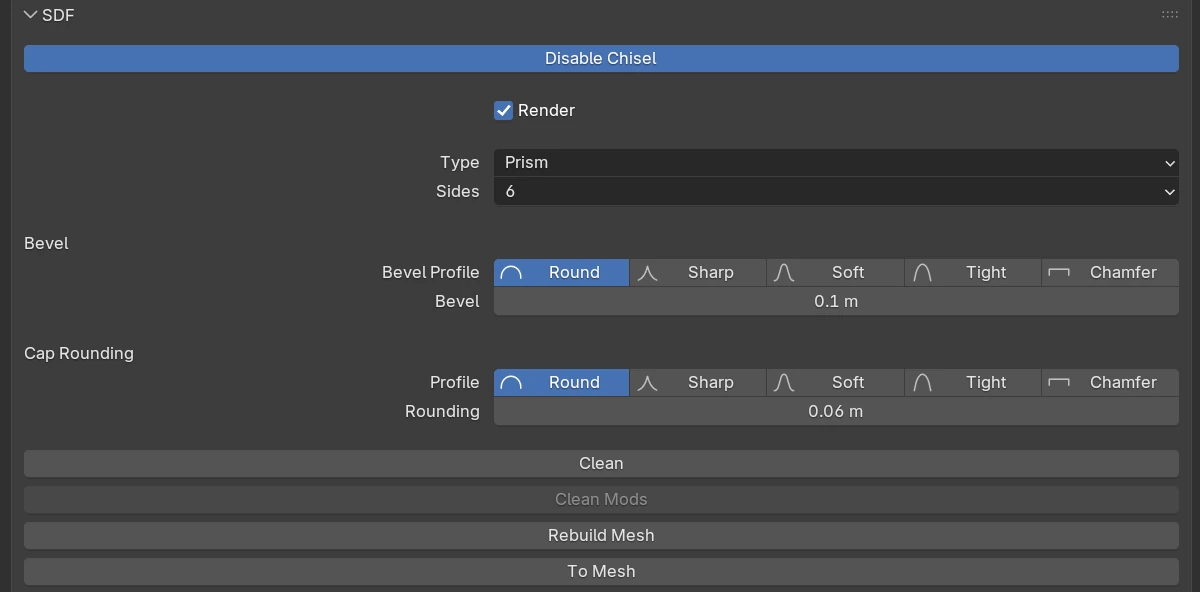
| Setting | Default | Range | What it does |
|---|---|---|---|
| Sides | 3 | 3 · 5 · 6 · 8 | The number of sides |
| Angle (3 sides) | 60° | 5° – 175° | The apex angle of a triangular prism. The arrow beside it opens Set Prism Shape |
| Bevel Profile | Round | Round · Sharp · Soft · Tight · Chamfer | The shape of the side edges’ rounding |
| Bevel | 0 | ≥ 0 (soft 2) | Rounds the side edges |
| Bevel Smooth (Chamfer) | 0 | ≥ 0 (soft 0.5) | Rounds the seams where the side edges’ chamfer meets the faces |
| Profile | Round | Round · Sharp · Soft · Tight · Chamfer | Cap Rounding: the shape of the rims’ rounding |
| Rounding | 0 | ≥ 0 (soft 2) | Cap Rounding: rounds the top and bottom rims |
| Smooth (Chamfer) | 0 | ≥ 0 (soft 0.5) | Rounds the seams where the rims’ chamfer meets the faces |
The rows every shape has are in Properties Panels.
Sides
The Q pie’s West wedge and the right-click menu’s first row have 3, 5, 6 and 8 as buttons.
Angle
Set Prism Shape sets a triangular prism’s proportions:
| Setting | What it does |
|---|---|
| Mode | Angle + Height: you set the angle and the height, the base follows. Height + Base: you set both, the angle follows |
| Angle | The apex angle, 5° – 175° |
| Height | From the apex to the base |
| Base | The width of the base |
Bevel and Rounding
Drag the green Bevel arc of the adjust arcs to change Bevel, and the Rounding arc (or press B) to change the rims’ Rounding. During either drag 1–5 pick the profile.
Redo panel
After adding, the redo panel (F9) has:
| Setting | Default | Range | What it does |
|---|---|---|---|
| Size | 2 | > 0 | Width of the new prism |
| Sides | 3 | 3, 5, 6 or 8 | Number of sides |
| Angle | 60 | 5 – 175 | Apex angle, three sides only |
| Align | World | World · View · 3D Cursor | Rotation of the new shape |