
Mesh
A Mesh shape is a Blender mesh object baked into a Chisel shape: Chisel samples the mesh once into a grid of distances, and from then on it takes joins, blends, modifiers and materials like every other shape. The object keeps its mesh, which stays its display mesh.
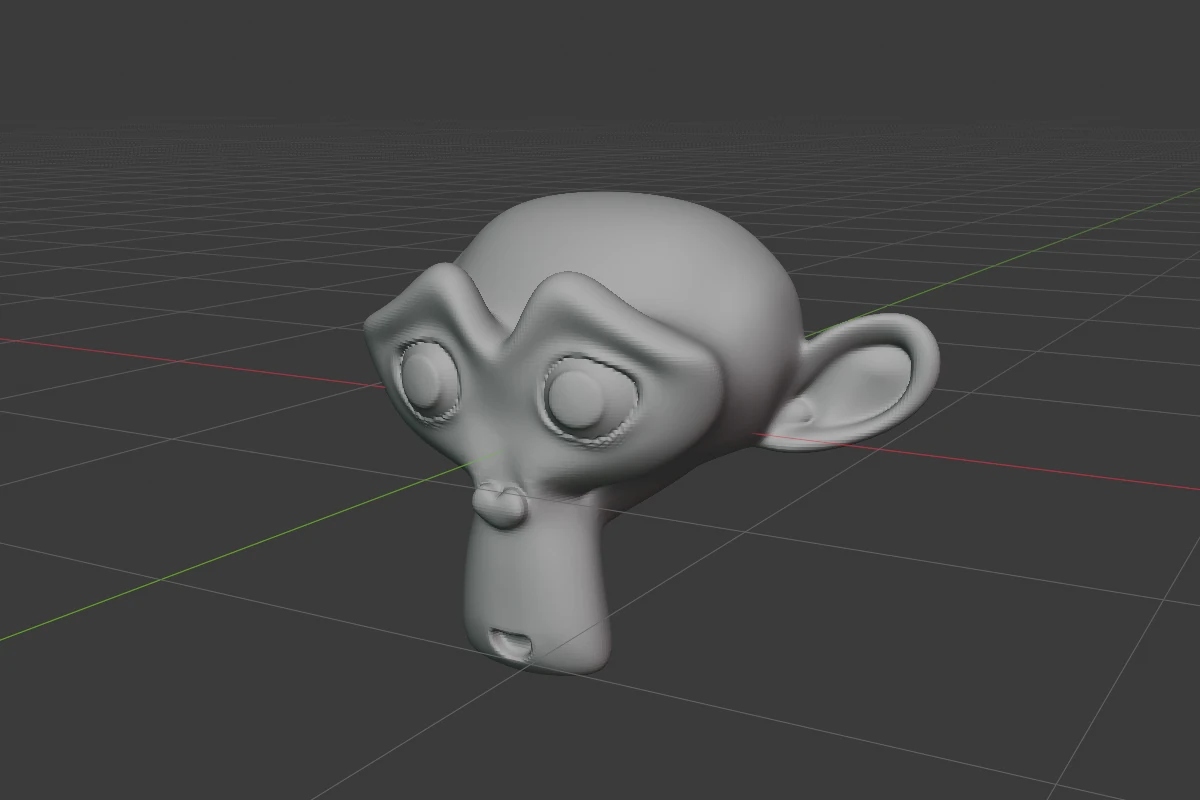
Convert Mesh to SDF (in Object Properties ▸ SDF of a plain mesh, or right-click ▸ Convert to SDF) makes one, see Convert to SDF. The bake reads the mesh with its Blender modifiers applied; the inside and the outside come from the faces’ orientation.
Settings
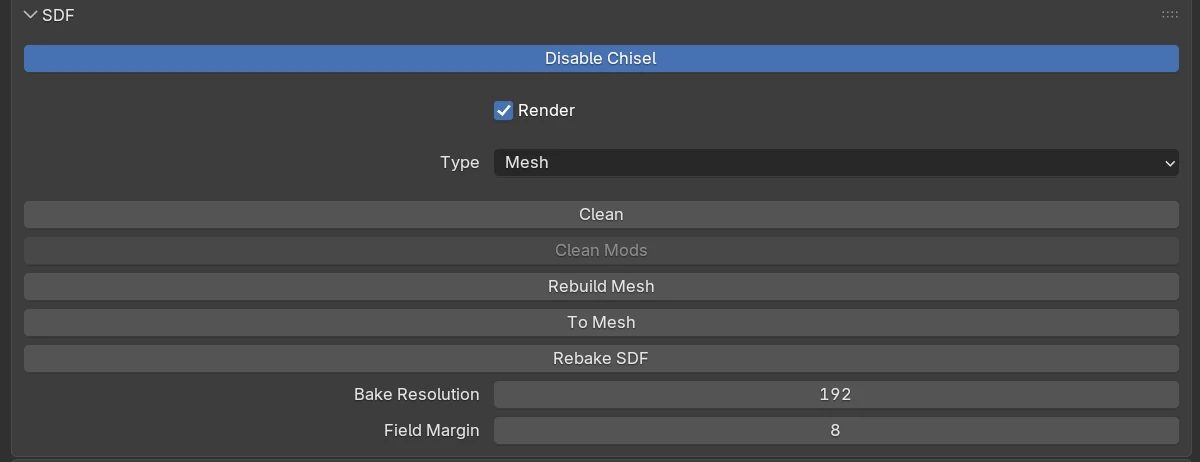
| Setting | Default | Range | What it does |
|---|---|---|---|
| ”SDF is stale” | A red line: the mesh was edited after the bake, and the shape still shows it as it was | ||
| Rebake SDF | Bakes the grid again from the mesh as it is now | ||
| Bake Resolution | 128 | 8 – 1024 | Grid cells along the mesh’s longest side, for the next bake. Above about 256 a grid costs gigabytes of GPU memory |
| Field Margin | 8 | 6 – 64 | The shell of exact distances around the surface, in grid cells, for the next bake. Emboss depths, blend widths and carve offsets against the mesh must fit inside it |
The rows every shape has are in Properties Panels; Rebuild Mesh leaves a Mesh shape’s mesh alone.
When a grid does not fit
A grid the GPU cannot hold (a file from a bigger card, a smaller budget, a grid still baking) is drawn as a box of its bounds. The panel then shows Shown as placeholder with the reason and a Rebake to fit button, which lowers Bake Resolution to the largest this GPU can hold and bakes again. A shape whose resolution has become too large shows an over budget line under Bake Resolution.
With other shapes
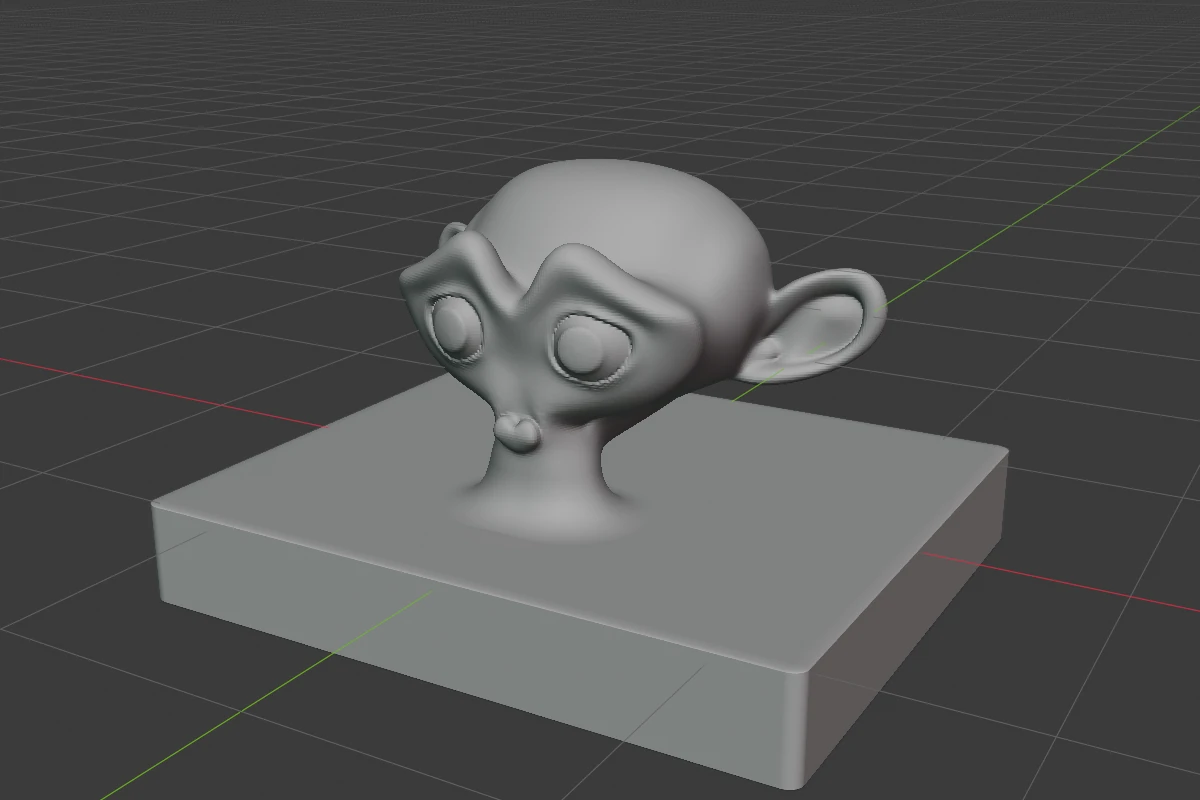
A join and its blend work the same between a Mesh shape and any other shape.
Baked grids are saved in the .blend by default (Store SDF Bakes in File), so the file reopens without baking them again; see Mesh-SDF storage. A grid that is not stored bakes again in the background when the file opens.
Limits and known issues
Warning
Right after Convert Mesh to SDF the panel already says “SDF is stale”, although the mesh has not changed and the shape is correct. Press Rebake SDF once to clear it.
A Mesh shape is not in the [ / ] cycle and no shape switches into it.
See also
- Convert to SDF
- Convert to Mesh: a shape to polygons
- Apply Modifiers: a whole stack baked into one Mesh shape