
View Markdown
Revolve
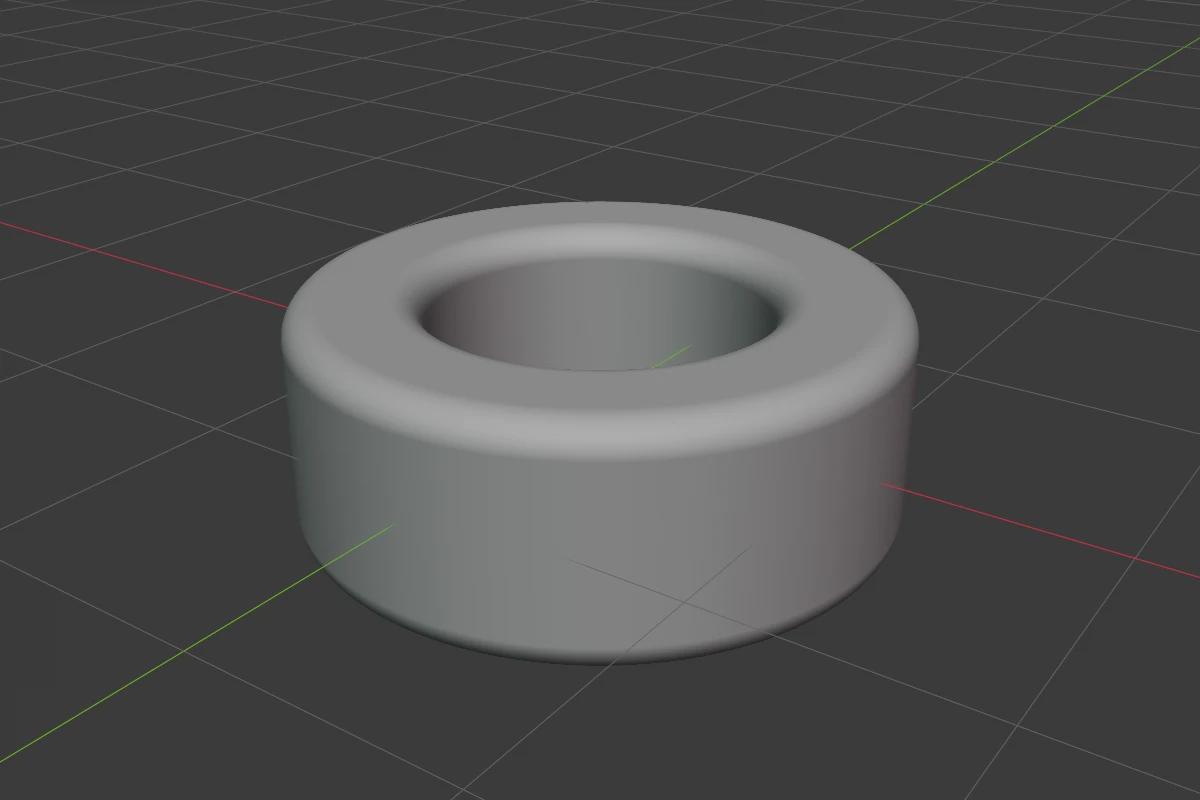
Revolve takes the shape’s cross-section through its origin and spins it a full 360° round one of the shape’s own axes. Only the half of the cross-section on the positive side of the axis spins: the +X side for Axis Z or Y, the +Y side for Axis X. For part of a turn, or a profile of points with corners rounded one by one, use the Lathe shape.
Settings
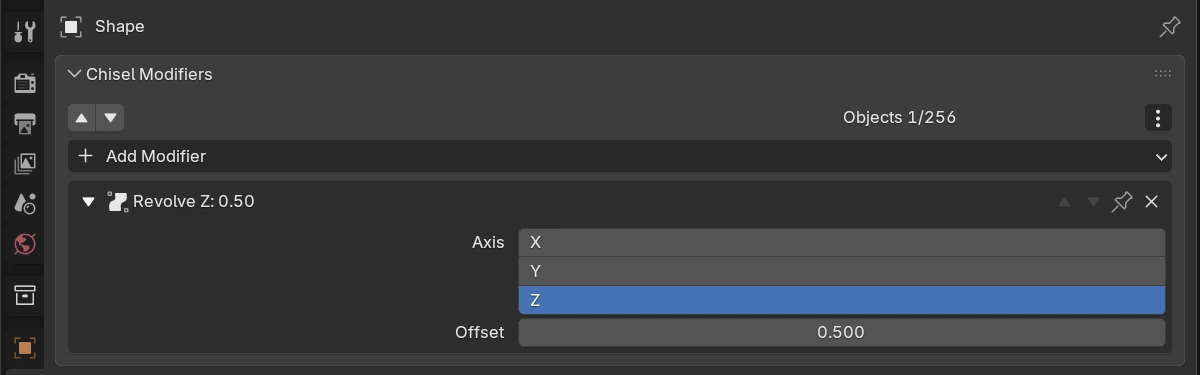
| Setting | Default | Range | What it does |
|---|---|---|---|
| Axis | Z | X / Y / Z | The shape’s own axis the cross-section spins round |
| Offset | 0 | soft -5 – 5 | Moves the cross-section away from the axis before it spins, so more of it turns. Once the offset is larger than the part of the cross-section on the other side of the axis, a hole opens in the middle |
Pie menu
The pie’s East wedge has a Revolve row: the axis buttons and the offset. Click the offset and move the mouse to drag it; Shift is precision, Ctrl snaps, Space or a click confirms, RMB or Esc cancels.
Limits and known issues
Warning
The pie’s offset drag changes every Revolve on the shape at once.
See also
- Lathe: a profile of points turned round an axis
- Twist & Bend, Sweep, Lattice: the other deformers