
View Markdown
Matcap
The Matcap panel picks the lit-sphere image every shape is shaded with, and a tint over the whole scene.
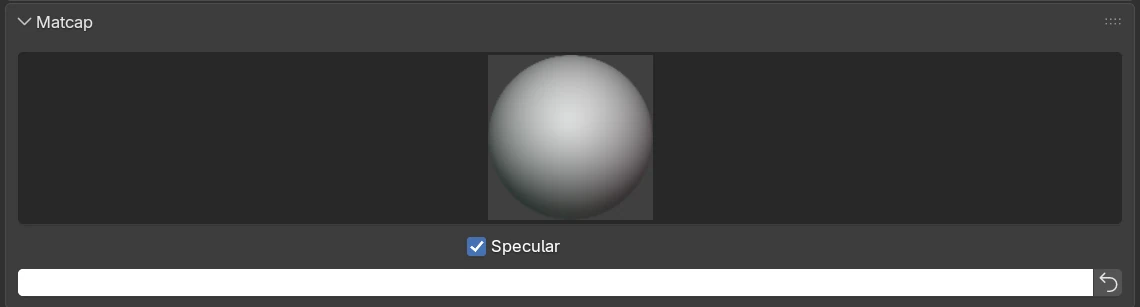
Settings
| Setting | Default | What it does |
|---|---|---|
| Matcap (the preview) | the first matcap in the list | Click it to open the matcap grid and pick one. The list is Blender’s own matcaps. |
| Specular | on | Shown only when the matcap has a separate specular layer. On adds the matcap’s highlights; off keeps just the diffuse layer. |
| Colour swatch | white | A tint multiplied over the matcap for every shape. White leaves the matcap untouched. |
| Reset (the arrow button) | Sets the tint back to white. |
Each shape’s own colour comes from its Chisel material and is multiplied into the matcap under this tint.
Matcaps added in Preferences ▸ Lights ▸ MatCaps (.exr or .png) appear in the grid too. The file stores the matcap by name, so it keeps its matcap on another machine; a name this machine lacks falls back to the first matcap.