
View Markdown
Cone
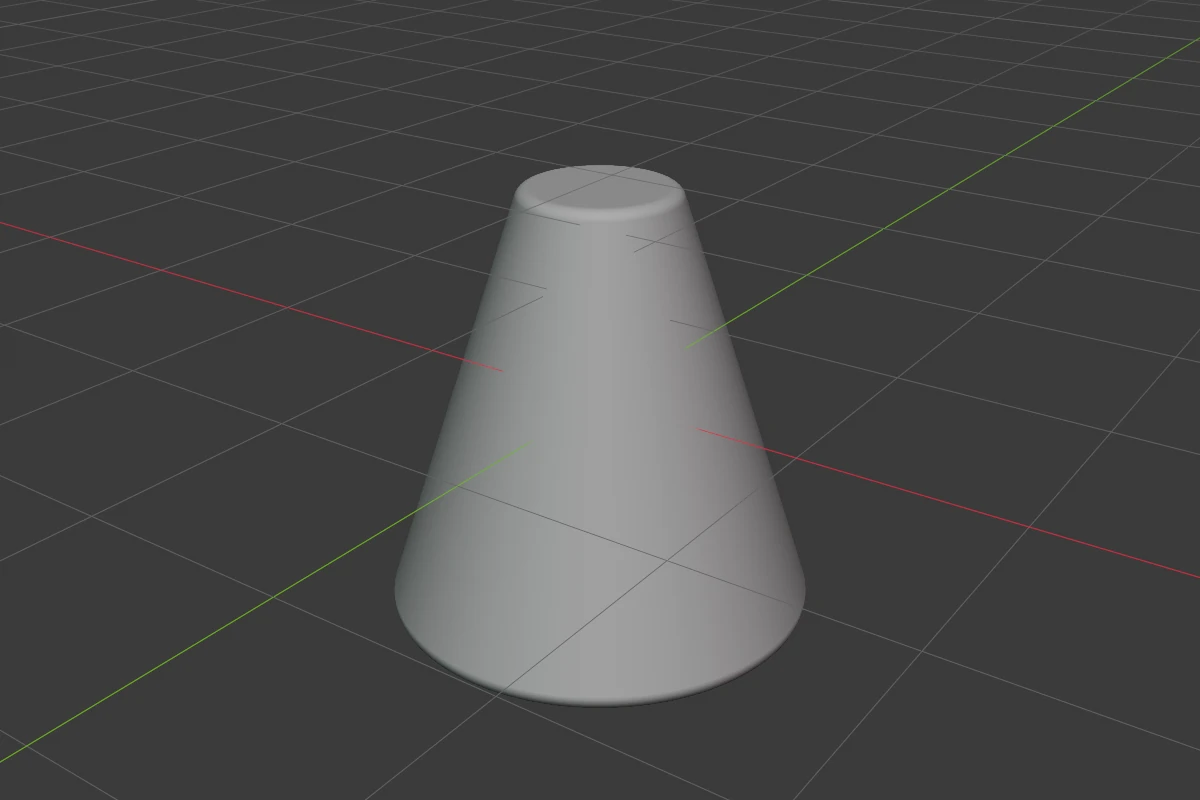
A cone along the object’s local Z axis. Cap sets the size of its top, from a point to a cylinder, and its rims can be rounded.
Settings
| Setting | Default | Range | What it does |
|---|---|---|---|
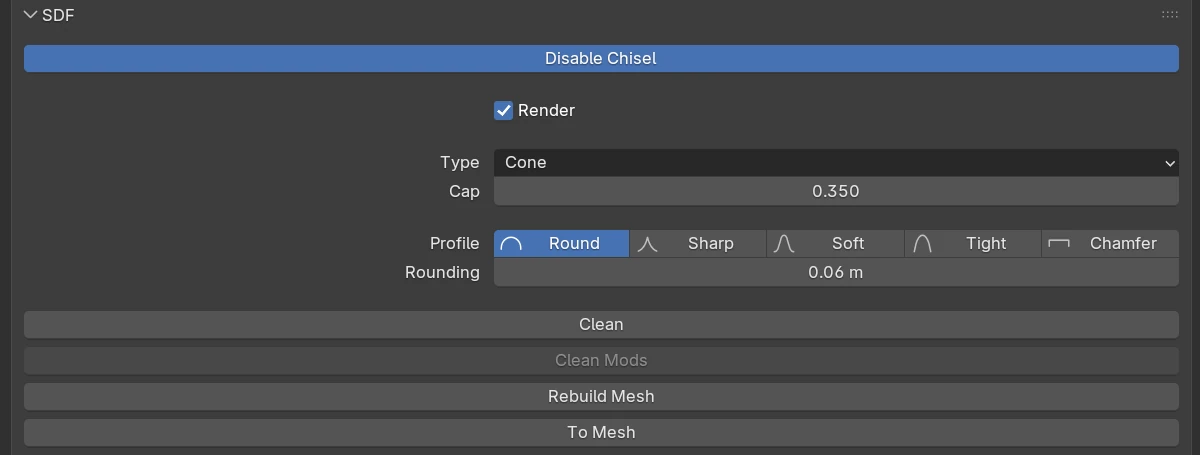
| Cap | 0 | 0 – 1 (soft 0.9) | The top radius as a share of the base: 0 a point, 1 a cylinder |
| Profile | Round | Round · Sharp · Soft · Tight · Chamfer | The shape of the edge rounding, see Profiles |
| Rounding | 0 | ≥ 0 (soft 2) | Rounds the rims |
| Smooth (Chamfer) | 0 | ≥ 0 (soft 0.5) | Rounds the seams where the chamfer meets the faces |
The rows every shape has are in Properties Panels.
Cap
Right-click ▸ Cap (also in the Q pie’s West wedge) starts a drag: move the mouse away from the shape for a wider top, towards it for a narrower one. Ctrl snaps, Shift is precision.
Rounding
Press B, or drag the Rounding arc of the adjust arcs, to change Rounding on every selected shape with the mouse. During the drag 1–5 pick the profile and S switches to Smooth; Ctrl snaps, Shift is precision.
Redo panel
After adding, the redo panel (F9) has:
| Setting | Default | Range | What it does |
|---|---|---|---|
| Radius 1 | 1 | > 0 | Base radius |
| Radius 2 | 0 | ≥ 0 | Top radius: sets the Cap |
| Depth | 2 | > 0 | Height along local Z |
| Align | World | World · View · 3D Cursor | Rotation of the new shape |