
Lathe
A profile of points turned round the shape’s local Z axis: solid or hollow, a full turn or part of one. The points live on the local XZ plane, right of the axis: X is the distance from the axis, Z the height.
Settings
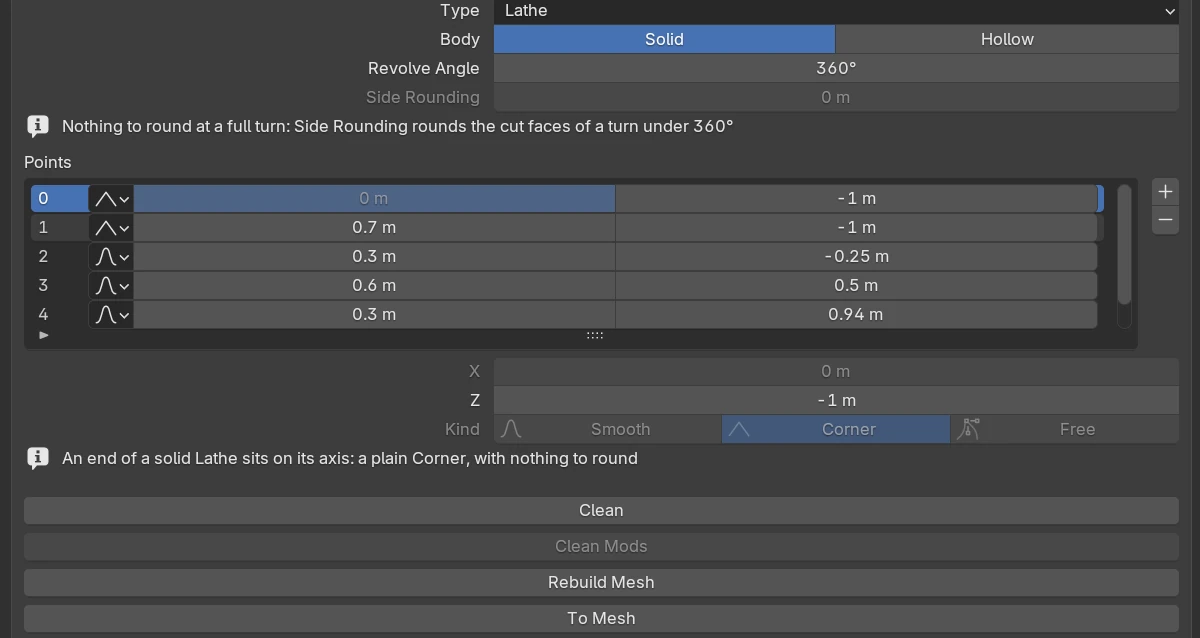
| Setting | Default | Range | What it does |
|---|---|---|---|
| Body | Solid | Solid · Hollow | Solid: an open profile whose two ends sit on the axis, so there is no hole. Hollow: a closed loop of points, the wall of the hole made of points like the outside |
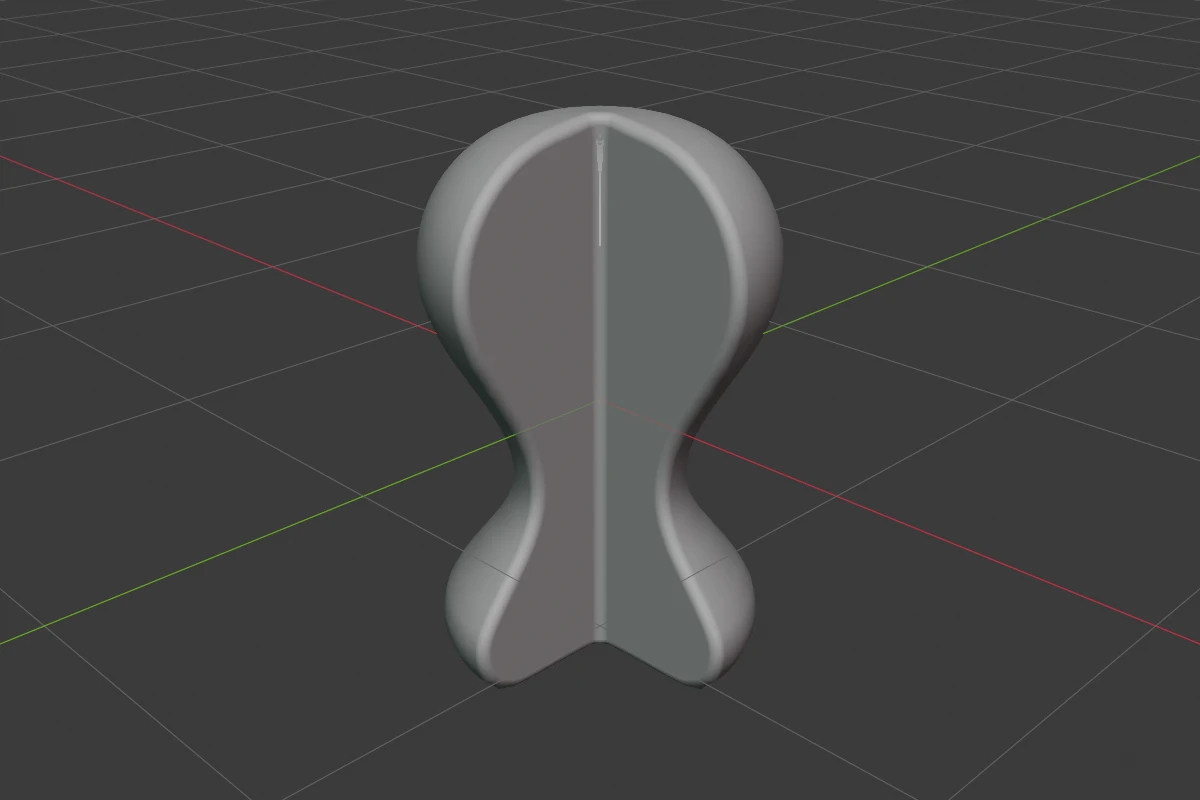
| Revolve Angle | 360° | 0° – 360° | How far the profile turns. Below a full turn the Lathe is cut, with two flat faces |
| Side Rounding | 0 | ≥ 0 (soft 2) | Rounds the edges of the cut faces. Greyed at a full turn; it fades out over the last 30° before one |
| Points | 3 points or more | The point list and the active point’s rows, see Points. A Lathe’s rows show each point’s X and Z |
The rows every shape has are in Properties Panels.
The two ends of a solid Lathe slide only up and down the axis and have no rounding: their Kind row and X are greyed. Going hollow moves the ends off the axis and closes the loop with a straight wall; going solid opens the loop at the span nearest the axis. A Corner point’s own rounding rounds the profile itself.
A new Lathe is a turned post: a flat foot, a waist, a shoulder and a domed head.
Angle ring
In Edit mode a circle runs round the Lathe at mid height with a white ring on it. Drag the ring round the axis to set Revolve Angle. Ctrl snaps to 15° (Ctrl + Shift: 1°), Shift is precision.
Body button
In Edit mode a grey round button under the handles switches Body: a disc while solid, a disc with a hole while hollow.
The dots, rounding handles, point handles and add dots are on Points.
Redo panel
After adding, the redo panel (F9) has Angle (default 360°) and Align (World, View, 3D Cursor).
Limits
A Lathe holds about 340 Smooth or Corner points. Past that, adding a point reports “No room for another point”. A Curve Revolve from a 4.x file becomes a Lathe with sharp rims, see From Curve.
See also
- Points
- Revolve: turn any shape’s section
- From Curve: a Lathe from a Blender curve