
View Markdown
Oblong
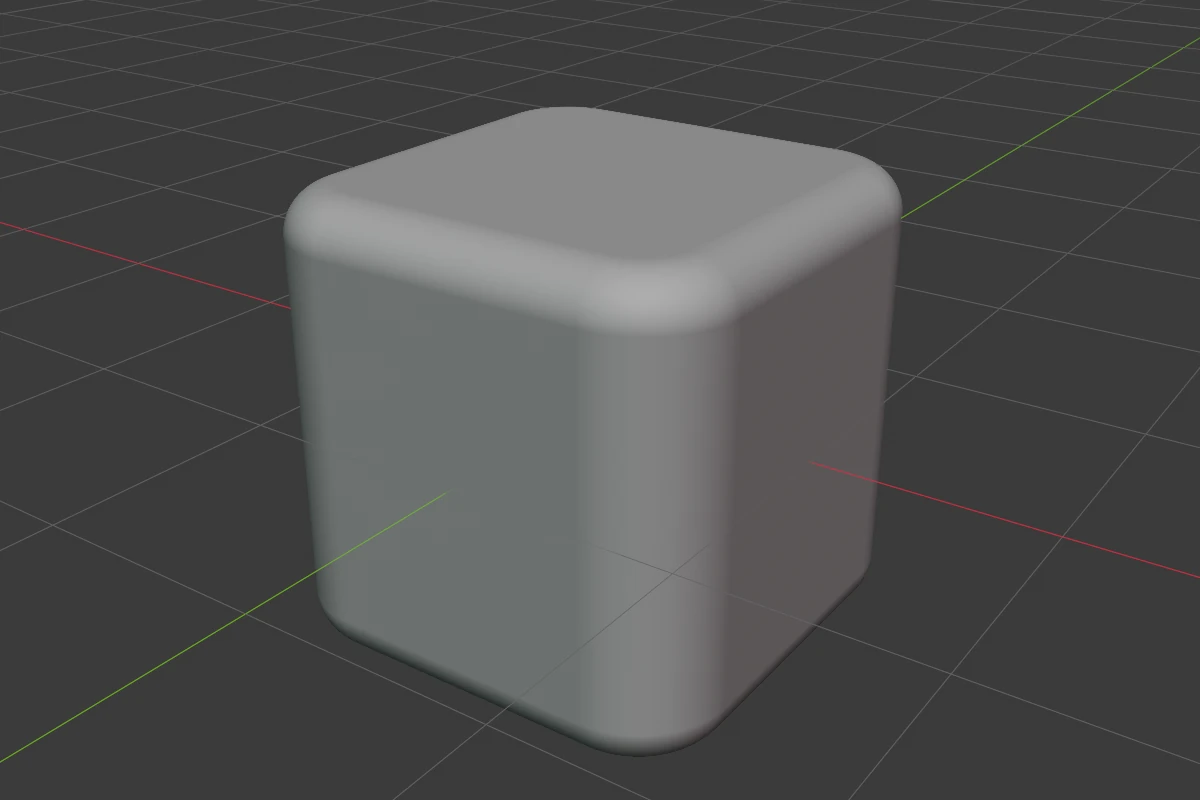
A box with two separate roundings, each with its own profile: Bevel for the four side edges and Cap Rounding for the top and bottom rims. You set its size by scaling the object.
Settings
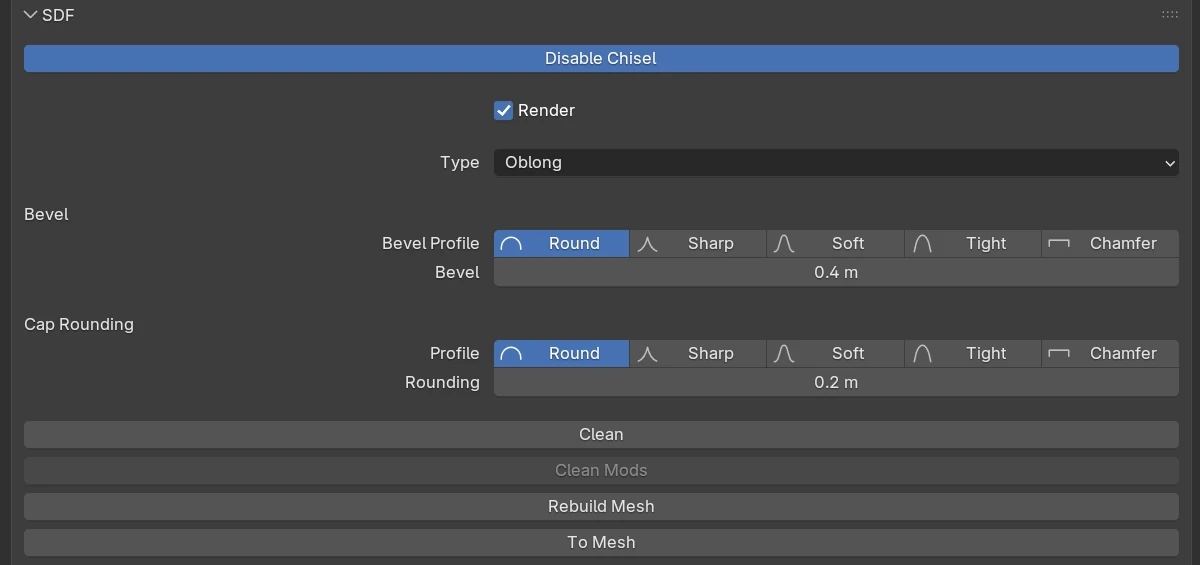
| Setting | Default | Range | What it does |
|---|---|---|---|
| Bevel Profile | Round | Round · Sharp · Soft · Tight · Chamfer | The shape of the side edges’ rounding |
| Bevel | 0.4 × half the Size | ≥ 0 (soft 2) | Rounds the side edges |
| Bevel Smooth (Chamfer) | 0 | ≥ 0 (soft 0.5) | Rounds the seams where the side edges’ chamfer meets the faces |
| Profile | Round | Round · Sharp · Soft · Tight · Chamfer | Cap Rounding: the shape of the rims’ rounding |
| Rounding | 0.2 × half the Size | ≥ 0 (soft 2) | Cap Rounding: rounds the top and bottom rims |
| Smooth (Chamfer) | 0 | ≥ 0 (soft 0.5) | Rounds the seams where the rims’ chamfer meets the faces |
The rows every shape has are in Properties Panels.
Bevel and Rounding
Drag the green Bevel arc of the adjust arcs to change Bevel, and the Rounding arc (or press B) to change the rims’ Rounding. During either drag 1–5 pick the profile.
Redo panel
After adding, the redo panel (F9) has:
| Setting | Default | Range | What it does |
|---|---|---|---|
| Size | 2 | > 0 | Edge length of the new oblong |
| Align | World | World · View · 3D Cursor | Rotation of the new shape |