
Node Editor
The Chisel Shader Editor edits the node tree of the active object’s Chisel material. Pick it from any area’s editor-type menu while the render engine is Chisel. Only the Chisel engine reads these trees; EEVEE and Cycles ignore them. A material without a tree shows nothing until Create Node Tree or New Chisel Material in the Material panel builds one.
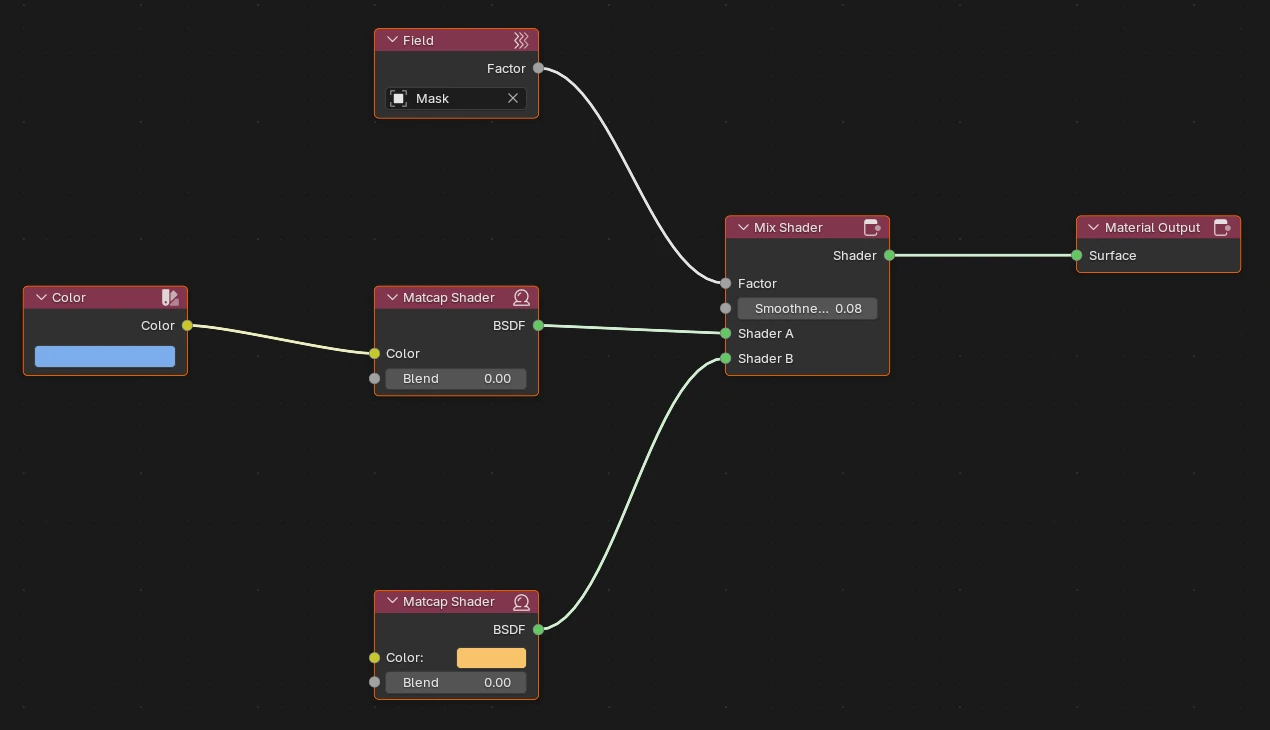
Add menu
Shift + A in the editor:
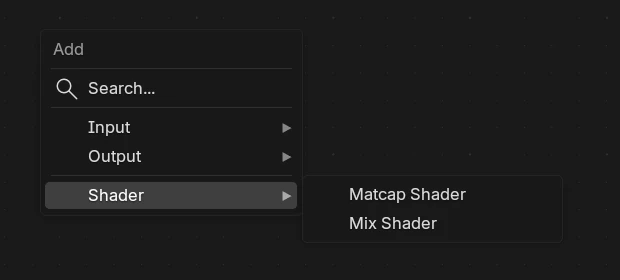
| Item | What it adds |
|---|---|
| Search… | Find a node by name. |
| Input | Color and Field. |
| Output | Material Output. |
| Shader | Matcap Shader and Mix Shader. |
Color (Input)
A constant colour.
| Setting | Default | What it does |
|---|---|---|
| Colour swatch | 0.8, 0.8, 0.8 | The colour. |
| Color (output) | Feeds a Matcap Shader’s Color. |
Field (Input)
A mask from another Chisel object: 1 inside that object, 0 outside. Moving the object moves the mask.
| Setting | Default | What it does |
|---|---|---|
| Object | none | The Chisel object whose shape is the mask. |
| Factor (output) | Feeds a Mix Shader’s Factor. |
Matcap Shader (Shader)
One colour tinting the scene matcap. New Chisel Material starts with one.
| Socket | Default | What it does |
|---|---|---|
| Color | 0.8, 0.8, 0.8 | The shape’s colour, multiplied into the matcap. |
| Blend | 0 | How far this colour bleeds into a neighbouring shape across a seam, in world units. At 0 the colour seam follows the geometric blend; 0.1 gives a 10 cm colour transition even across a hard boolean. Where two shapes meet, the smaller Blend is used. |
| BSDF (output) | Feeds a Mix Shader or the Material Output. |
Mix Shader (Shader)
Blends two shaders by a field, with a soft edge.
| Socket | Default | What it does |
|---|---|---|
| Factor | Takes a Field node: inside its object, Shader B shows. | |
| Smoothness | 0.02 | Width of the soft edge between the two shaders. |
| Shader A | The base shader: the object’s own colour. | |
| Shader B | The shader shown inside the Factor object. | |
| Shader (output) | Feeds the Material Output or another Mix Shader. |
The mask shows only when the Mix Shader feeds the Material Output, a Field drives Factor, and Shader B is a Matcap Shader.
Material Output (Output)
The end of the tree. The material renders only through this node.
| Socket | What it does |
|---|---|
| Surface | Takes a Matcap Shader or a Mix Shader. |
Limits
Keyframed values do not animate
Chisel uses the value from your last edit of the material on every frame, in the viewport and in F12 renders.
- Deep trees slow the viewport; a few nodes per material is typical.