
Path Shapes
Tube, Outline, Rail and Lathe are made of points kept on the shape itself, with no Blender curve object behind them. The points show and are edited in the Chisel tool’s Edit mode. They replace the Curve, Curve Tube and Curve Revolve shapes of Chisel 4.x.
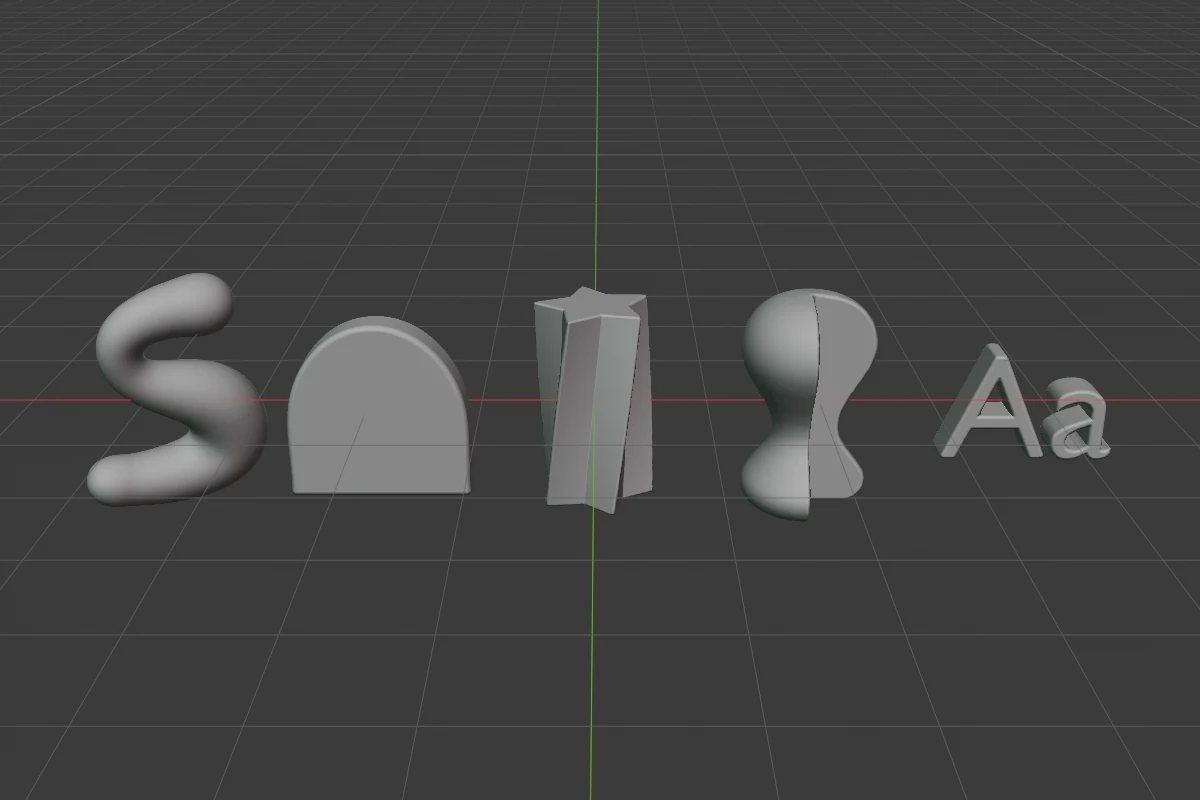
| Shape | What it makes | Points live | Path | Fewest points |
|---|---|---|---|---|
| Tube | A round tube through the points, thicker or thinner at each one | Anywhere in 3D | Open or a loop | 2 |
| Outline | A closed outline, extruded by Depth | On the local XY plane | Always a loop | 3 |
| Rail | A star, polygon, gear, flower, ratchet or drawn section swept along the points | Anywhere in 3D | Open or a loop | 2 |
| Lathe | A profile turned round the local Z axis, solid or hollow | On the local XZ plane, right of the axis | Solid: open; Hollow: a loop | 3 |
Every point is Smooth, Corner or Free; a Corner rounds with the same five profiles an Ngon corner has. The point rows of the panel, the handles and their keys are on Points.
Path shapes are added from the Add menu, the Q pie’s shape grid and right-click ▸ Primitives, at the 3D cursor; they are not in the tool’s Create mode. From Curve makes one from a Blender curve.
Changing the type
The Type menu in the SDF panel switches between the four path shapes and keeps the points: a Tube turned into a Rail keeps its path; one turned into an Outline or a Lathe has its points put onto that shape’s plane. A shape with too few points for the new type gets that type’s default path. [ / ] skip the path shapes.
Scale and origin
Rebuild Mesh bakes the object’s scale into the points and Free handles and sets the scale back to 1; Rounding, Corner Smooth and Tube Radius scale by the smallest axis. Moving the origin (Set Origin, Affect Only Origins) leaves the shape in place; a Lathe’s origin moves only along its axis.
Limits
- A Tube or Rail holds about 85 Smooth or Corner points (256 Free ones), an Outline or Lathe about 340. Past that, adding a point reports “No room for another point”.
- On a path of more than 32 points, the radius rings and rounding handles show only for the active point, its two neighbours and the last point the mouse was over.
- A view shows at most 100 point handles of the selected shapes, see Edit Mode.