
A box whose twelve edges share one rounding. You set its size by scaling the object.
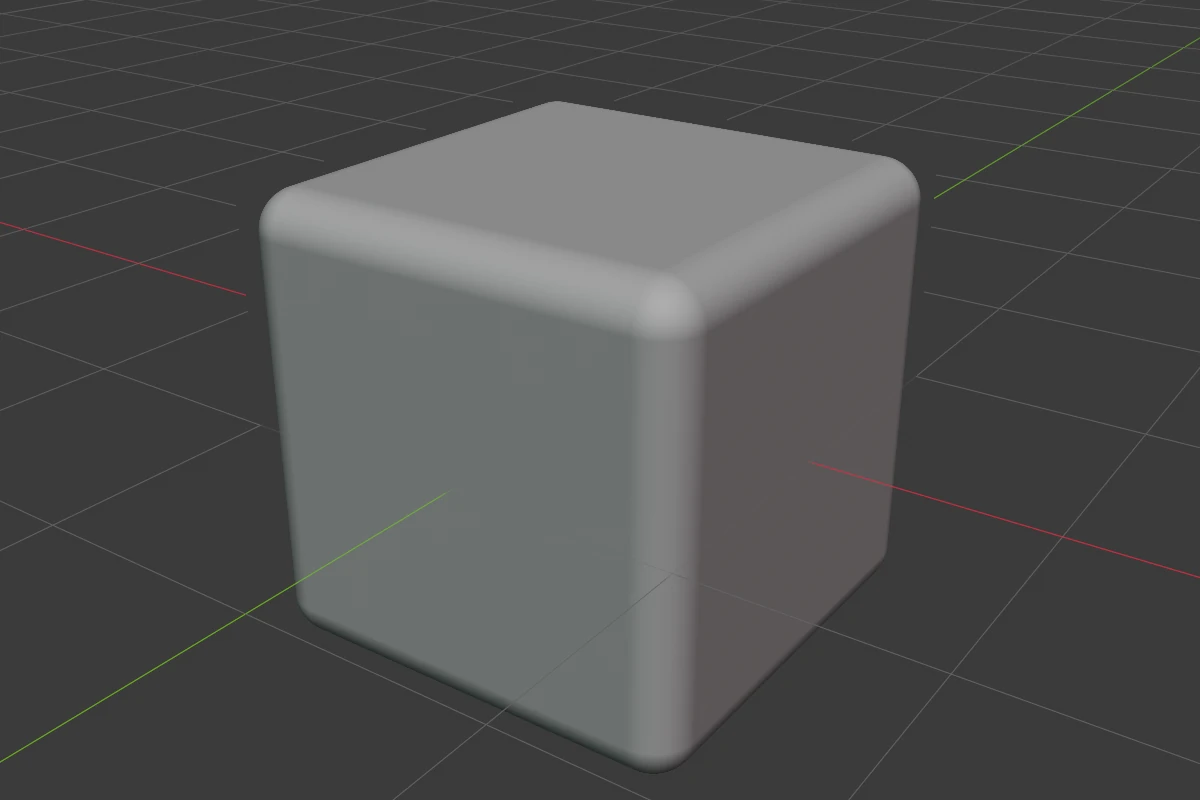
Settings
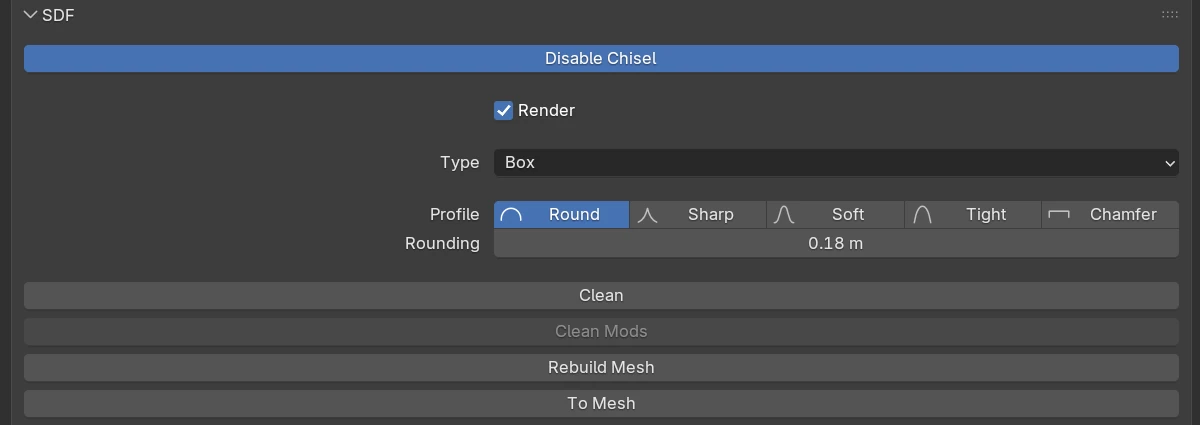
| Setting | Default | Range | What it does |
|---|---|---|---|
| Profile | Round | Round · Sharp · Soft · Tight · Chamfer | The shape of the edge rounding, see Profiles |
| Rounding | 0 | ≥ 0 (soft 2) | Rounds every edge |
| Smooth (Chamfer) | 0 | ≥ 0 (soft 0.5) | Rounds the seams where the chamfer meets the faces |
The rows every shape has are in Properties Panels.
Rounding
Press B, or drag the Rounding arc of the adjust arcs, to change Rounding on every selected shape with the mouse. During the drag 1–5 pick the profile and S switches to Smooth; Ctrl snaps, Shift is precision.
Redo panel
After adding, the redo panel (F9) has:
| Setting | Default | Range | What it does |
|---|---|---|---|
| Size | 2 | > 0 | Edge length of the new box |
| Align | World | World · View · 3D Cursor | Rotation of the new shape |