
View Markdown
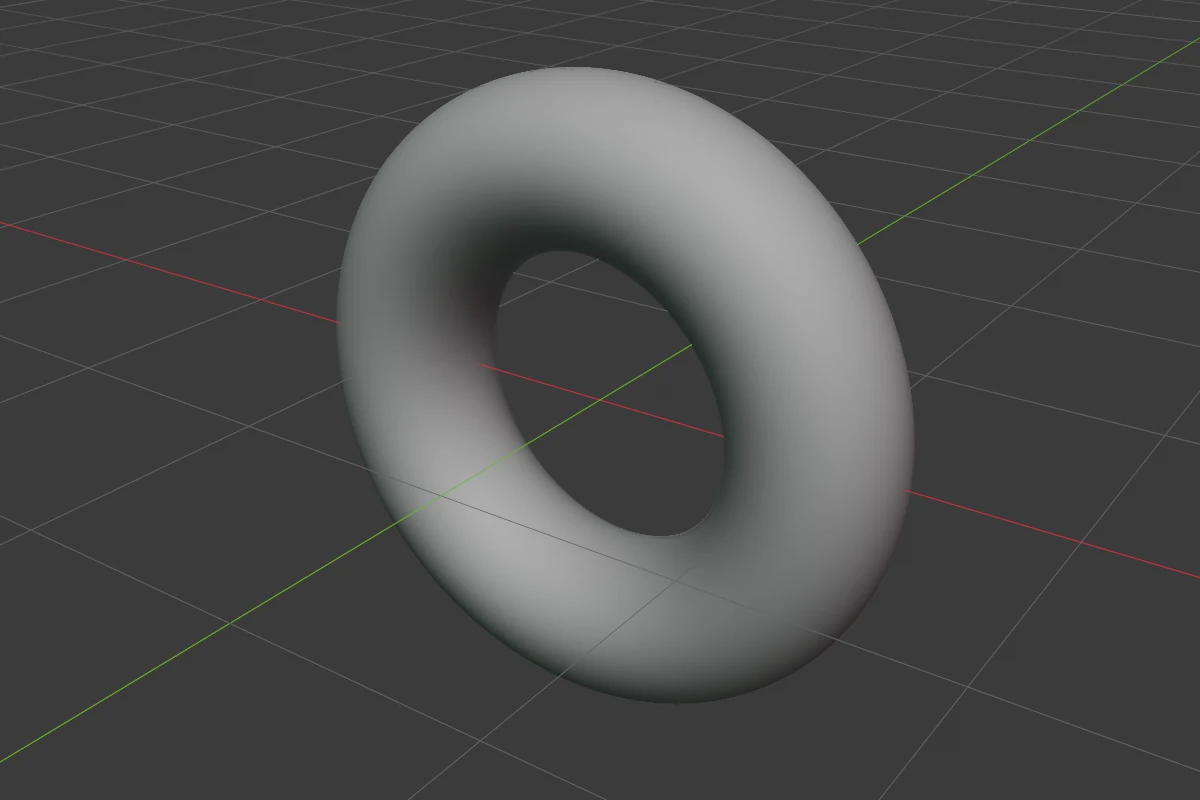
Torus
A ring. It stands upright, with its hole facing along the object’s local Y axis. It has no rounding.
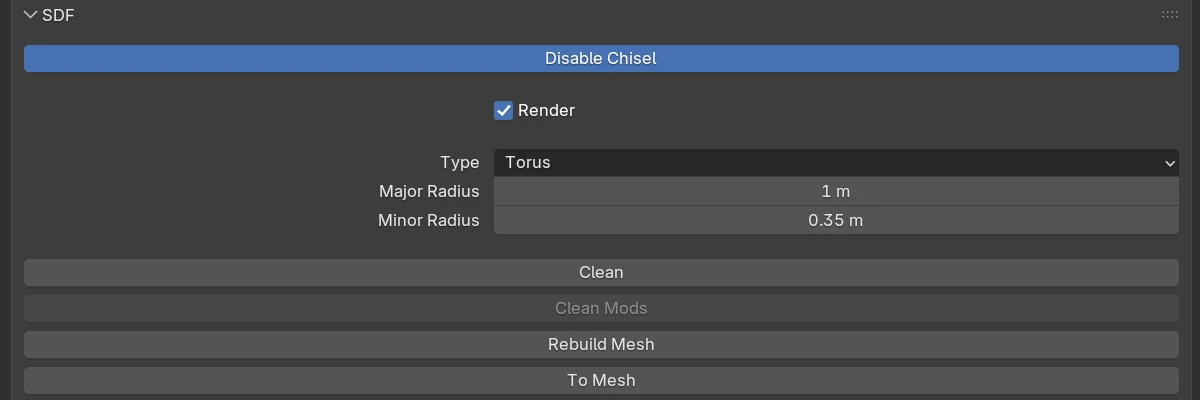
Settings
| Setting | Default | Range | What it does |
|---|---|---|---|
| Major Radius | 0.7 | > 0 (soft 10) | From the centre to the middle of the tube |
| Minor Radius | 0.3 | > 0 (soft 5) | The tube’s radius. Past the Major Radius the hole closes |
The rows every shape has are in Properties Panels.
Minor Radius
Right-click ▸ Minor R (also in the Q pie’s West wedge) starts a drag of Minor Radius: move the mouse away from the centre for a thicker tube, towards it for a thinner one.
Redo panel
After adding, the redo panel (F9) has:
| Setting | Default | Range | What it does |
|---|---|---|---|
| Major Radius | 0.7 | > 0 | Ring radius |
| Minor Radius | 0.3 | > 0 | Tube radius |
| Align | World | World · View · 3D Cursor | Rotation of the new shape |