
Tube
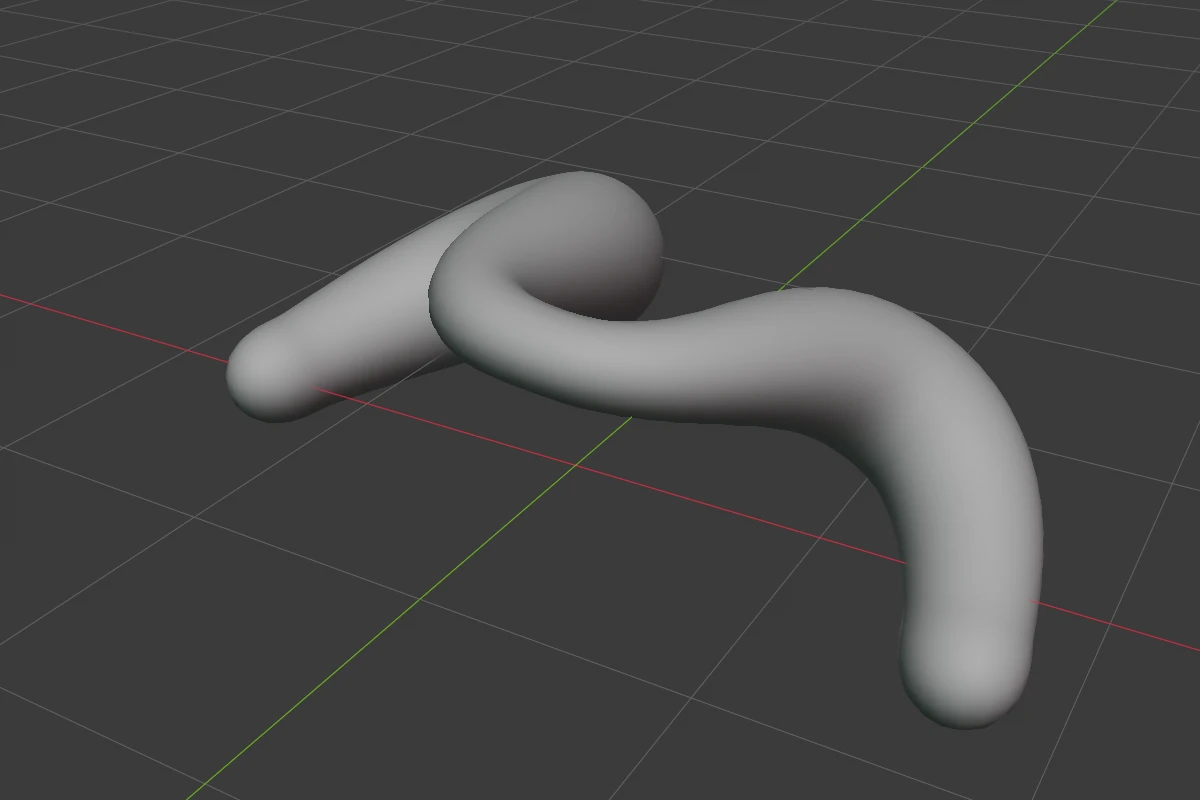
A round tube through a path of points anywhere in 3D. Each point has its own radius, so the tube swells and thins along its length. It has no edge rounding: its surface is round already.
Settings
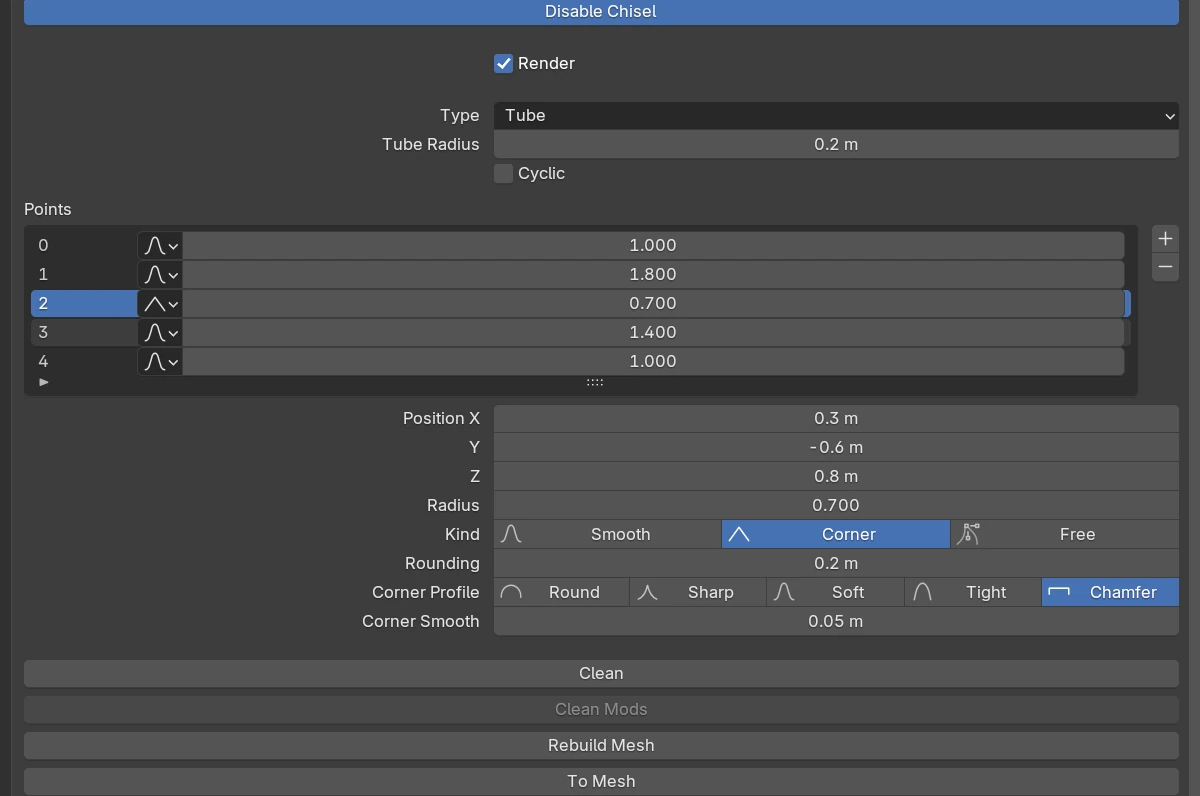
| Setting | Default | Range | What it does |
|---|---|---|---|
| Tube Radius | 0.2 | > 0 (soft 5) | The thickness of the whole Tube. Each point’s Radius multiplies it |
| Cyclic | off | Closes the path into a loop (three points at least) | |
| Points | 2 points or more | The point list and the active point’s rows, see Points. A Tube’s rows show each point’s Radius |
The rows every shape has are in Properties Panels.
A new Tube has two Free points, two units apart along its local Z axis, whose handles bend the path.
Radius ring
In Edit mode a selected point shows a ring at the Tube’s radius there. Drag it outward or inward to set that point’s Radius; every selected ring scales by the same factor. Ctrl snaps to 0.1 (Ctrl + Shift: 0.01), Shift is precision. S scales the Radius of every selected point with the mouse.
The point dots, rounding handles, point handles and add dots are on Points.
Redo panel
After adding, the redo panel (F9) has Tube Radius (default 0.2) and Align (World, View, 3D Cursor).
Limits
A Tube holds about 85 Smooth or Corner points (256 Free ones). Past that, adding a point reports “No room for another point”.
See also
- Points
- Rail: the same path with a shaped section
- From Curve: a Tube from a Blender curve, keeping its point radii