
View Markdown
Revolve
Revolve is a lathe. The shape’s cross-section spins a full turn around one of its local axes: a rounded box becomes a ring, a tapered profile becomes a vase.
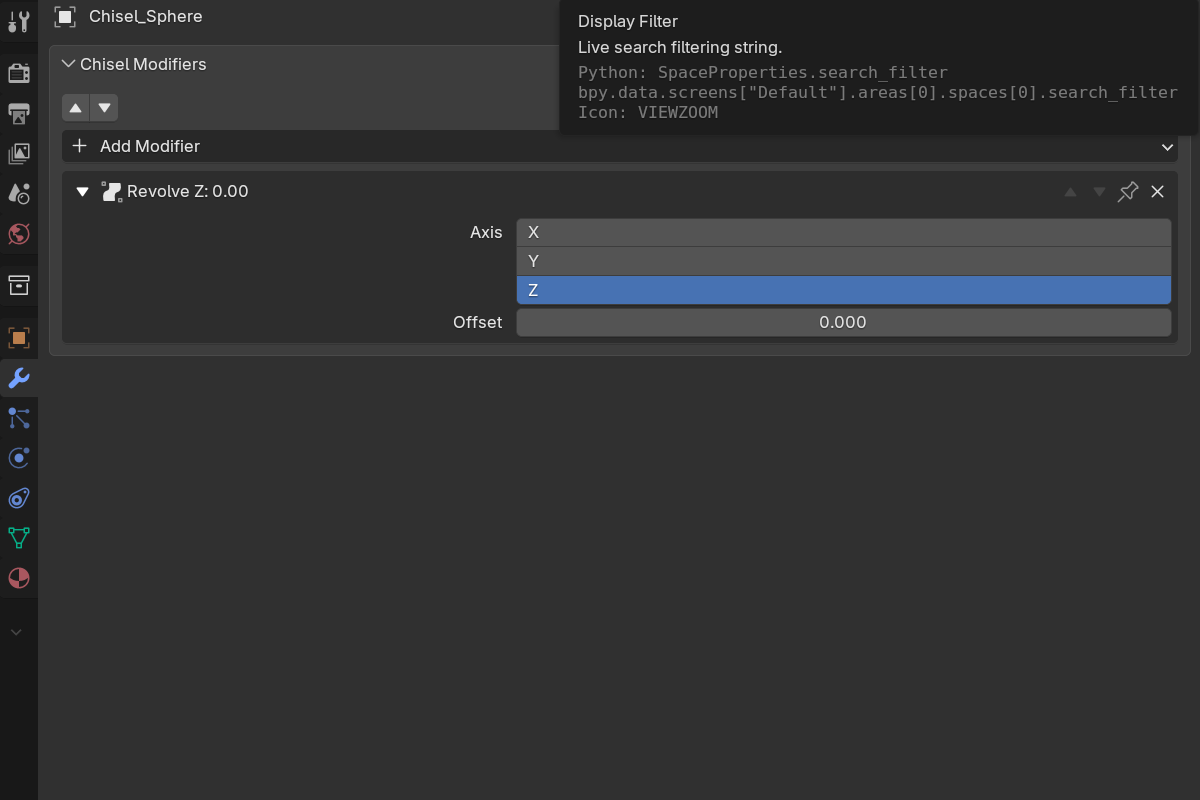
Adding a revolve
- Modifier panel: Add Modifier → Revolve
- Pie menu (
Q): the Revolve button in the South wedge’s modifier grid - Right-click menu: Modifiers → Revolve
Revolve is added to every selected Chisel shape.
Parameters
- Axis: X / Y / Z (default Z). The local axis the cross-section spins around.
- Offset: pushes the profile out from the axis before it spins (soft range
-5.0–5.0, default0.0).0keeps the profile where it is; a positive value opens a hole in the middle.
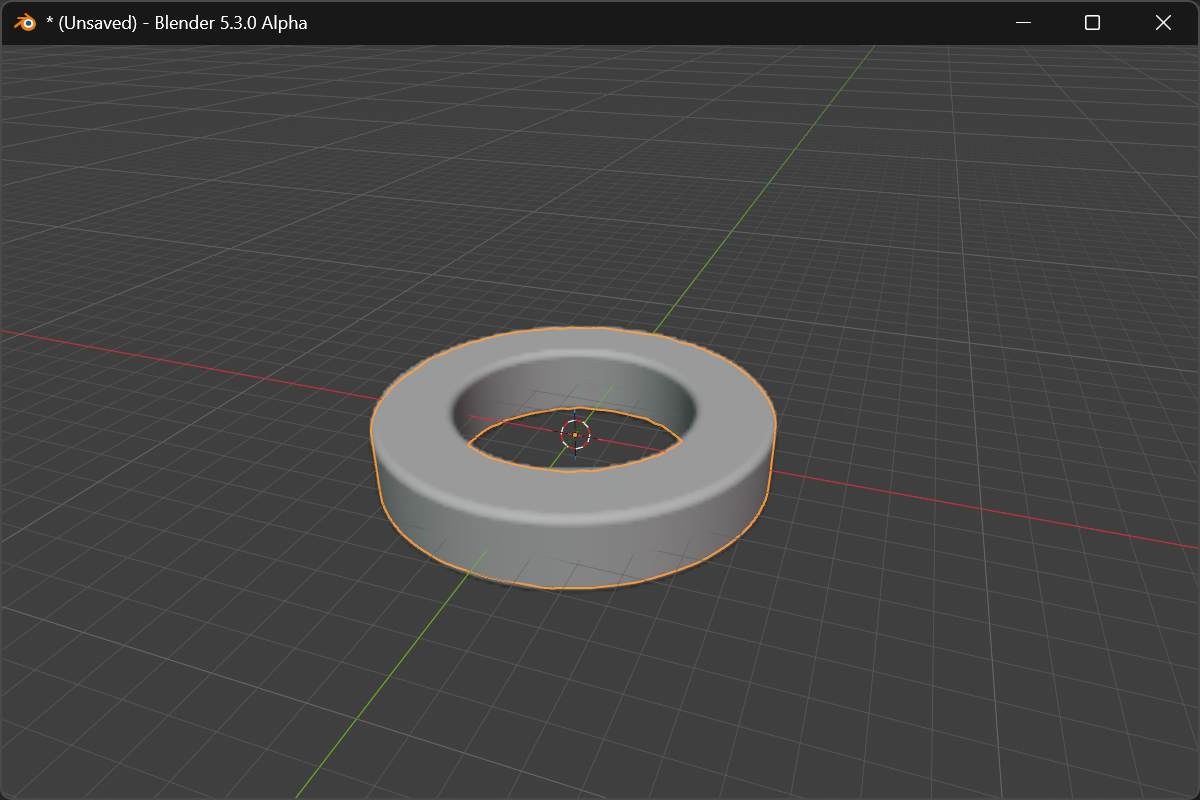
Adjusting the offset
With the revolved object active, the pie’s East wedge shows a Revolve row: the axis buttons and the offset. Click the offset to drag it live. Shift for precision, Ctrl to snap, Space / Enter to confirm, RMB / Esc to cancel.
Legacy curves
The old Curve Revolve primitive is still available. Convert Legacy Curve turns one into an Ngon plus a Revolve modifier in a single click, keeping its place in the chain.
See also
- Twist & Bend: the other deformers
- Sweep: run a profile along a path instead of around an axis
- Curve-Based Primitives: the Curve Revolve primitive