
View Markdown
Prism
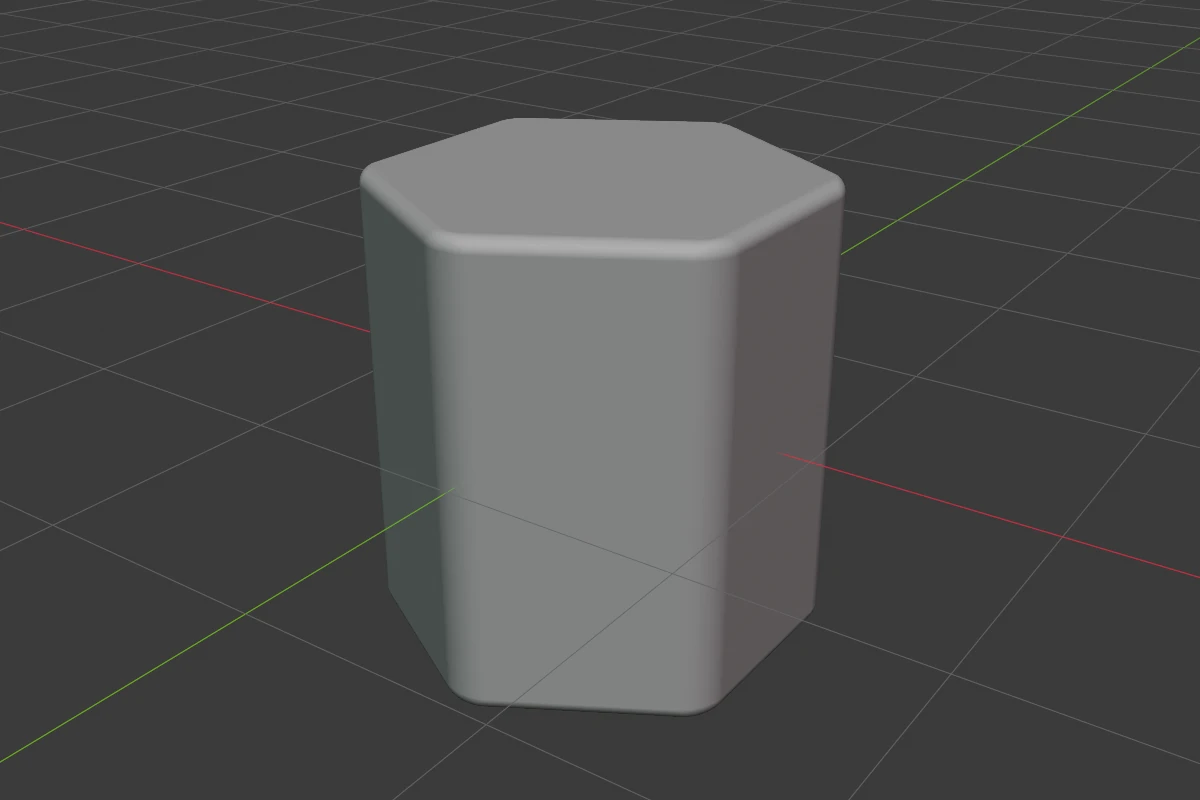
A regular prism of 3 to 64 sides. In the Field it is the Polygon function with the Regular profile. The side edges and the rims round separately, as on an Oblong.
Settings
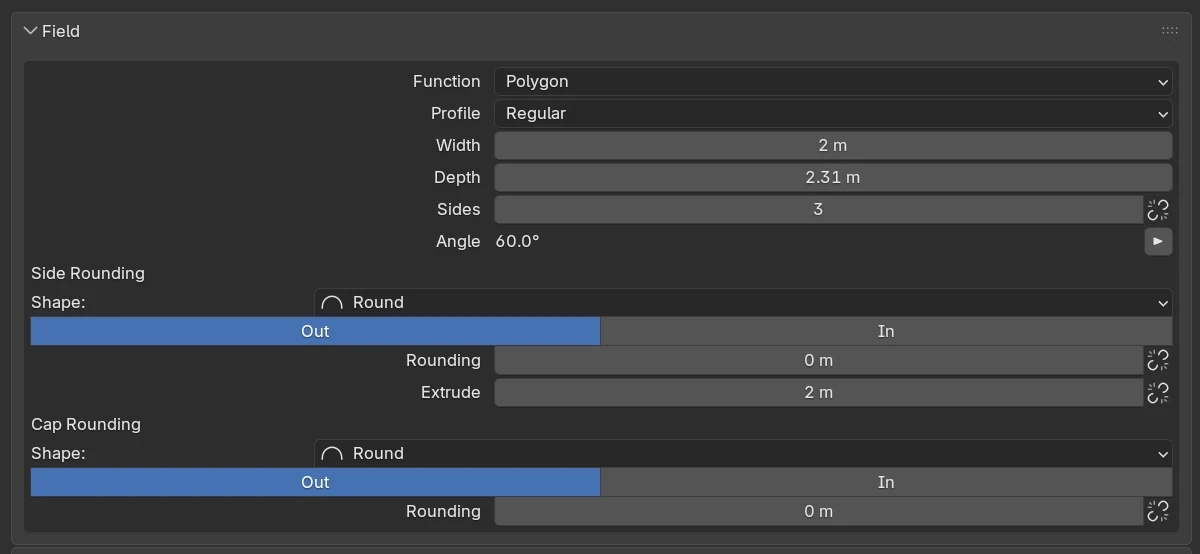
| Setting | Default | Range | What it does |
|---|---|---|---|
| Function | Polygon | A Prism is the Polygon function with Profile Regular | |
| Profile | Regular | Regular · Star · Gear · Flower · Ratchet · Custom · Cross | The other choices are on Polygon |
| Width (3 sides) | 2 m | > 0 | The width of the triangle’s base |
| Depth (3 sides) | 2.31 m | > 0 | The height of the triangle, from base to apex |
| Radius (4 or more sides) | > 0 | The radius of the circle the corners lie on | |
| Sides | 3 | 3 – 64 | The number of sides |
| Angle (3 sides) | 60° | 5° – 175° | The apex angle of a triangular prism. The arrow beside it opens Set Prism Shape |
| Side Rounding ▸ Shape, Out / In, Steps, Rounding, Smooth | Round, Out, 0 | as on Oblong | Rounds the side edges |
| Extrude | 2 m | > 0 | The height of the prism |
| Cap Rounding ▸ Shape, Out / In, Steps, Rounding, Smooth | Round, Out, 0 | as on Oblong | Rounds the top and bottom rims |
The rows every shape has are in Properties Panels.
Handles
| Handle | Looks like | Drag | Keys while dragging |
|---|---|---|---|
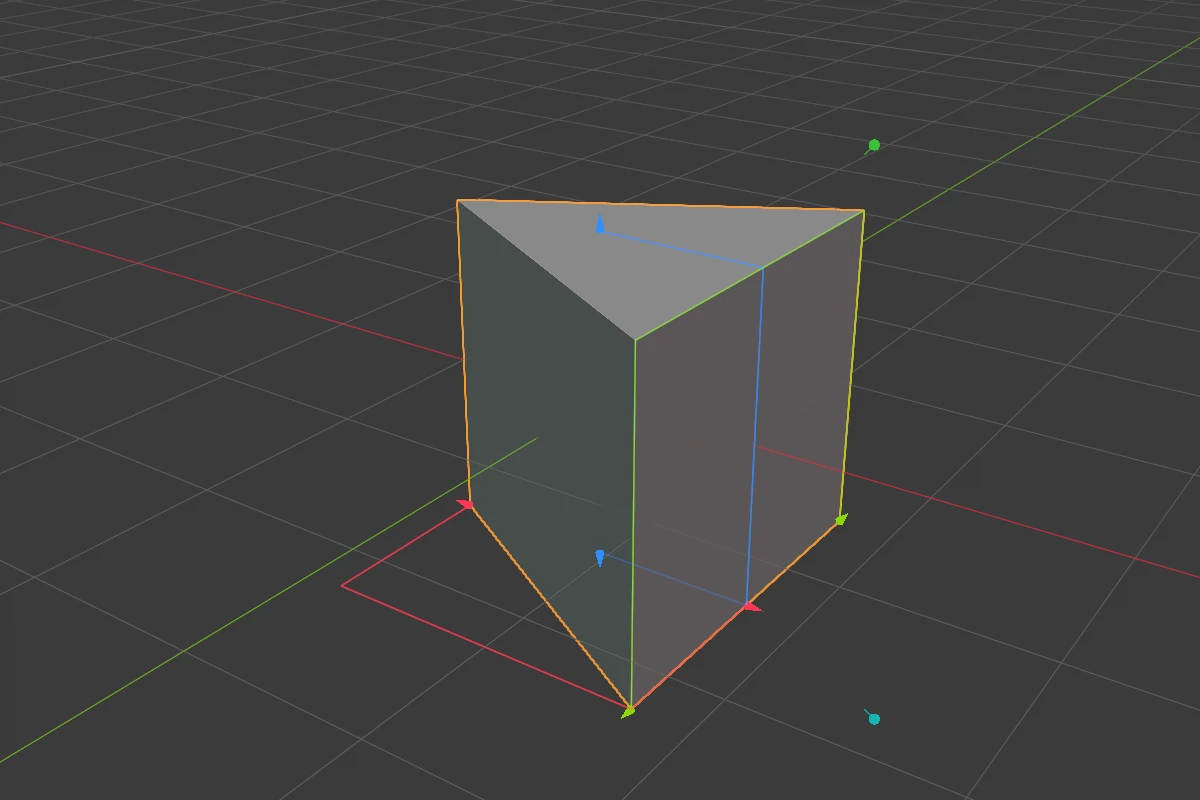
| Size arrows (3 sides) | Six arrow heads on the faces, red, green and blue, joined by three thin lines | Moves that face. With Shift the opposite face stays | Ctrl snaps to 0.1 |
| Height arrows (4 or more sides) | Two blue arrow heads on the top and bottom, joined by a U-shaped line | Moves that face. With Shift the opposite face stays | Ctrl snaps to 0.1 |
| Radius dot (4 or more sides) | A white dot at the lower corner of the U | Sets the Radius from the centre. With Shift the far side stays | Ctrl snaps to 0.1 |
| Side Rounding dot | A green dot at the upper right | Away from the shape: a larger Side Rounding | 1–6, I, O, S, Ctrl, Shift as on Box |
| Cap Rounding dot | A teal dot at the lower right | Away from the shape: a larger Cap Rounding | The same keys |
Sides
The Q pie’s West wedge and the right-click menu’s first row have 3, 5, 6 and 8 as buttons. The Sides row takes any count from 3 to 64.
Angle
Set Prism Shape sets a triangular prism’s proportions:
| Setting | What it does |
|---|---|
| Mode | Angle + Height: you set the angle and the height, the base follows. Height + Base: you set both, the angle follows |
| Angle | The apex angle, 5° – 175° |
| Height | From the apex to the base |
| Base | The width of the base |
Rounding
In the Block tool’s Select state the green and teal adjust arcs, and B, round the side edges and the rims, as on Oblong.
Redo panel
After adding, the redo panel (F9) has:
| Setting | Default | Range | What it does |
|---|---|---|---|
| Size | 2 | > 0 | Width of the new prism |
| Sides | 3 | 3 – 8 | Number of sides |
| Angle | 60 | 5 – 175 | Apex angle, three sides only |
| Align | World | World · View · 3D Cursor | Rotation of the new shape |