
View Markdown
Sketch
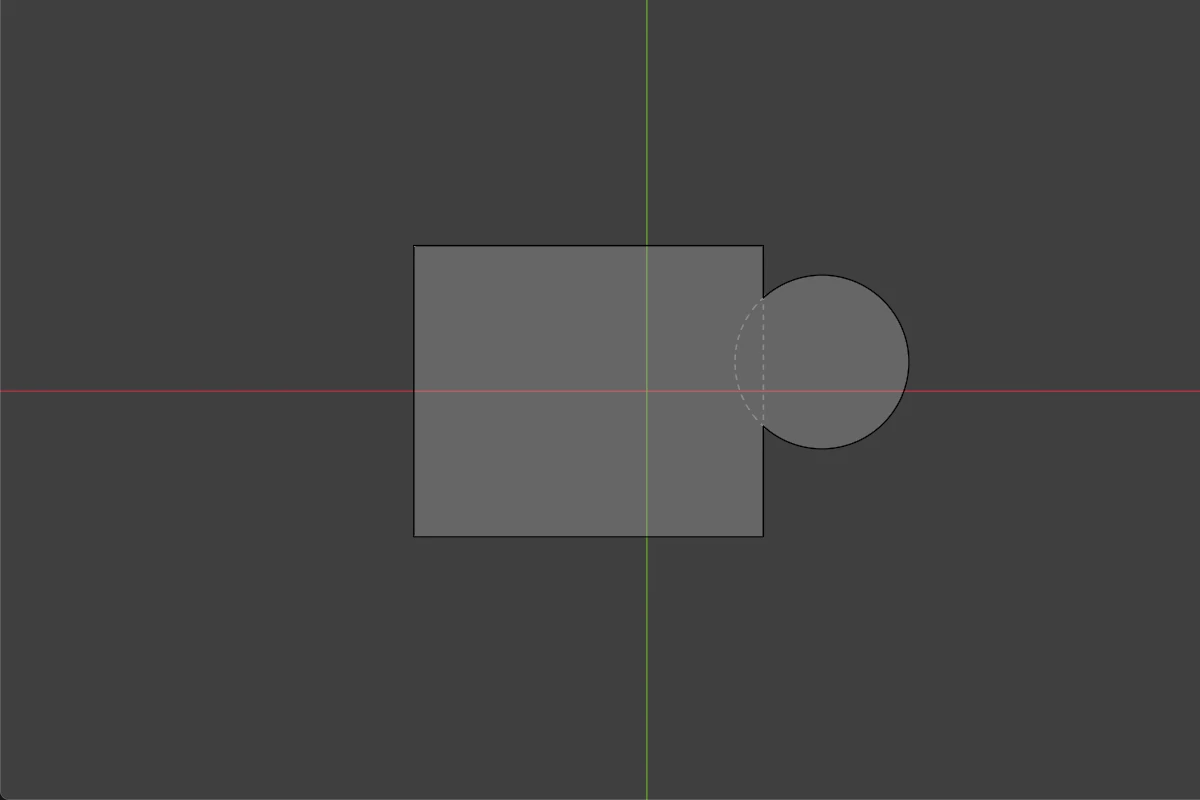
A sketch is a flat drawing on a plane in your scene. You draw lines, arcs, circles, rectangles and polygons on it with the Sketch tool, join them with Booleans into one outline, and turn that outline into a Chisel shape with Extrude or Revolve. The shape then joins, cuts and blends like any other.
| Page | What it covers |
|---|---|
| Sketch Tool | The tool bar, the D panel, the right-click menu and the sidebar in Draw, Edit and Blend |
| Sketch Planes | Making, listing, hiding, moving and deleting sketch planes |
| Drawing | The five shapes, their methods, typing sizes, and the keys while drawing |
| Selecting & Moving | Selecting points, edges and faces; moving, turning, scaling, copying and deleting |
| Fill & Booleans | A shape’s Boolean and side, the order of shapes, Make Face and Fill |
| Offset | Offsetting faces, curves and points |
| Corner Blends | Rounding the corners of the result |
| Snapping & Guides | Snapping to points, edges, guides and the grid |
| Constraints | Relations and dimensions that hold a sketch in shape |
| Sketch Solids | Extrude and Revolve, and the solids they make |