
View Markdown
Screw
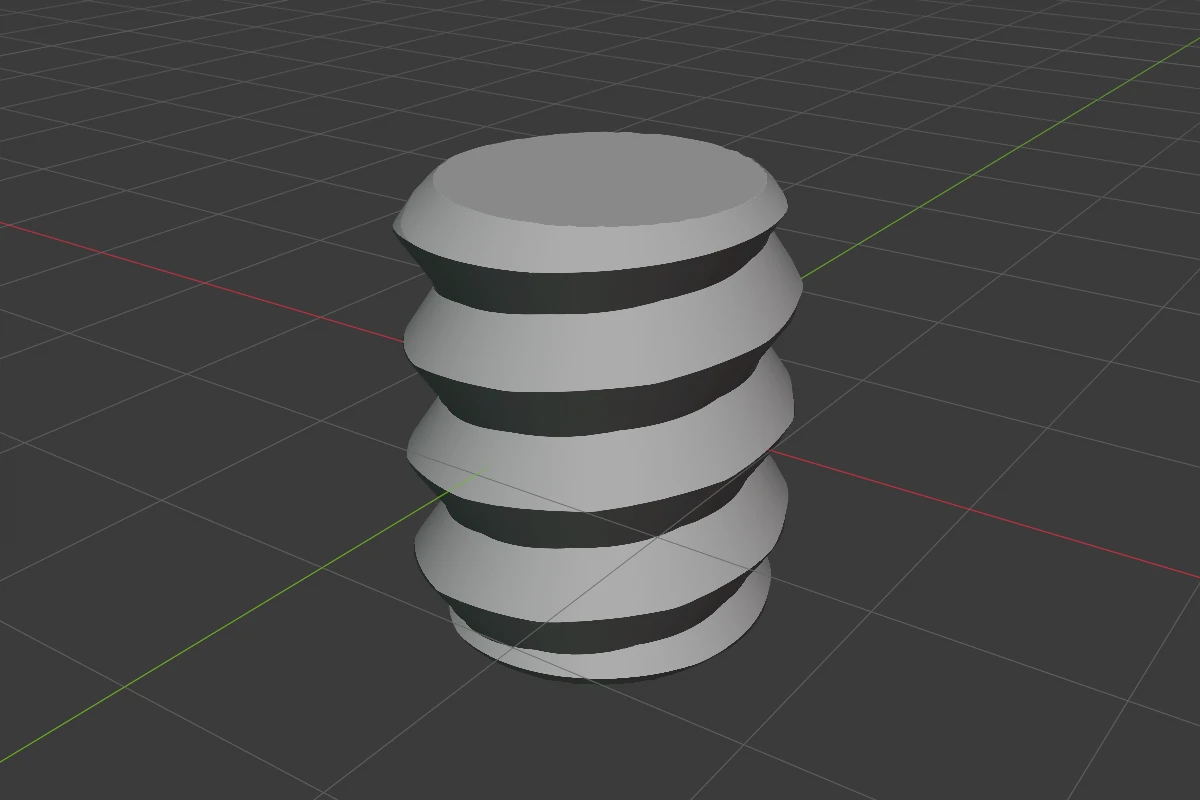
A threaded rod along the object’s local Z axis, with a continuous helical thread and bevelled ends. It has no head and no points to edit.
Settings
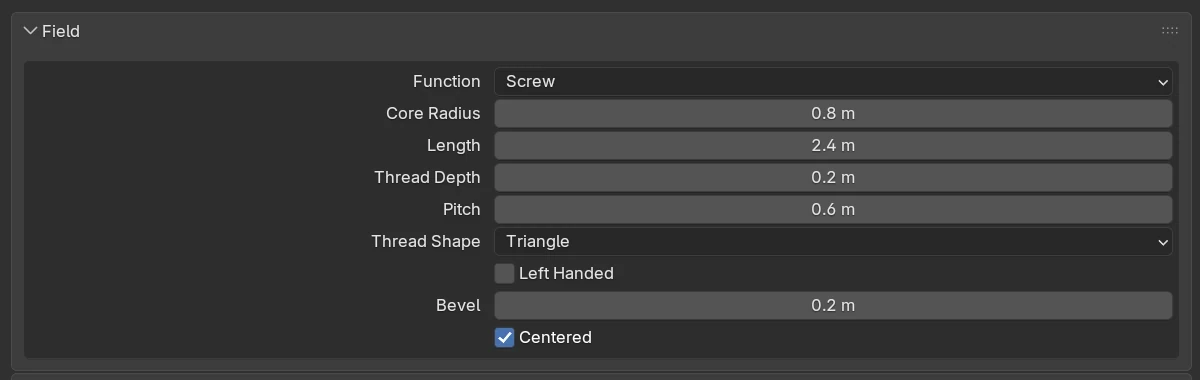
| Setting | Default | Range | What it does |
|---|---|---|---|
| Core Radius | 0.8 m | > 0 | The radius of the rod, without the thread |
| Length | 2.4 m | > 0 | Size along Z |
| Thread Depth | 0.2 m | ≥ 0 | How far the thread stands out of the core |
| Pitch | 0.6 m | > 0 | The distance along Z for one turn |
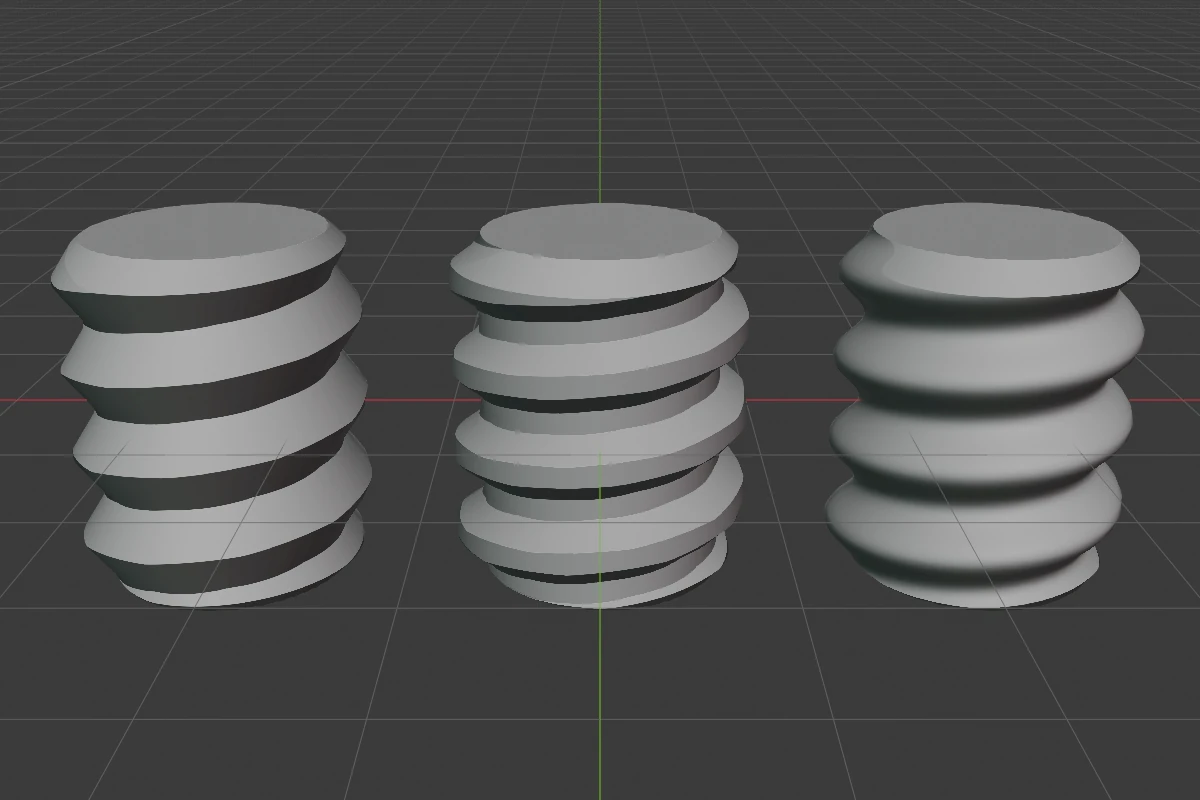
| Thread Shape | Triangle | Triangle · Trapezoid · Round | The section of the thread |
| Left Handed | off | Winds the thread the other way | |
| Bevel | 0.2 m | ≥ 0 | A 45 degree chamfer at both ends of the thread |
| Centered | on | Centres the screw on the object’s origin along Z |
The rows every shape has are in Properties Panels.
Handles
| Handle | Looks like | Drag | Keys while dragging |
|---|---|---|---|
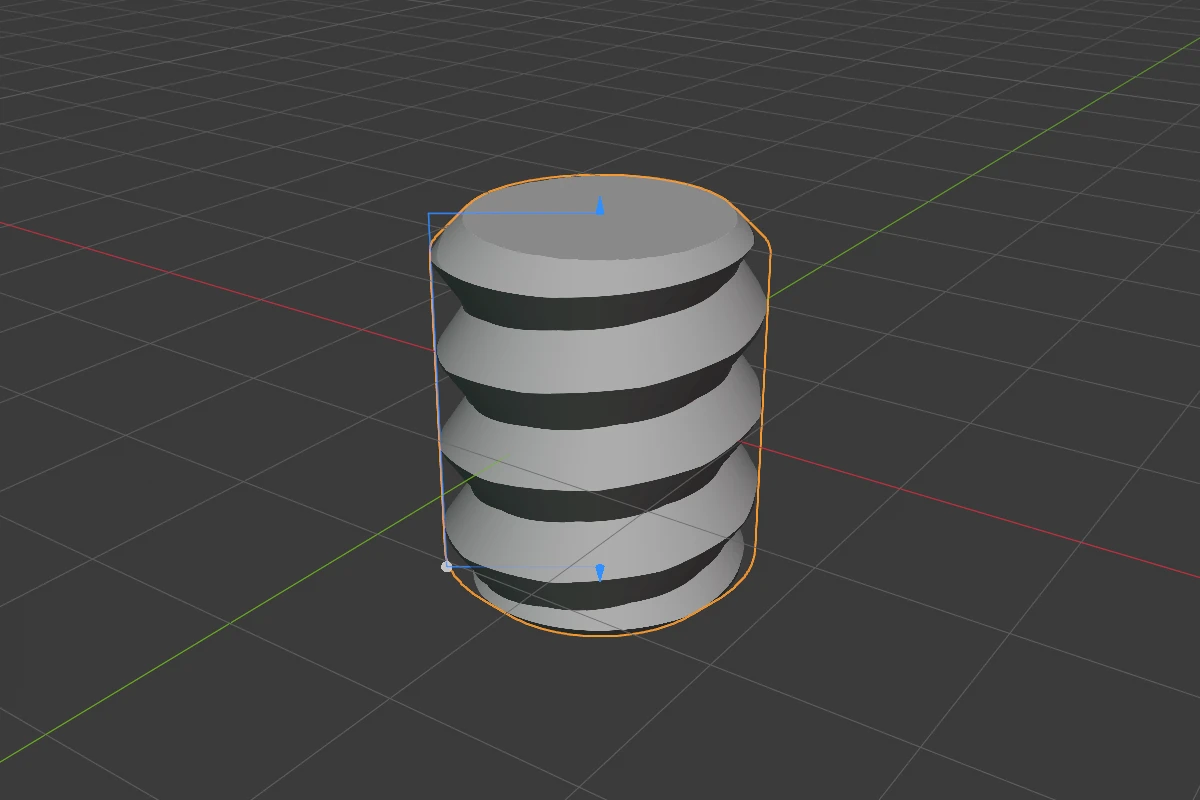
| Height arrows | Two blue arrow heads on the two ends, joined by a U-shaped line | Moves that end. With Shift the opposite end stays | Ctrl snaps to 0.1 |
| Radius dot | A white dot at the lower corner of the U | Sets the radius from the centre. With Shift the far side stays | Ctrl snaps to 0.1 |
Redo panel
After adding, the redo panel (F9) has:
| Setting | Default | Range | What it does |
|---|---|---|---|
| Align | World | World · View · 3D Cursor | Rotation of the new shape |