
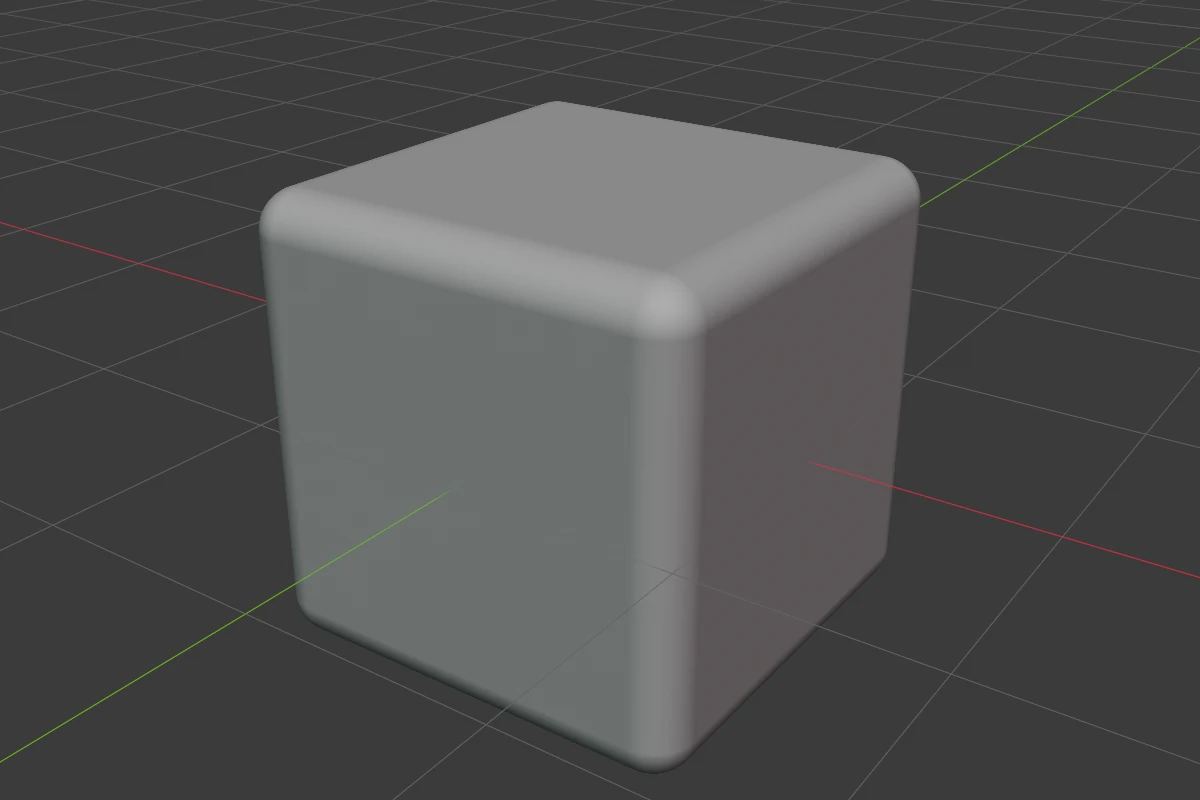
A box whose twelve edges share one rounding.
Settings
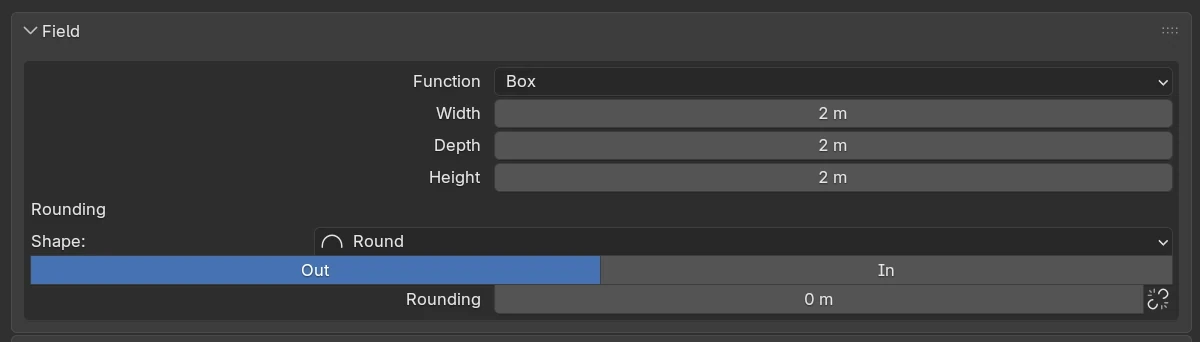
| Setting | Default | Range | What it does |
|---|---|---|---|
| Width | 2 m | > 0 | Size along the object’s X axis |
| Depth | 2 m | > 0 | Size along Y |
| Height | 2 m | > 0 | Size along Z |
| Shape | Round | Round · Sharp · Soft · Tight · Chamfer · Steps | The curve of the edge rounding, see Rounding Shapes |
| Out / In | Out | Rounds the edges outward, or cuts them inward | |
| Steps (Steps) | 1 – 16 | The number of steps | |
| Rounding | 0 | ≥ 0 (soft 2) | Rounds every edge |
| Smooth (Chamfer, In, Steps with In) | 0 | ≥ 0 (soft 0.5) | Softens the seams where the curve meets the faces |
The sizes are the object’s size after its own scale. The rows every shape has are in Properties Panels.
Handles
In the Block tool’s Edit the Box shows:
| Handle | Looks like | Drag | Keys while dragging |
|---|---|---|---|
| Size arrows | Six arrow heads on the faces: red for Width, green for Depth, blue for Height, joined by three thin lines | Moves that face; the box grows from its centre. With Shift the opposite face stays | Ctrl snaps to 0.1, Shift keeps the opposite face fixed |
| Rounding dot | A teal dot at the lower right of the box | Away from the box: a larger Rounding | 1–6 pick the Shape, I / O set In / Out, S switches to Smooth, Ctrl snaps, Shift is precision |
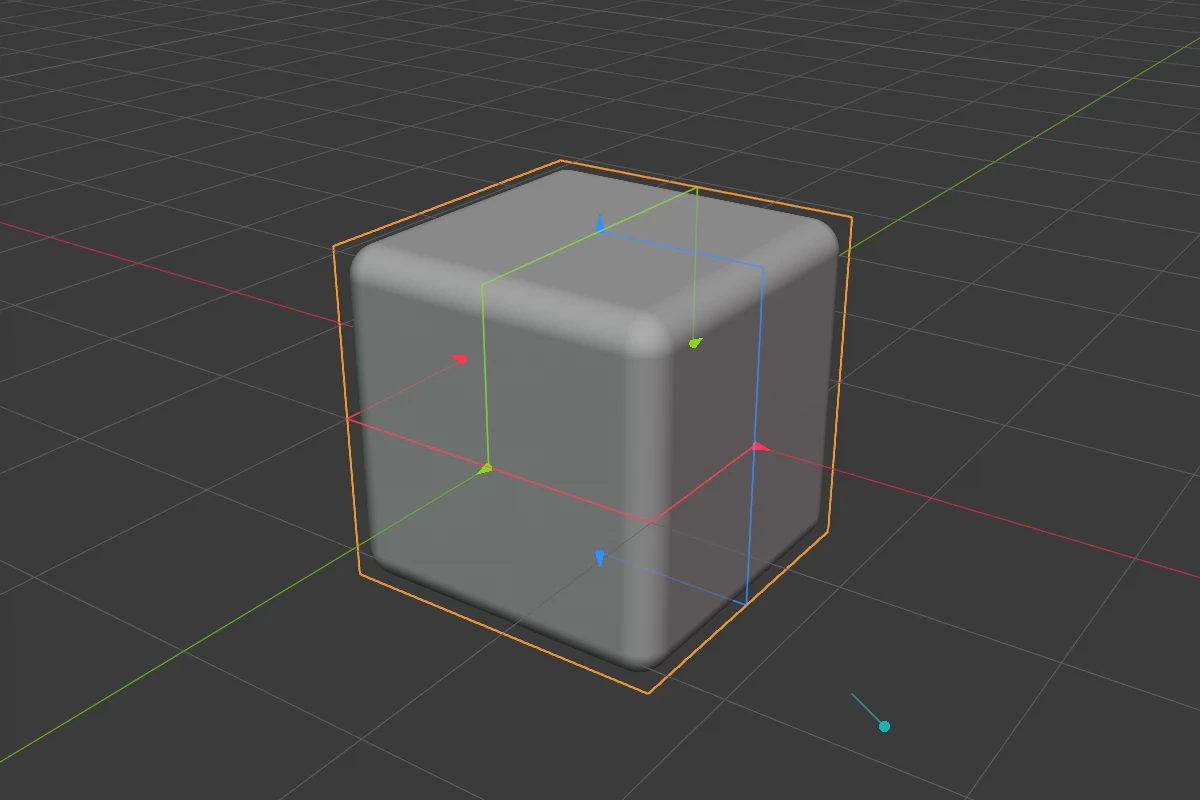
Rounding
In the Block tool’s Select state, B changes Rounding on every selected shape with the mouse. The same keys as on the rounding dot work during the drag.
Redo panel
After adding, the redo panel (F9) has:
| Setting | Default | Range | What it does |
|---|---|---|---|
| Size | 2 | > 0 | Edge length of the new box |
| Align | World | World · View · 3D Cursor | Rotation of the new shape |
See also
- Oblong: separate rounding for the side edges and the rims
- Field Panel
- Rounding