
Path Shapes
Tube, Outline, Rail, Line and Lathe are made of points kept on the shape itself, with no Blender curve object behind them. The points show and are edited in the Block tool’s Edit. They replace the Curve, Curve Tube and Curve Revolve shapes of Chisel 4.x.
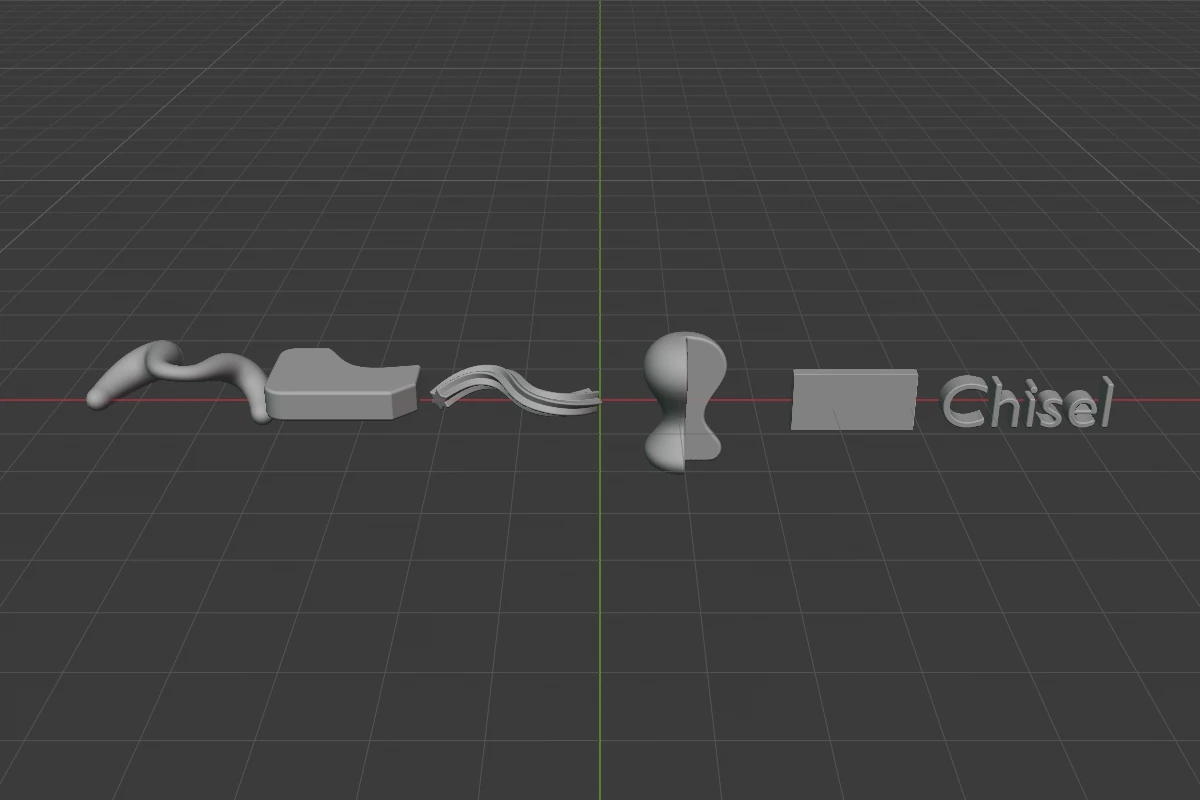
| Shape | What it makes | Points live | Path | Fewest points |
|---|---|---|---|---|
| Tube | A round tube through the points, thicker or thinner at each one | Anywhere in 3D | Open or a loop | 2 |
| Outline | A closed outline, extruded by Extrude | On the local XY plane | Always a loop | 3 |
| Rail | A polygon, star, gear, flower, ratchet, cross, rectangle, drawn section or points swept along the path | Anywhere in 3D | Open or a loop | 2 |
| Line | A flat wall of a set width and height that follows the points | Anywhere in 3D | Open or closed | 2 |
| Lathe | A profile of points, or a section, turned round the local Z axis | On the local XZ plane, right of the axis | Solid: open; Hollow: a loop | 3 |
Every point is Smooth, Corner or Free; a Corner rounds with the same six shapes an NGon corner has. The point rows of the panel, the handles and their keys are on Points.
Spring, Screw and Ring are generated from a few settings and have no points. Choosing Tube or Lathe for one gives a shape with points you can edit.
Path shapes are added from the Add menu, the Q pie’s shape grid and right-click ▸ Primitives, at the 3D cursor; they are not in the Block tool’s Create left-button mode. From Curve makes one from a Blender curve.
Changing the type
Function in the Field panel switches between the path shapes and keeps the points: a Tube turned into a Rail keeps its path; one turned into an Outline or a Lathe has its points put onto that shape’s plane. A shape with too few points for the new type gets that type’s default path. [ / ] skip the path shapes.
Scale and origin
Rebuild Mesh bakes the object’s scale into the points and Free handles and sets the scale back to 1; Rounding, Smooth and Tube Radius scale by the smallest axis. Moving the origin (Set Origin, Affect Only Origins) leaves the shape in place.
Limits
- A Tube, Rail or Line holds about 85 Smooth or Corner points (256 Free ones), an Outline or Lathe about 340. Past that, adding a point reports “No room for another point”.
- On a path of more than 32 points, the radius rings and rounding handles show only for the active point, its two neighbours and the last point the mouse was over.
- A view shows at most 100 point handles of the selected shapes, see Edit Mode.