
Lathe
A profile turned round the shape’s local Z axis: solid or hollow, a full turn or part of one. The profile is points on the local XZ plane, right of the axis (X is the distance from the axis, Z the height), or a section such as a circle or a star.
Settings
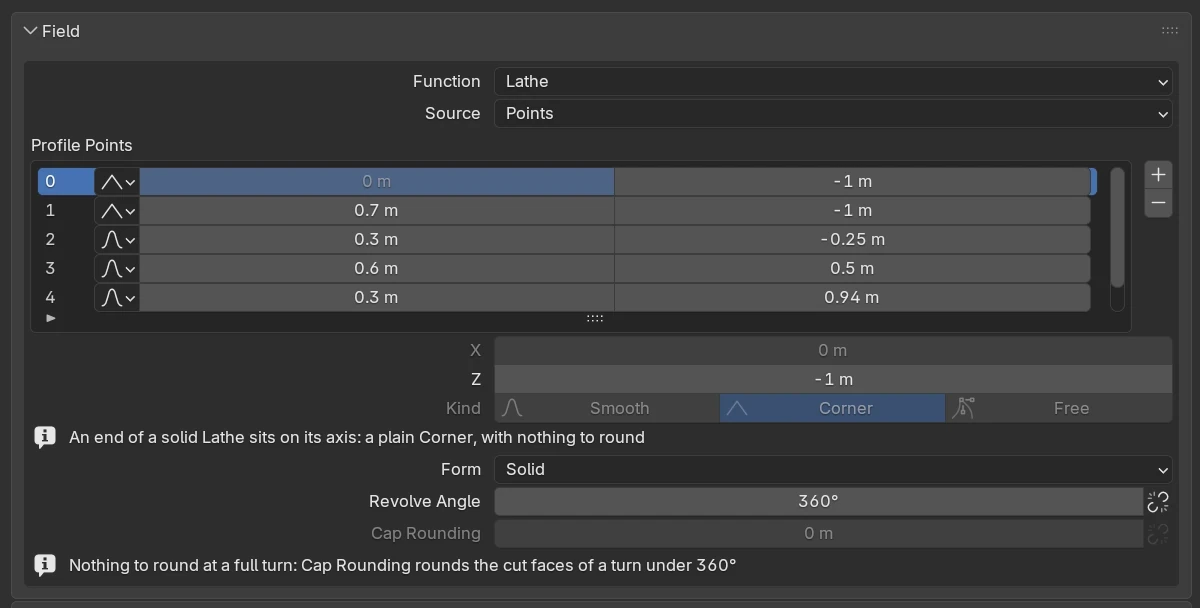
| Setting | Default | Range | What it does |
|---|---|---|---|
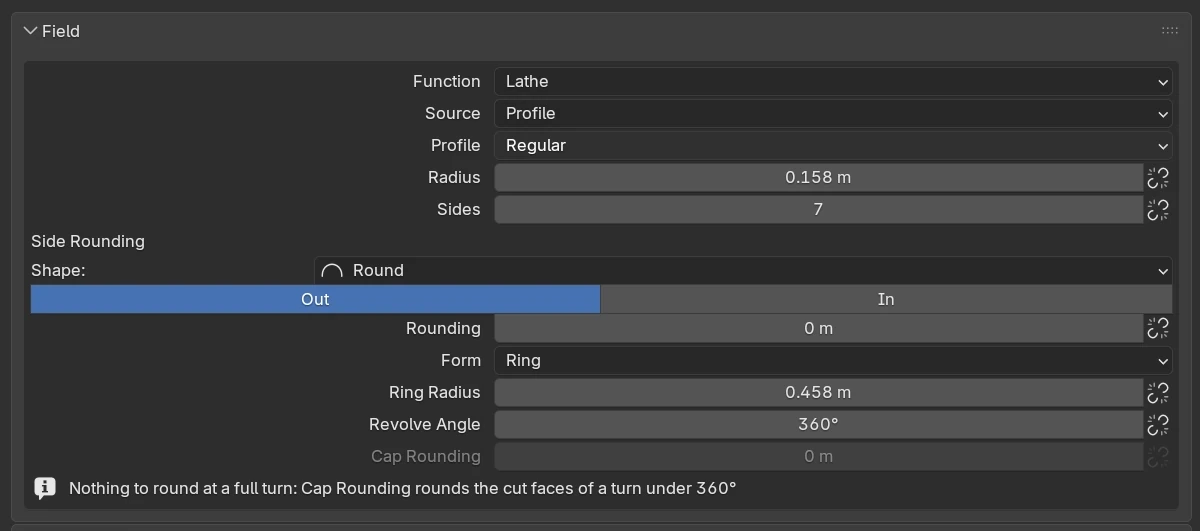
| Source | Points | Points · Profile | What is turned: the shape’s own profile points, or a section chosen with Profile |
| Profile Points (Points) | 3 points or more | The point list and the active point’s rows, see Points. A Lathe’s rows show each point’s X and Z | |
| Profile (Profile) | the nine sections of a Rail | The section that is turned, with the rows of that section | |
| Side Rounding (Profile) ▸ Shape, Out / In, Steps, Rounding, Smooth | Round, Out, 0 | see Rounding Shapes | Rounds the corners of the section |
| Form (Points) | Solid | Solid · Hollow | Solid: an open profile whose two ends sit on the axis, so there is no hole. Hollow: a closed loop of points, the wall of the hole made of points like the outside |
| Form (Profile) | Ring | Ring · Ball | Ring: the section turns round the axis at a distance, like a doughnut. Ball: the section turns on the axis |
| Ring Radius (Profile, Ring) | > 0 | How far the section’s centre is from the axis | |
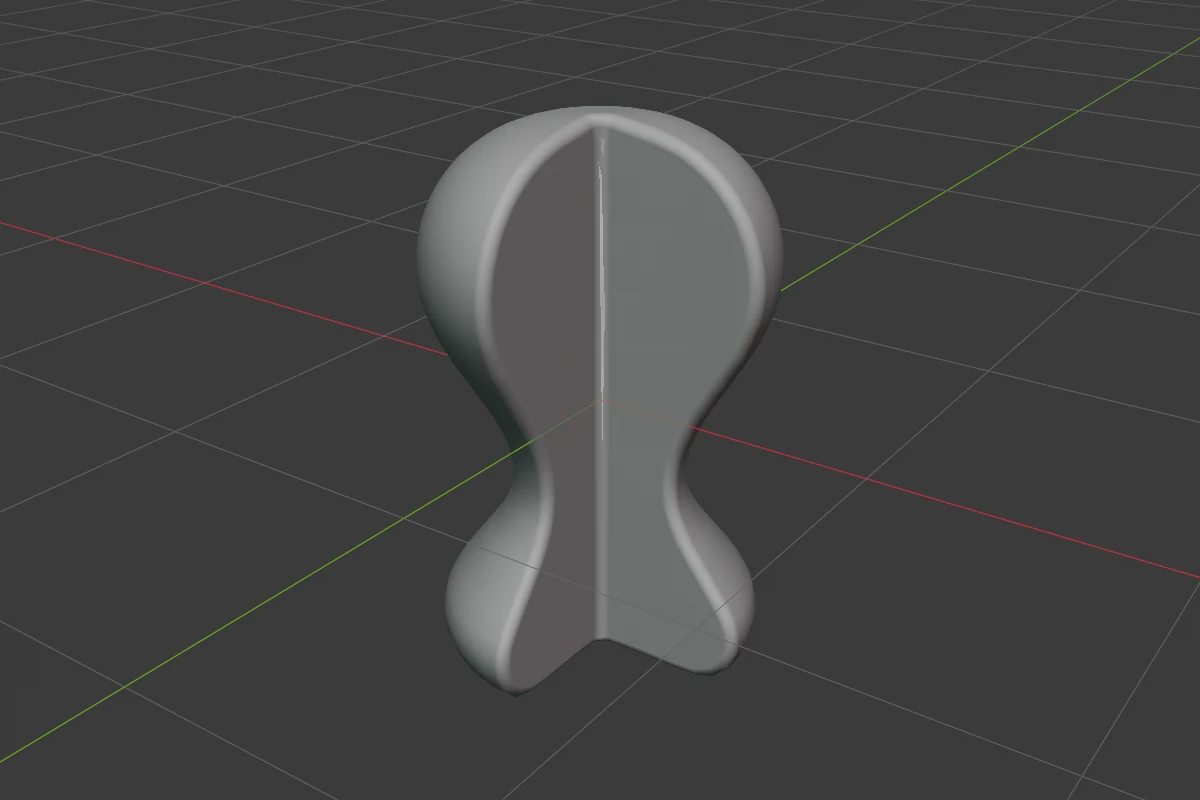
| Revolve Angle | 360° | 0° – 360° | How far the profile turns. Below a full turn the Lathe is cut, with two flat faces |
| Cap Rounding | 0 | ≥ 0 (soft 2) | Rounds the edges of the cut faces. Greyed at a full turn, with a line saying so; it fades out over the last 30° before one |
The rows every shape has are in Properties Panels.
The two ends of a solid Lathe slide only up and down the axis and have no rounding: their Kind row and X are greyed, with a line saying why. Going hollow moves the ends off the axis and closes the loop with a straight wall; going solid opens the loop at the span nearest the axis. A Corner point’s own rounding rounds the profile itself.
A new Lathe is a turned post: a flat foot, a waist, a shoulder and a domed head.
Handles
They show in the Block tool’s Edit. With Source Points the Lathe has the point handles of Points (on X and Z only) and:
| Handle | Looks like | Drag | Keys while dragging |
|---|---|---|---|
| Angle ring | A circle round the Lathe at mid height with a white ring on it | Round the axis: sets Revolve Angle | Ctrl snaps to 15° (Ctrl + Shift: 1°), Shift is precision |
| Form button | A grey round button under the handles: a disc while solid, a disc with a hole while hollow | Click: switches Form |
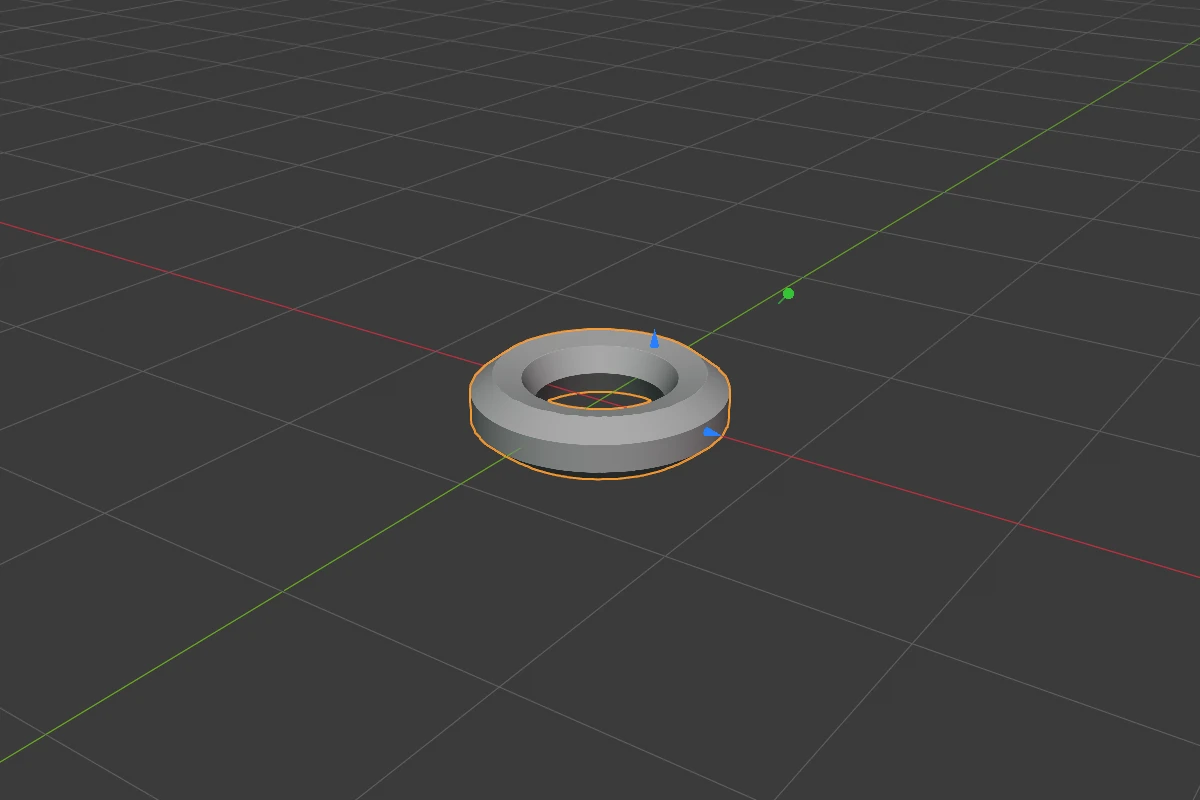
With Source Profile the Lathe has no point handles, no angle ring and no button. It has:
| Handle | Looks like | Drag | Keys while dragging |
|---|---|---|---|
| Side Rounding dot | A green dot at the upper right | Away from the shape: a larger Side Rounding | 1–6, I, O, S, Ctrl, Shift |
| Section Radius head | A blue arrow head above the section’s top | Sets the section’s radius | Ctrl snaps to 0.1 (Ctrl + Shift: 0.01), Shift is precision |
| Ring Radius head (Ring) | A blue arrow head beside the section | Sets Ring Radius | The same keys |
Right-click menu
The right-click menu has Angle (and Width and Height for a turned rectangle) to drag. Its Body submenu sets Solid or Hollow, the same choice as Form.
Redo panel
After adding, the redo panel (F9) has Angle (default 360°) and Align (World, View, 3D Cursor).
Limits
A Lathe holds about 340 Smooth or Corner points. Past that, adding a point reports “No room for another point”. A Curve Revolve from a 4.x file becomes a Lathe with sharp rims, see From Curve.
See also
- Points
- Ring: a hollow cylinder
- Revolve: turn any shape’s section
- From Curve: a Lathe from a Blender curve