
Rail
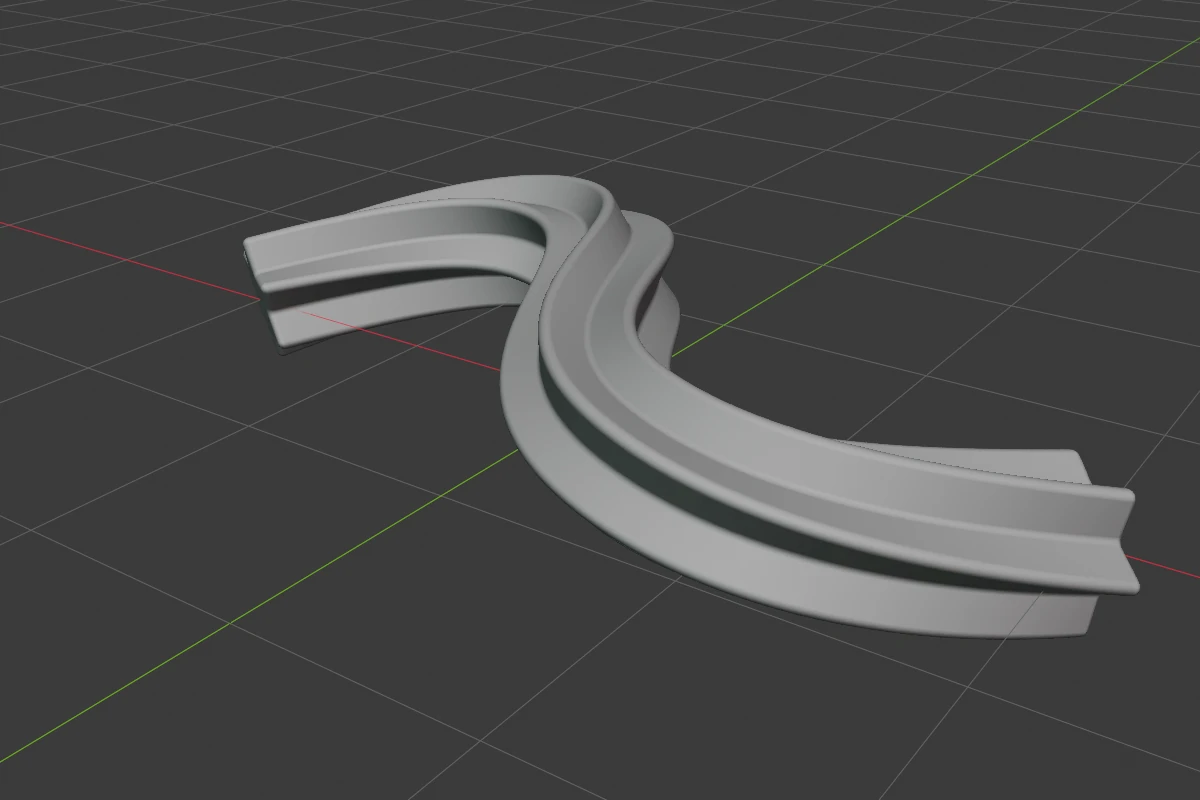
A section swept along a path of points anywhere in 3D. The section is a regular polygon, a star, a gear, a flower, a ratchet, a cross, a rectangle, a line you draw or points you place. Each path point scales the section, and the Rail can twist from its first point to its last. Open ends are flat.
Settings
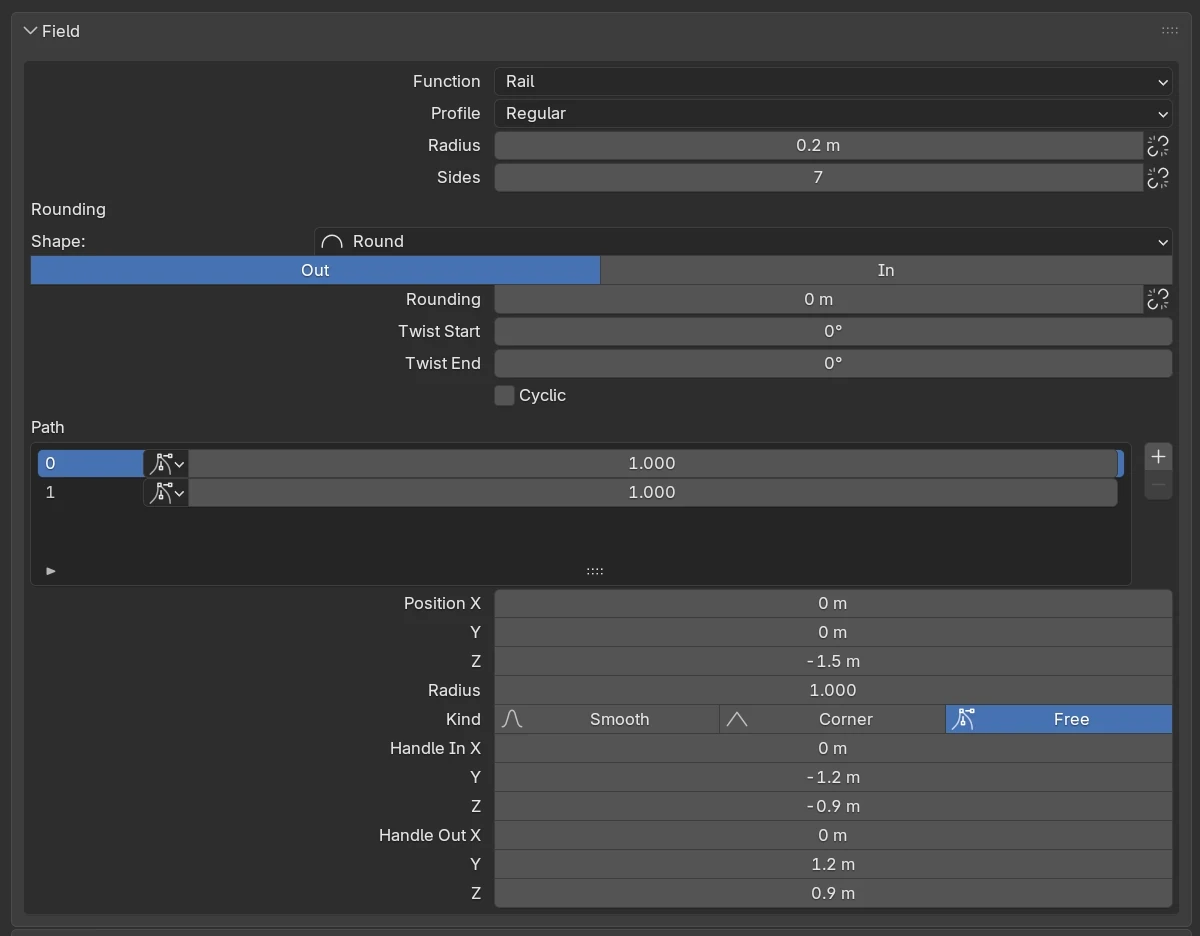
| Setting | Default | Range | What it does |
|---|---|---|---|
| Profile | Regular | see Profile | The section |
| Radius | 0.2 m | > 0 (soft 5) | The section’s outer radius. Each point’s Radius multiplies it. Not shown for Rectangle and Points |
| Width, Height (Rectangle) | > 0 (soft 10) | The size of the rectangle. Each keeps the other | |
| Arm Width Ratio (Cross) | 0.5 | 0 – 1 | The width of the arms as a share of the cross |
| Sides (Regular, Star, Gear, Flower, Ratchet, Custom) | 7 | 1 – 64 (soft 24) | How many lobes go round the path |
| Inner (Star, Gear, Flower, Ratchet, Custom) | 0.5 | 0 – 1 | Where the valleys between the lobes sit, as a share of Radius |
| Mirror (Custom) | on | The drawn line is half a lobe, mirrored into a whole one. Off, it is the whole lobe and steps back along a radius, like a ratchet tooth | |
| Profile Curve (Custom) | The curve data-block that holds the drawn line, with New and X to clear it, then Blender’s curve widget once a curve exists | ||
| Profile Points (Points) | a square | 3 or more | A list of X and Y points on the section’s plane, with + and − |
| Rounding ▸ Shape, Out / In, Steps, Rounding, Smooth | Round, Out, 0 | see Rounding Shapes | Rounds the corners of the section all along the Rail, and the rims of its flat ends |
| Twist Start | 0° | soft −360° – 360° | The section’s turn at the first point. Shown with two points or more |
| Twist End | 0° | soft −360° – 360° | The section’s turn at the last point. The Rail turns evenly between the two, by length |
| Cyclic | off | Closes the path into a loop | |
| Path | 2 points or more | The point list and the active point’s rows, see Points. A Rail’s rows show each point’s Radius |
The rows every shape has are in Properties Panels. A new Rail is a regular polygon of seven sides.
Profile
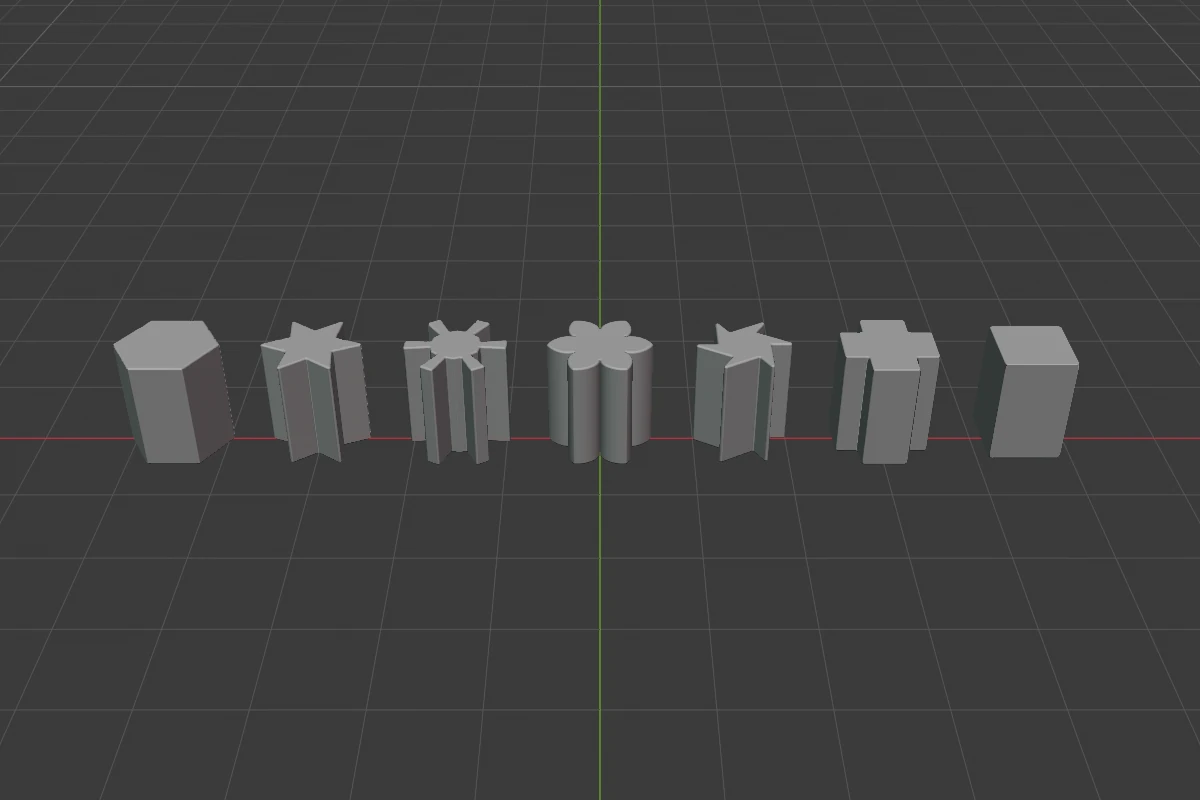
| Profile | Section |
|---|---|
| Regular | A regular polygon of Sides sides (three at least) |
| Star | Sides points, its valleys at Inner |
| Gear | Square teeth, cut down to Inner |
| Flower | Round petals, meeting at Inner |
| Ratchet | Saw teeth that lean one way, back to Inner (two at least) |
| Custom | The line drawn in the Profile Curve widget: left to right is across one lobe, bottom to top from Inner to Radius. Clearing the curve makes it a star again |
| Cross | Four arms, each Arm Width Ratio wide |
| Rectangle | Width by Height |
| Points | The polygon of Profile Points |
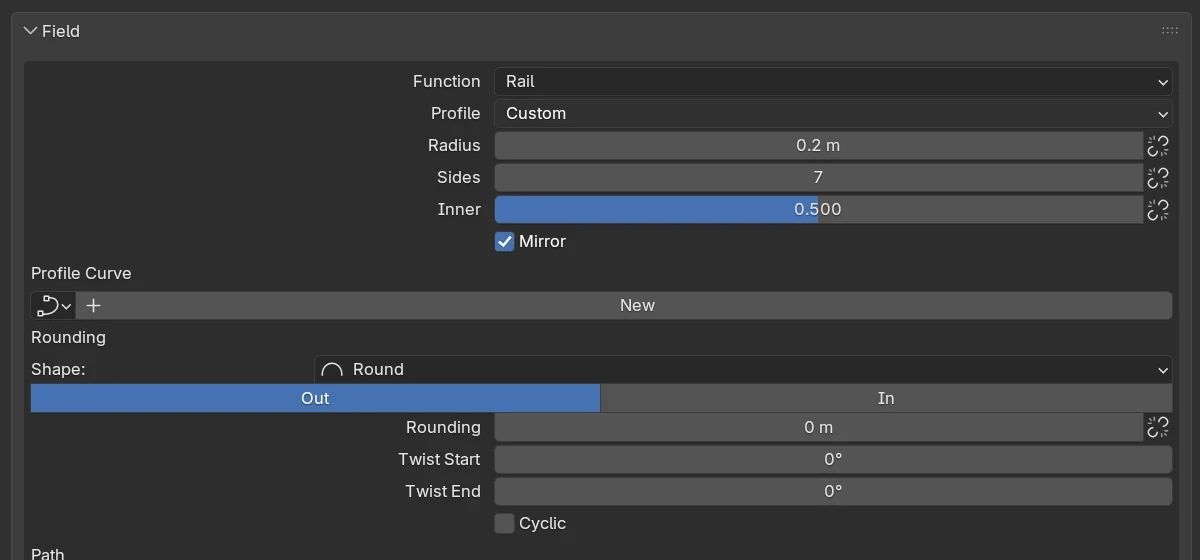
A drawn line too detailed for the shape is simplified, and the panel says how many points a lobe keeps. The curve is saved with the file and can be shared between Rails.
Handles
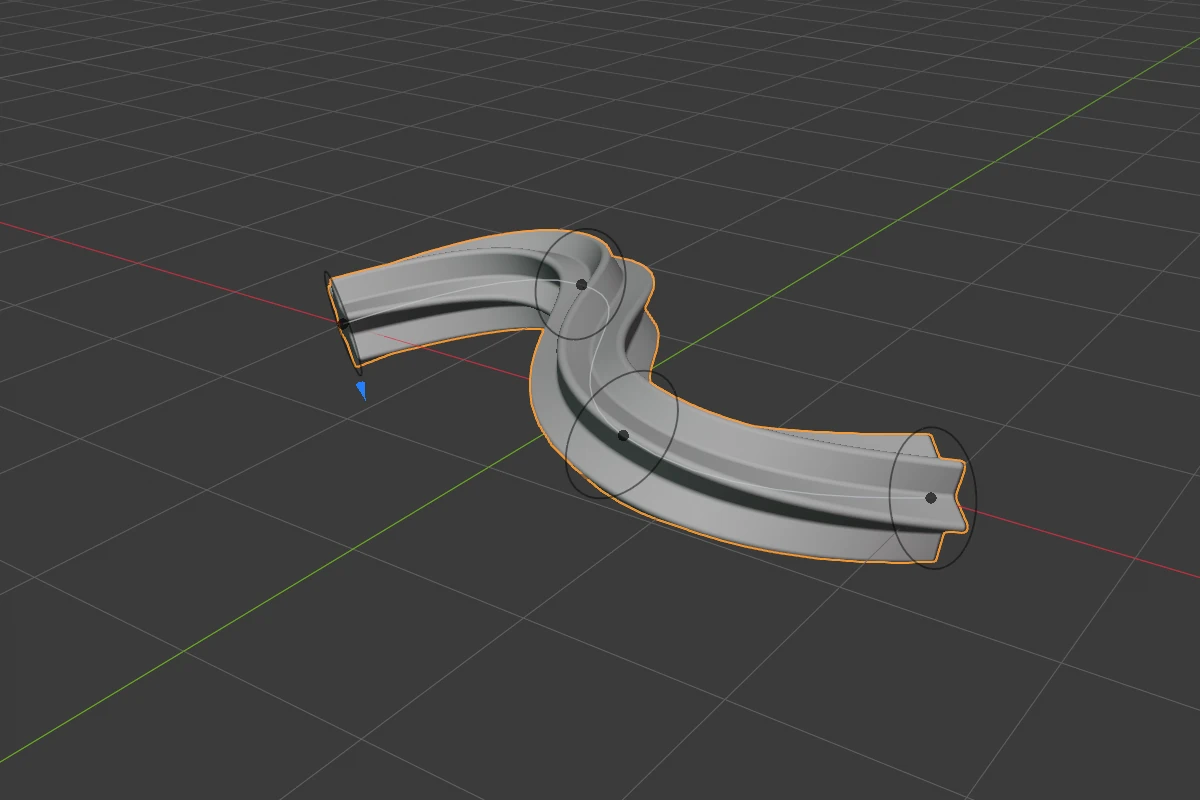
They show in the Block tool’s Edit. The path’s points, rings, rounding handles, point handles and add dots are on Points.
| Handle | Looks like | Drag | Keys while dragging |
|---|---|---|---|
| Twist dot | A white dot just outside the first or last point’s ring, with that point selected | Round the path: sets that end’s twist | Ctrl snaps to 15° (Ctrl + Shift: 1°), Shift is precision |
| Section Radius head | A blue arrow head below the start point’s ring. Not shown for Points | Sets the section’s Radius | Ctrl snaps to 0.1 (Ctrl + Shift: 0.01), Shift is precision |
A selected point’s ring sets its Radius, as on a Tube.
Right-click menu
The right-click menu (and the Q pie’s West wedge) drags Radius, Sides and Inner. Drag Sides away from the shape for more (one per 24 pixels), or step it with the mouse wheel or Up / Down. Profile picks the section by name, Path sets Open or Cyclic. In that submenu the regular polygon is called Polygon.
Redo panel
After adding, the redo panel (F9) has Radius (default 0.2) and Align (World, View, 3D Cursor).
Limits
A Rail holds about 85 Smooth or Corner points. Past that, adding a point reports “No room for another point”.