
View Markdown
Torus
A ring with a round section. It stands upright, with its hole facing along the object’s local Y axis. It has no rounding.
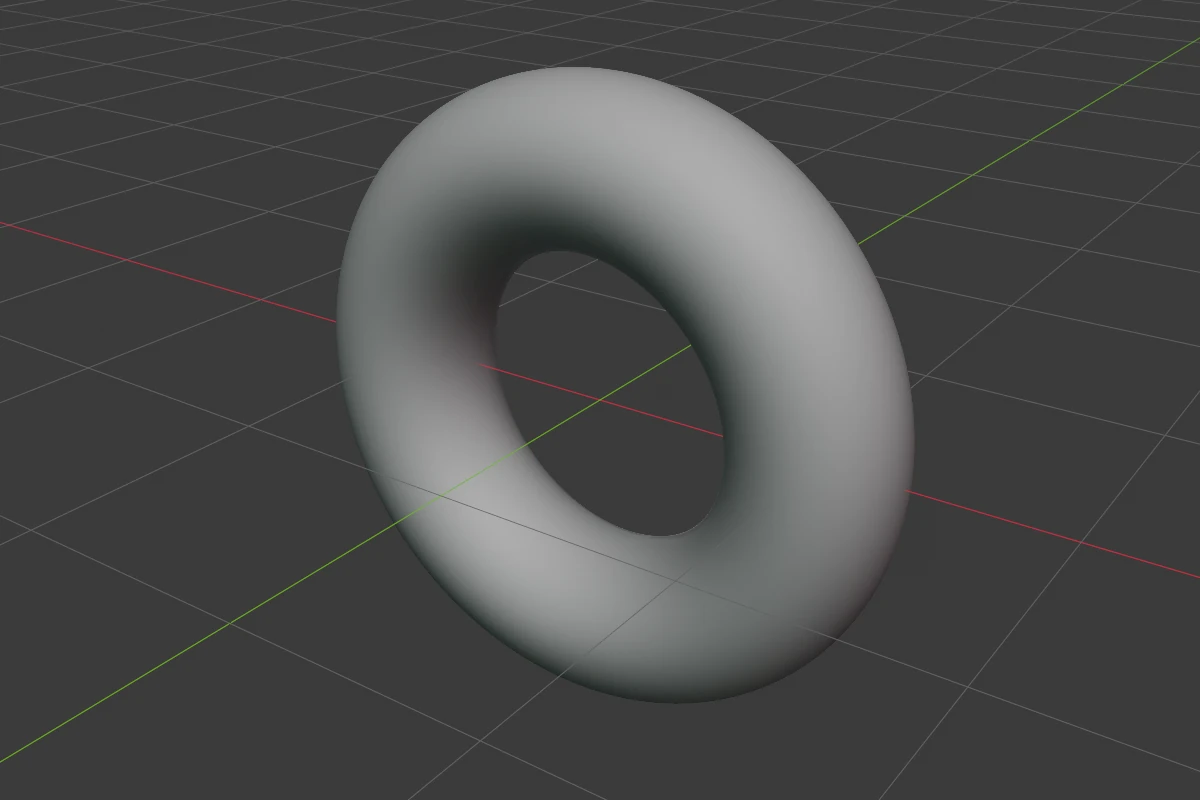
Settings

| Setting | Default | Range | What it does |
|---|---|---|---|
| Radius | 0.3 m | > 0 (soft 5) | The radius of the tube. Past the Ring Radius the hole closes |
| Ring Radius | 0.7 m | > 0 (soft 10) | From the centre to the middle of the tube |
Both can follow a Value. The rows every shape has are in Properties Panels.
Handles
| Handle | Looks like | Drag | Keys while dragging |
|---|---|---|---|
| Tube arrow | A white arrow head on the inner edge of the tube, on the side that faces right | Sets the Radius of the tube from its centre. With Shift the opposite side stays | Ctrl snaps to 0.1 |
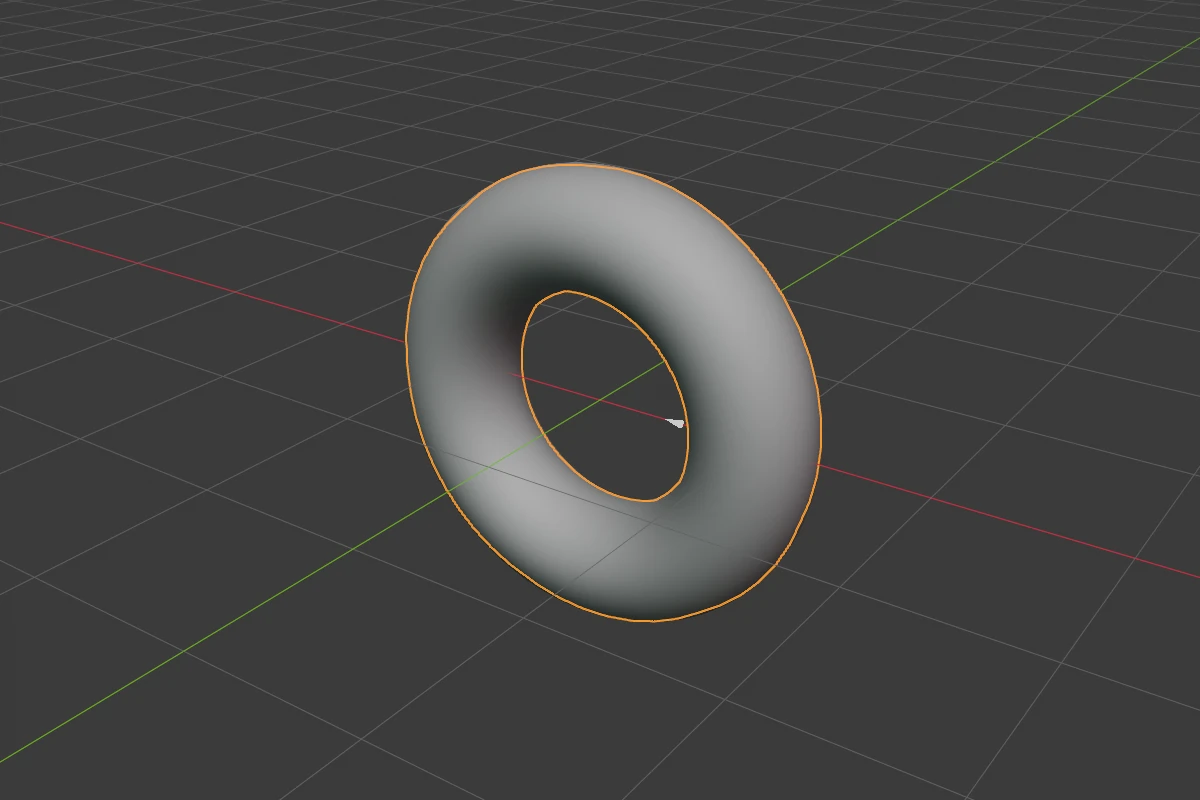
Radius
Right-click ▸ Radius (also in the Q pie’s West wedge) starts a drag of Radius: move the mouse away from the centre for a thicker tube, towards it for a thinner one.
Redo panel
After adding, the redo panel (F9) has:
| Setting | Default | Range | What it does |
|---|---|---|---|
| Ring Radius | 0.7 | > 0 | The ring’s radius |
| Radius | 0.3 | > 0 | The tube’s radius |
| Align | World | World · View · 3D Cursor | Rotation of the new shape |