
View Markdown
Line
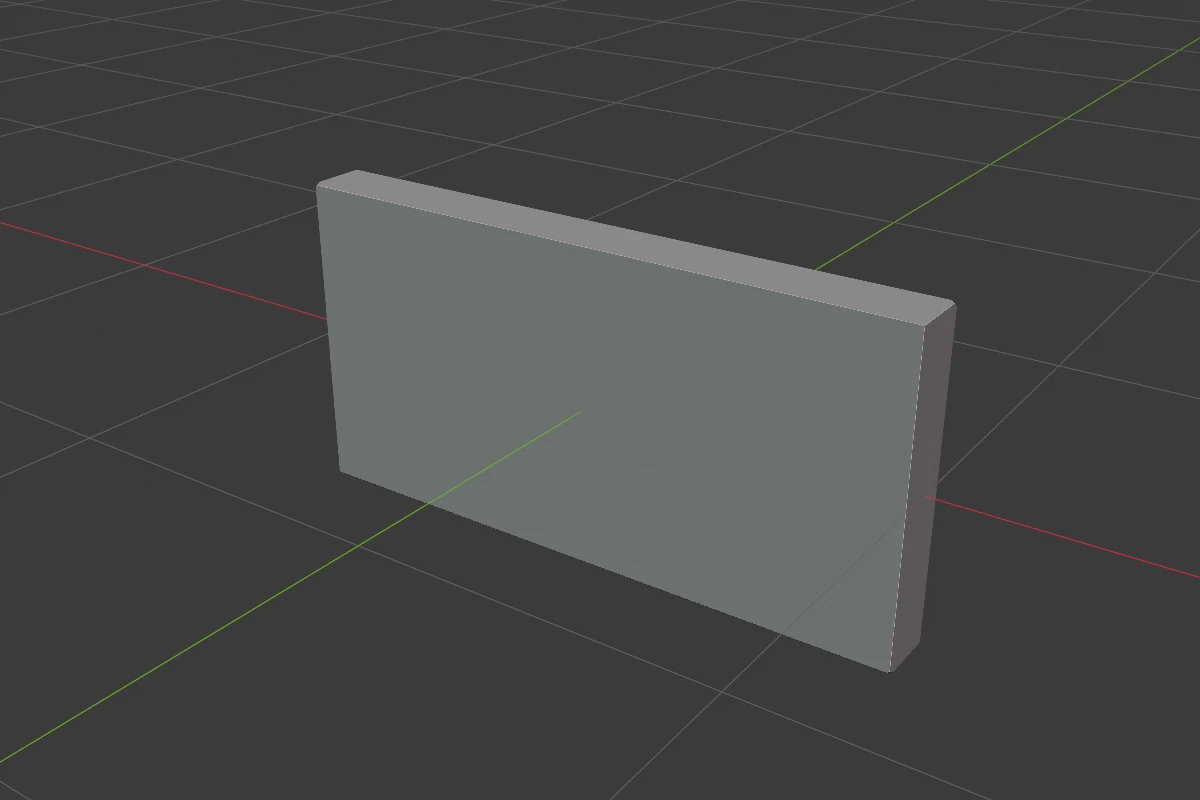
A path of points anywhere in 3D with a flat rectangular section: a wall or a strip that follows the points. It is a Rail with a rectangle for its section.
Settings
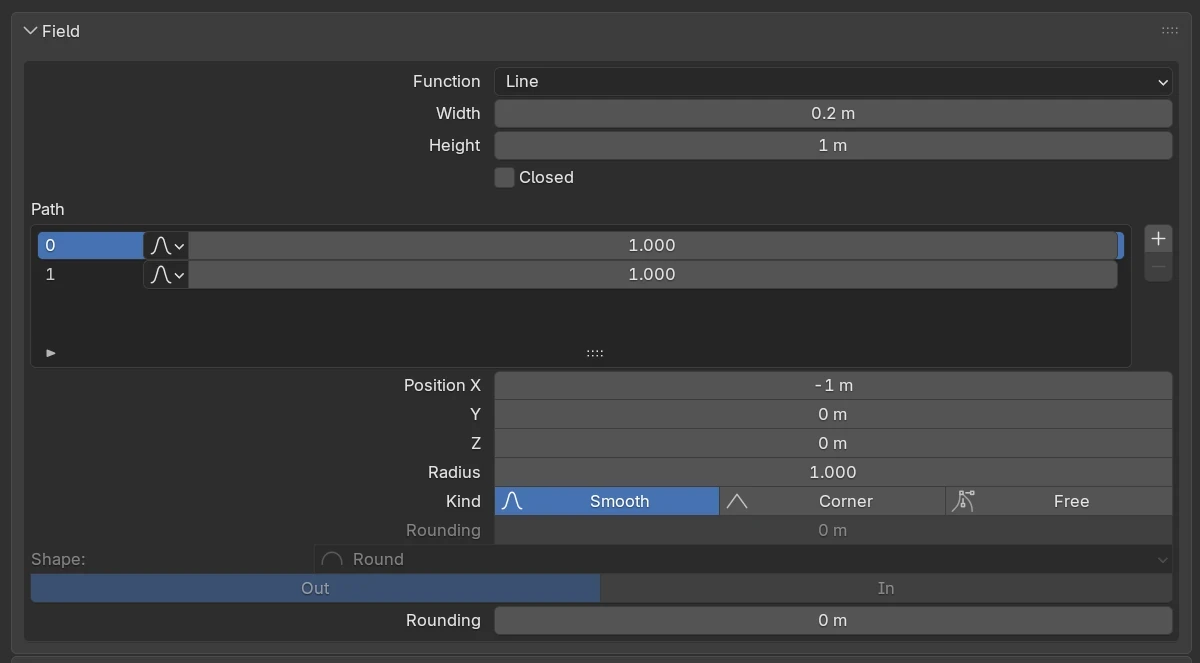
| Setting | Default | Range | What it does |
|---|---|---|---|
| Width | 0.2 m | ≥ 0.002 | The thickness of the wall, across the path |
| Height | 1 m | ≥ 0.002 | The height of the wall |
| Closed | off | Joins the last point to the first. Needs three points or more | |
| Path | 2 points or more | The point list and the active point’s rows, see Points. A Line’s rows show each point’s Radius, which scales the Width only | |
| Rounding ▸ Shape, Out / In, Steps, Rounding, Smooth | Round, Out, 0 | see Rounding Shapes | Rounds the corners of the section all along the Line, and the rims of its ends |
The rows every shape has are in Properties Panels. A new Line has two points, two units apart along the object’s X axis.
Handles
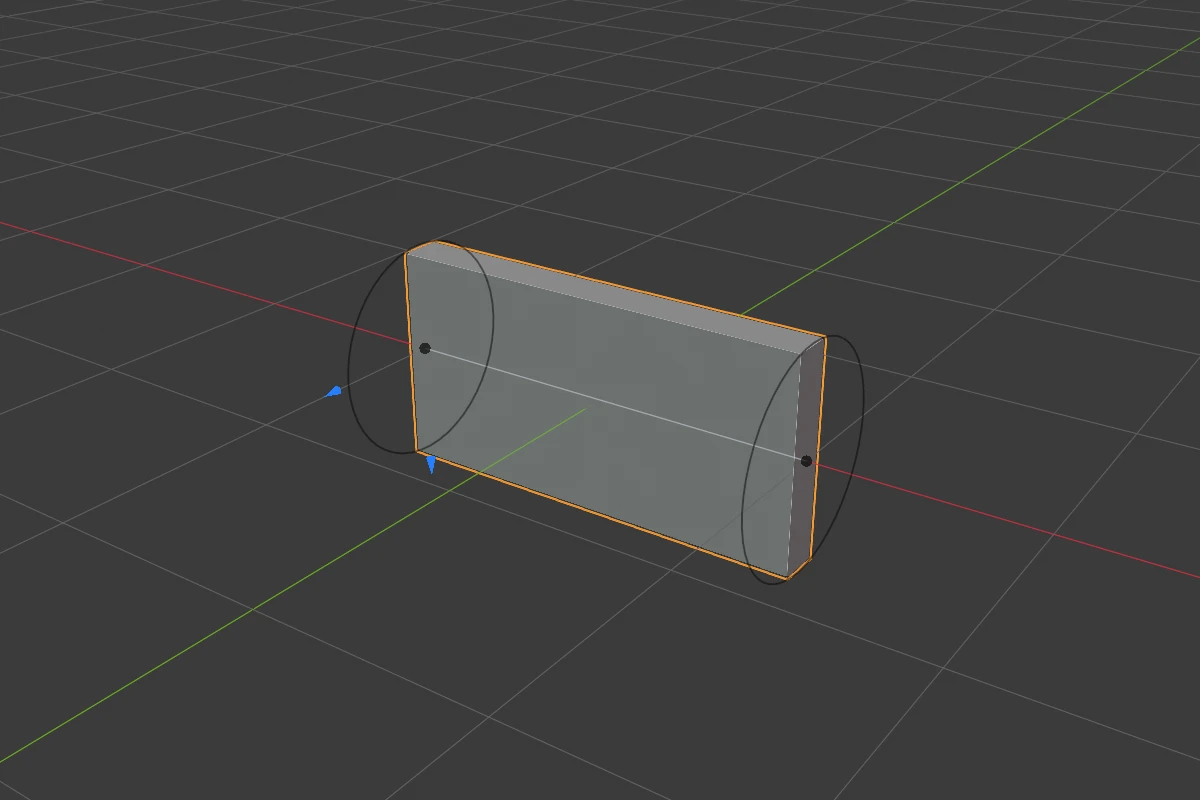
They show in the Block tool’s Edit. The point dots, rings, rounding handles, point handles and add dots are on Points, and:
| Handle | Looks like | Drag | Keys while dragging |
|---|---|---|---|
| Width head | A blue arrow head at the start of the path, out along the section’s width | Sets the Width | Ctrl snaps to 0.1 (Ctrl + Shift: 0.01), Shift is precision |
| Height head | A blue arrow head at the start of the path, below the Width head | Sets the Height | The same keys |
S with a point selected scales that point’s Radius, so the wall gets thinner or thicker there while its height stays.
Redo panel
After adding, the redo panel (F9) has Align (World, View, 3D Cursor).
Limits
A Line holds about 85 Smooth or Corner points. Past that, adding a point reports “No room for another point”.