
Outline
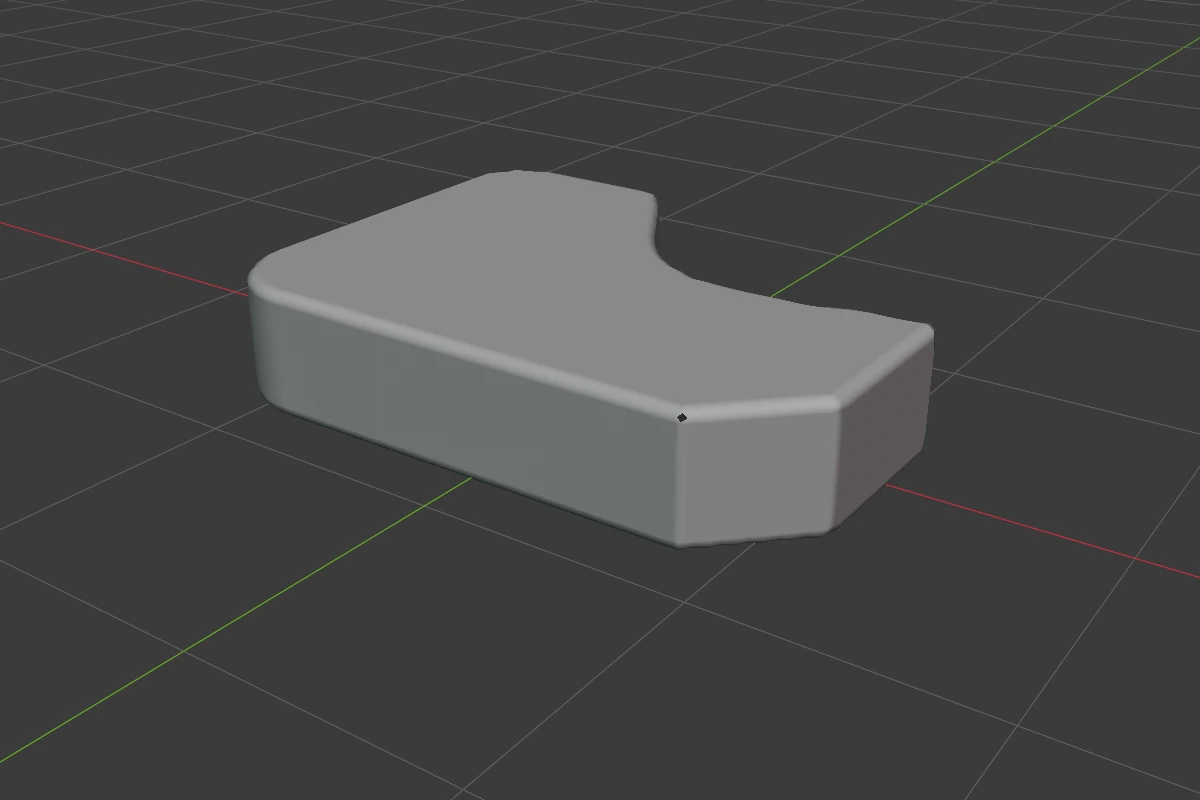
A closed outline of points on the shape’s local XY plane, extruded by Extrude. Like an NGon, but its sides can curve: Smooth and Free points make round spans, Corner points sharp or rounded corners.
Settings
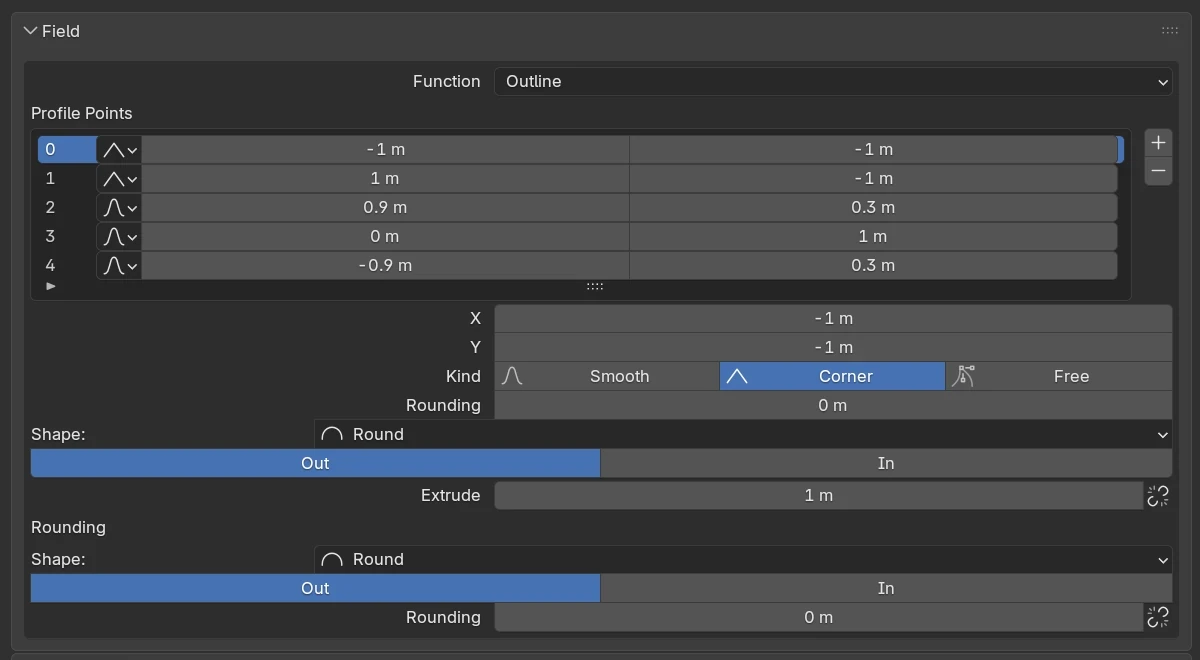
| Setting | Default | Range | What it does |
|---|---|---|---|
| Profile Points | 3 points or more | The point list and the active point’s rows, see Points. An Outline’s rows show each point’s X and Y | |
| Extrude | 1 m | > 0 (soft 100) | How far the outline is extruded, from its plane along local +Z: the origin sits on the bottom face |
| Rounding ▸ Shape, Out / In, Steps | Round, Out | see Rounding Shapes | The curve of the top and bottom rims’ rounding |
| Rounding ▸ Rounding | 0 | ≥ 0 (soft 2) | Rounds the top and bottom rims. B drags it |
| Rounding ▸ Smooth (Chamfer, In, Steps with In) | 0 | ≥ 0 (soft 0.5) | Softens the seams of the rims’ curve |
The rows every shape has are in Properties Panels.
The outline is always a loop. Its points stay on their plane: when you move one, X and Y lock the move to the local axis. A new Outline is an arch of five points: two Corners along the bottom and three Smooth points over the top.
Extrude dot
In the Block tool’s Edit a blue dot above the middle of the top face sets Extrude: drag it along the extrusion. Ctrl snaps to 0.1 (Ctrl + Shift: 0.01), Shift is precision.
The point dots are drawn on the face of the Outline that faces you. The dots, rounding handles, point handles and add dots are on Points.
Redo panel
After adding, the redo panel (F9) has Depth (default 1, the Extrude) and Align (World, View, 3D Cursor).
Limits
An Outline holds about 340 Smooth or Corner points. Past that, adding a point reports “No room for another point”.
See also
- Points
- NGon: straight sides
- From Curve: a closed, flat Blender curve becomes an Outline
- Text