
Mesh
A Mesh shape is a mesh baked into a Chisel shape: Chisel samples the mesh once into a grid of distances, and from then on it takes joins, blends, modifiers and materials like every other shape. The mesh is the shape’s Input.
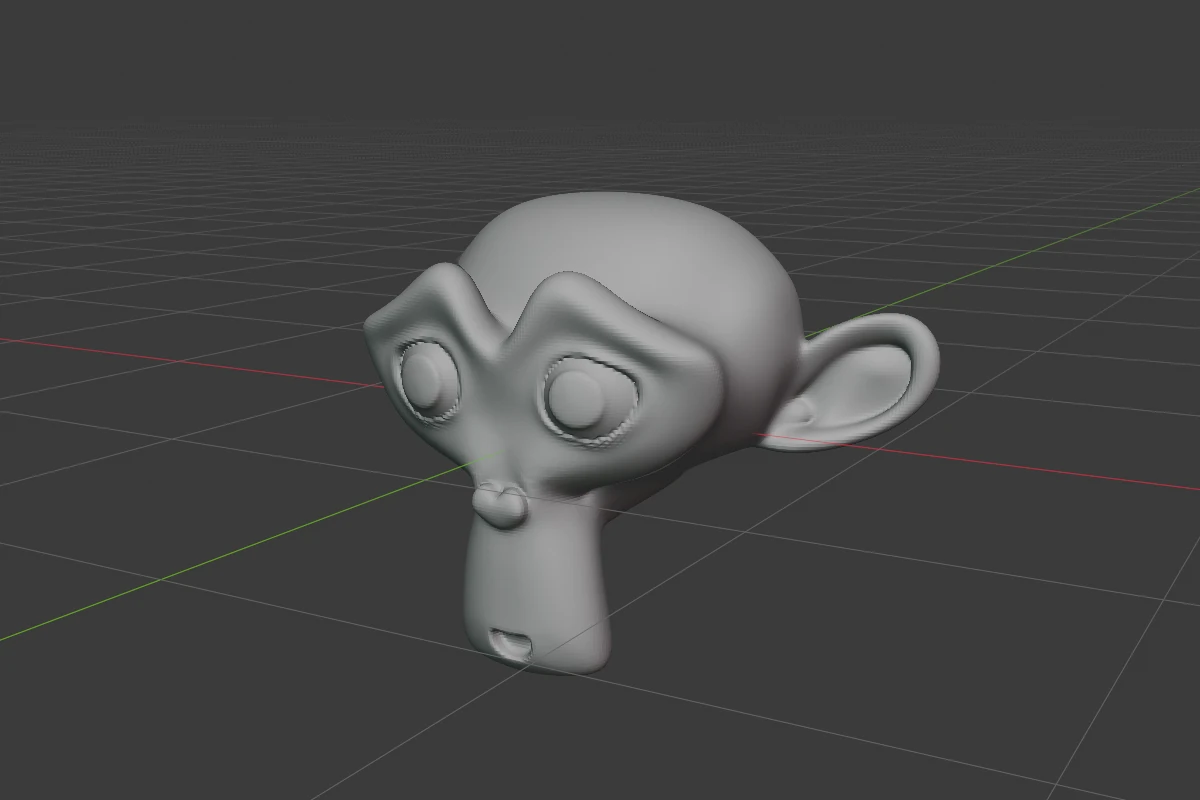
Convert Mesh to SDF (in Object Properties ▸ SDF of a plain mesh, or right-click ▸ Convert to SDF) turns the mesh object into a Mesh shape in place and makes its mesh the shape’s input, see Convert to SDF. The bake reads the mesh with its Blender modifiers applied; the inside and the outside come from the faces’ orientation. Choosing Mesh in Function also gives a Mesh shape; it draws nothing until you pick an input.
Settings
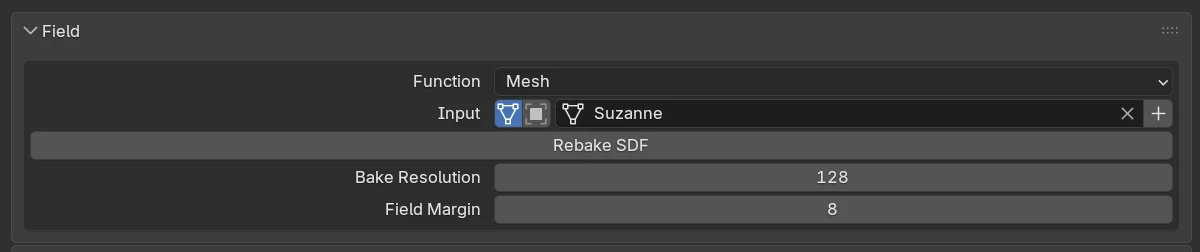
| Setting | Default | Range | What it does |
|---|---|---|---|
| Input | the mesh | The two buttons beside it pick the kind of input: a Mesh, or a Shape. Then a picker, and + to make a new mesh the size of the shape’s box. With a Mesh input and an object that shows it, an eye button shows or hides that object | |
| ”SDF is stale” | A red line: the mesh was edited after the bake, and the shape still shows it as it was | ||
| Rebake SDF | Bakes the grid again from the mesh as it is now. Changing the input bakes it again by itself | ||
| Bake Resolution | 128 | 8 – 1024 | Grid cells along the mesh’s longest side, for the next bake. Above about 256 a grid costs gigabytes of GPU memory |
| Field Margin | 8 | 6 – 64 | The shell of exact distances around the surface, in grid cells, for the next bake. Emboss depths, blend widths and carve offsets against the mesh must fit inside it |
With a Shape input, the picker takes an object that heads a Chisel chain. The whole chain is baked in its own frame and baked again when the chain changes. If the chain holds this shape, a line says “Its chain holds this shape: not re-baked”.
The rows every shape has are in Properties Panels; Rebuild Mesh leaves a Mesh shape’s mesh alone.
When a grid does not fit
A grid the GPU cannot hold (a file from a bigger card, a smaller budget, a grid still baking) is drawn as a box of its bounds. The panel then shows Shown as placeholder with the reason and a Rebake to fit button, which lowers Bake Resolution to the largest this GPU can hold and bakes again. A shape whose resolution has become too large shows an over budget line under Bake Resolution.
Handles
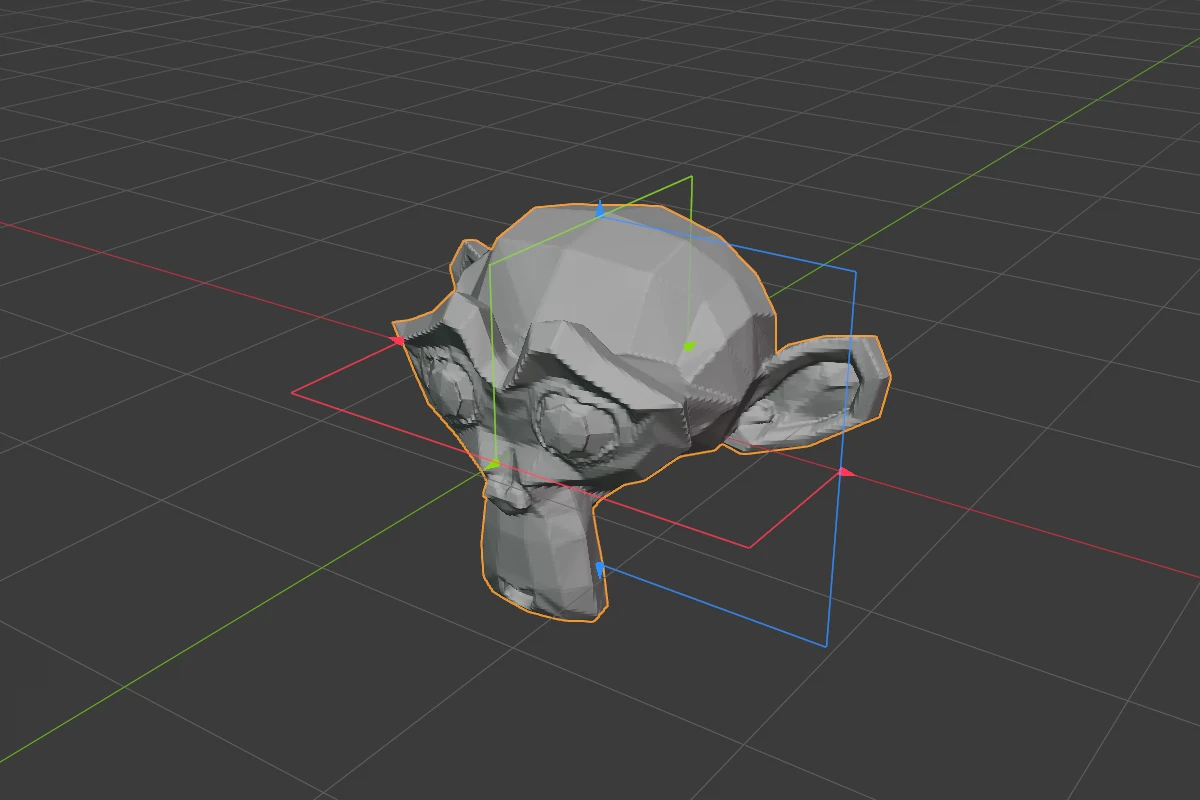
In the Block tool’s Edit a Mesh shape shows six size arrows (red, green and blue) and three brackets on its baked box. They scale the shape, not the grid.
With other shapes
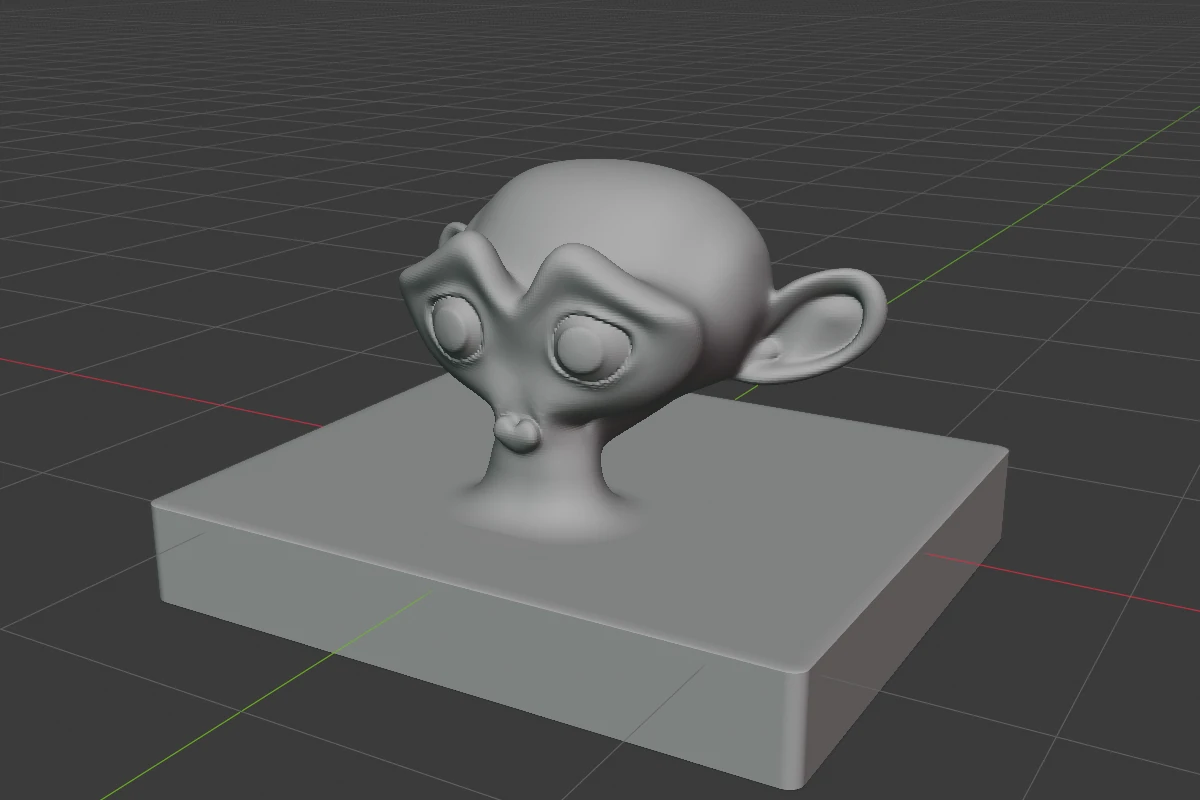
A join and its blend work the same between a Mesh shape and any other shape.
Baked grids are saved in the .blend by default (Store SDF Bakes in File), so the file reopens without baking them again; see Mesh-SDF storage. A grid that is not stored bakes again in the background when the file opens.
Limits
A Mesh shape is not in the [ / ] cycle and no shape switches into it with Shift-click; Function switches to it.
See also
- Convert to SDF
- Convert to Mesh: a shape to polygons
- Apply Modifiers: a whole stack baked into one Mesh shape