
View Markdown
Capsule
A cylinder with round ends. It has no rounding.
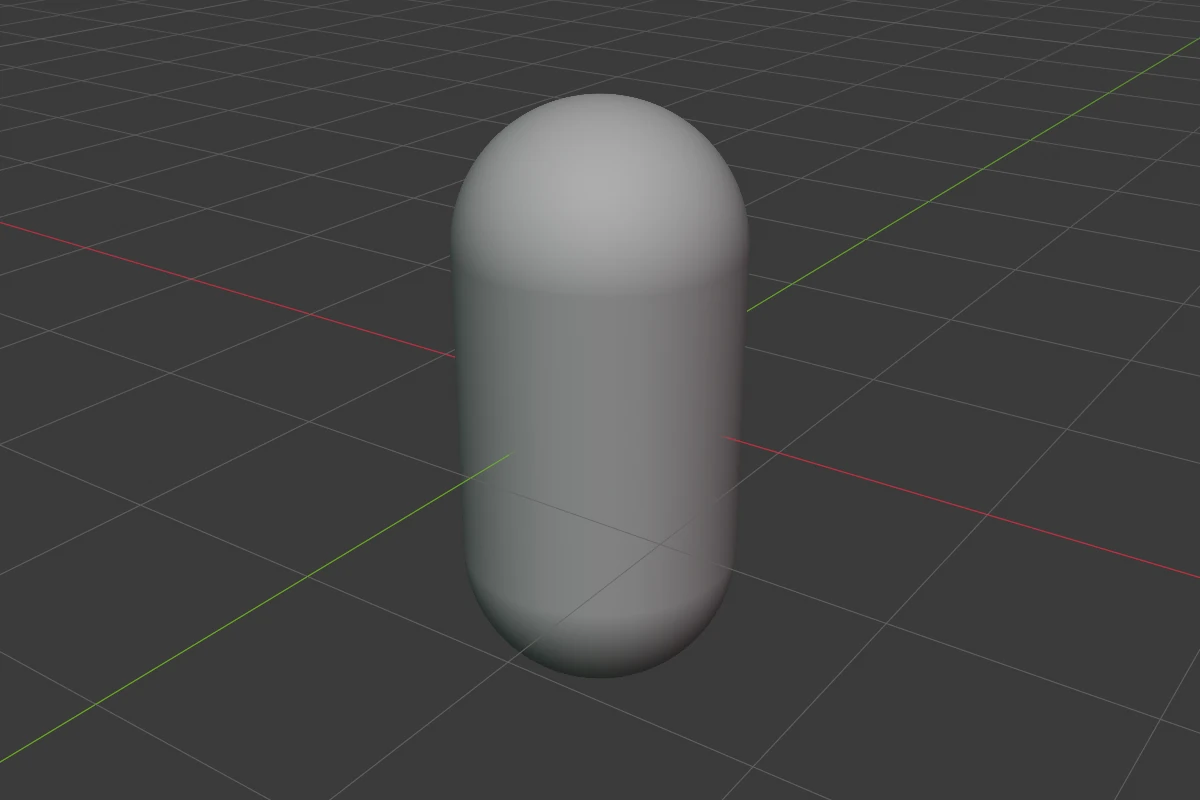
Settings

| Setting | Default | Range | What it does |
|---|---|---|---|
| Radius | 1 m | > 0 | The radius of the body and the ends |
| Height | 4 m | > 0 | The whole length, ends included |
The rows every shape has are in Properties Panels.
Handles
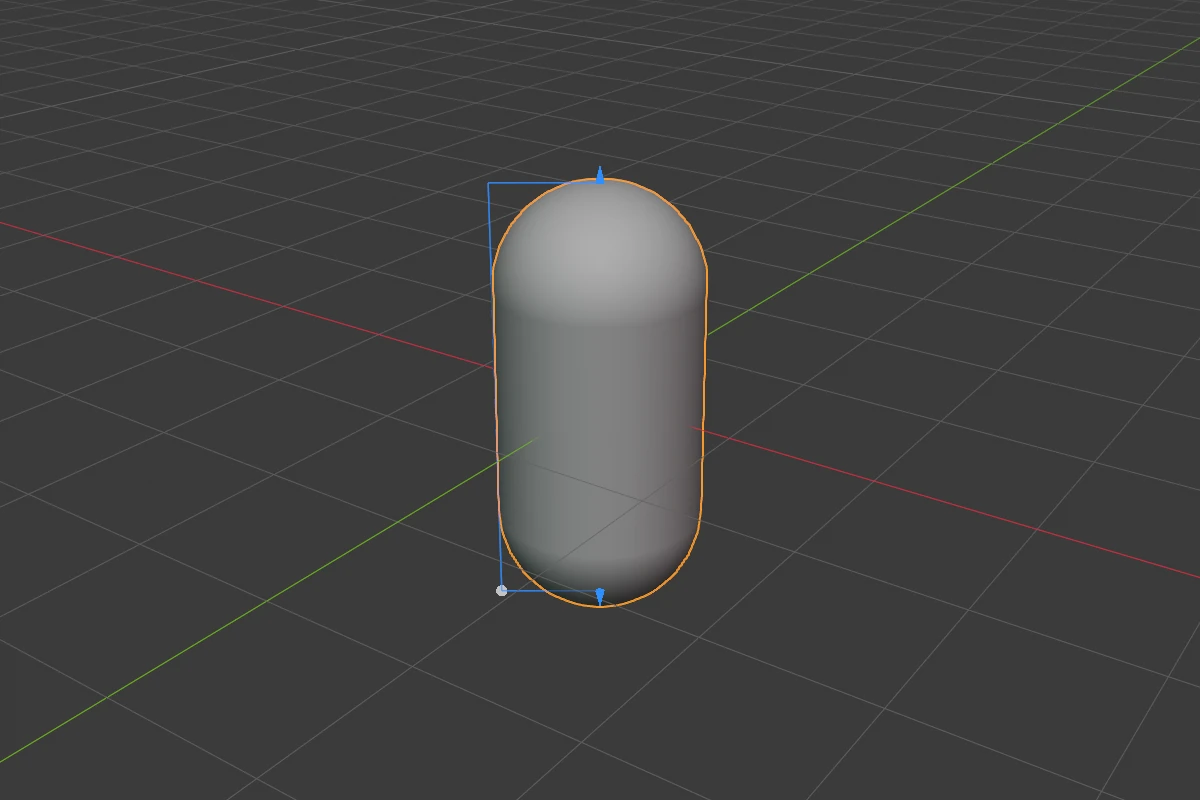
| Handle | Looks like | Drag | Keys while dragging |
|---|---|---|---|
| Height arrows | Two blue arrow heads at the two ends, joined by a U-shaped line | Moves that end; the capsule grows from its centre. With Shift the opposite end stays | Ctrl snaps to 0.1 |
| Radius dot | A white dot at the lower corner of the U | Sets the Radius from the centre. With Shift the far side stays | Ctrl snaps to 0.1 |
Create mode
The Block tool’s Create left-button mode with Shape Capsule draws one: it starts where you press and grows as you drag.
Redo panel
After adding, the redo panel (F9) has:
| Setting | Default | Range | What it does |
|---|---|---|---|
| Radius | 1 | > 0 | Radius of the body and the ends |
| Depth | 2 | ≥ 0 | Length of the straight middle: the capsule is Depth + 2 × Radius tall |
| Align | World | World · View · 3D Cursor | Rotation of the new shape |