
View Markdown
Ring
A hollow cylinder along the object’s local Z axis, with its own wall thickness. Not to be confused with the Torus, which is a ring with a round section.
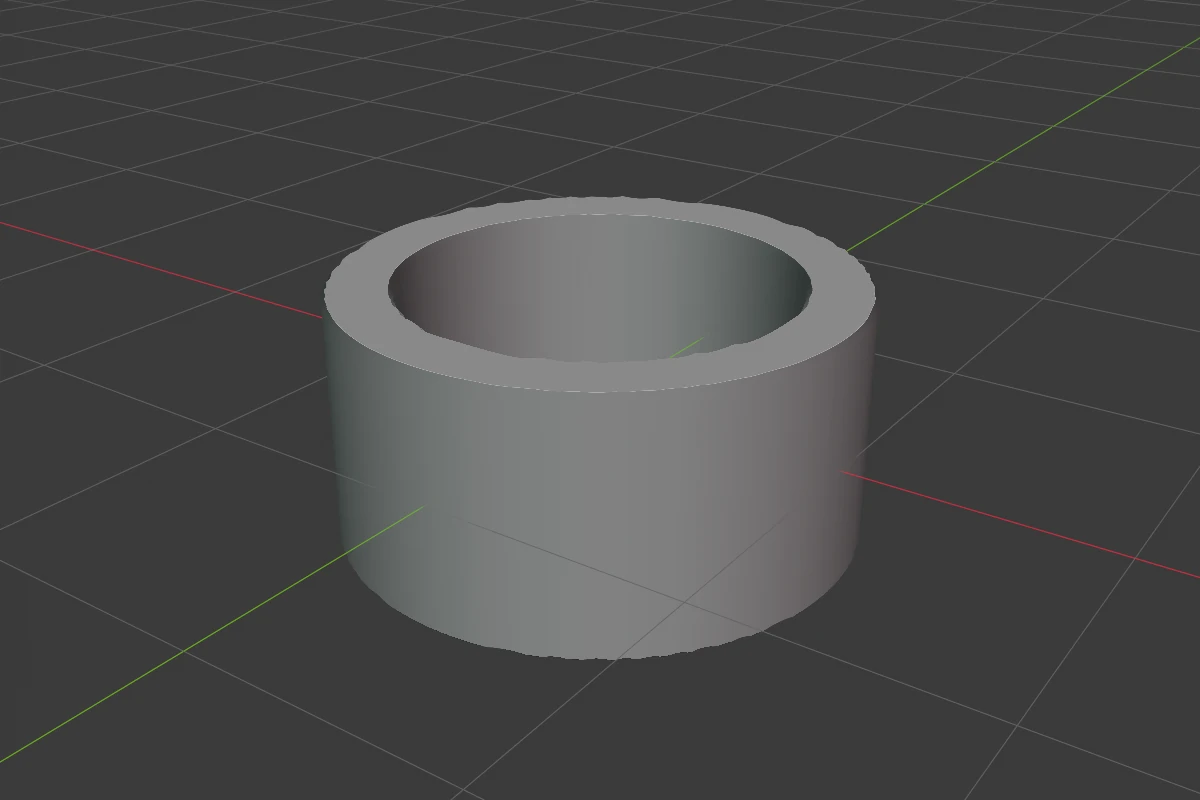
Settings
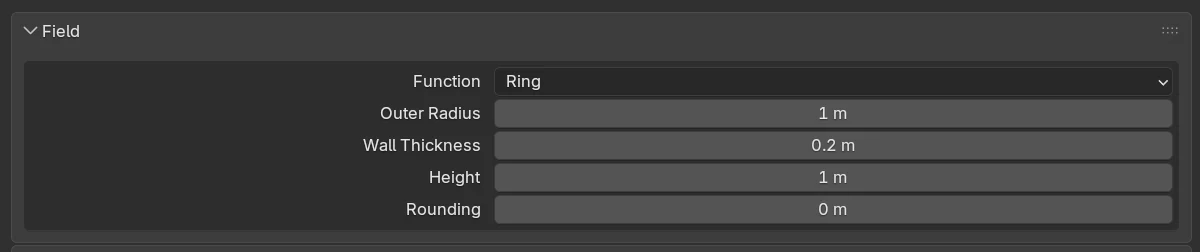
| Setting | Default | Range | What it does |
|---|---|---|---|
| Outer Radius | 1 m | > 0 | The radius of the outside wall |
| Wall Thickness | 0.2 m | > 0 | The thickness of the wall. It stays inside the outer radius |
| Height | 1 m | > 0 | Size along Z |
| Rounding | 0 | ≥ 0 | Rounds the rims. A single slider, with no Shape |
The rows every shape has are in Properties Panels. A Ring has no points; to edit its profile, switch Function to Lathe.
Handles
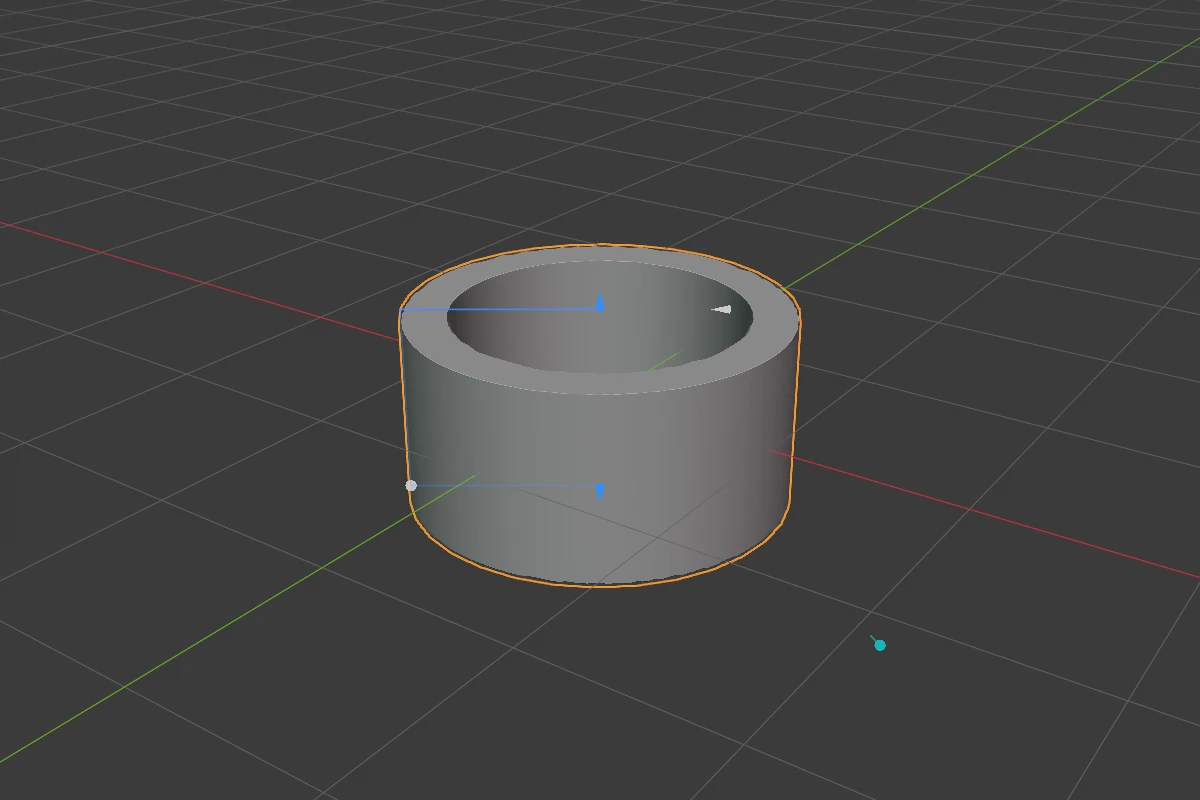
| Handle | Looks like | Drag | Keys while dragging |
|---|---|---|---|
| Height arrows | Two blue arrow heads on the top and bottom, joined by a U-shaped line | Moves that face. With Shift the opposite face stays | Ctrl snaps to 0.1 |
| Wall arrow | A white arrow head on the inner edge of the top rim | Sets the Wall Thickness | Ctrl snaps to 0.1 |
| Radius dot | A white dot at the lower corner of the U | Scales the whole ring from the centre; the wall and the hole scale with it | Ctrl snaps to 0.1, Shift is precision |
| Rounding dot | A teal dot at the lower right | Away from the shape: a larger Rounding | Ctrl snaps to 0.1, Shift is precision |
Redo panel
After adding, the redo panel (F9) has:
| Setting | Default | Range | What it does |
|---|---|---|---|
| Align | World | World · View · 3D Cursor | Rotation of the new shape |