
Infill
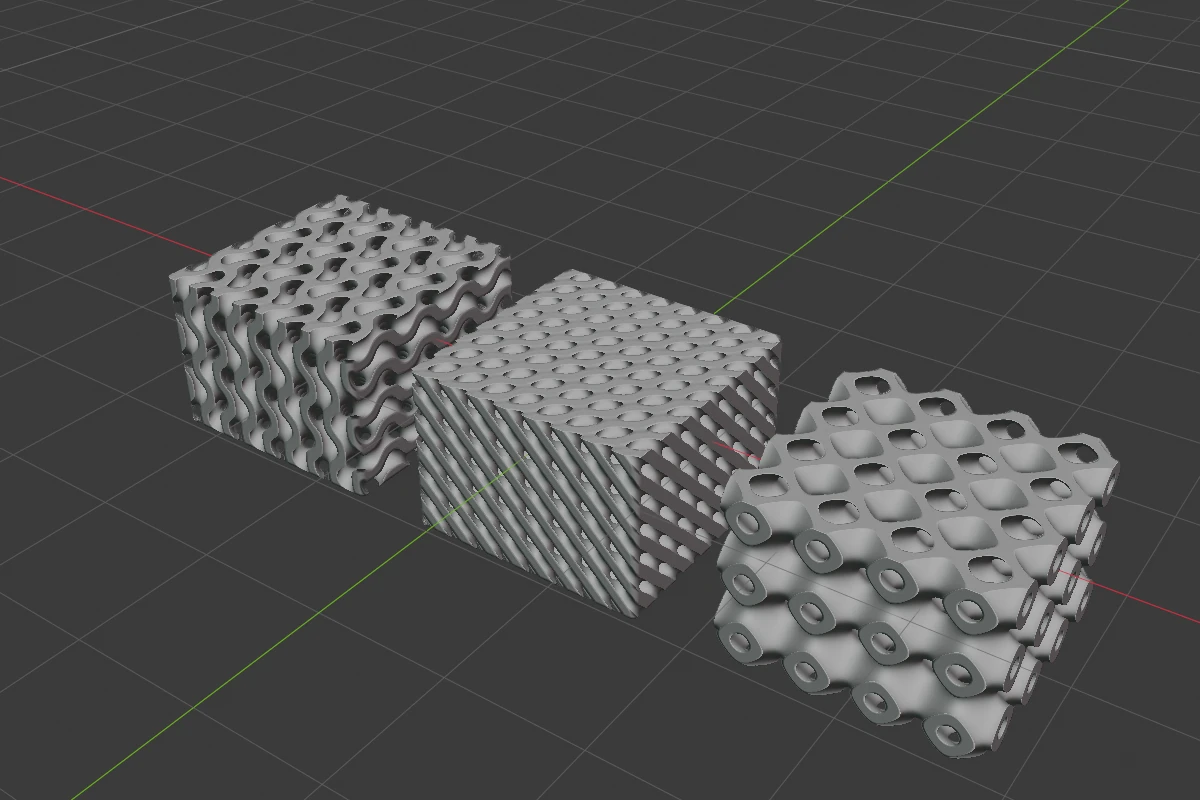
Infill fills a shape with a repeating lattice: a gyroid, a diamond or a Schwarz P surface. It is both a modifier, which patterns the shape it sits on, and a shape of its own, a box of the same lattice. Both draw the same rows.
The modifier
Infill takes the shape as it stands at its place in the stack, with any Booleans above it, and replaces it with the lattice, clipped to the shape’s outline. Modifiers below it work on the result. A new Infill sets its Cell Size to a quarter of the shape’s smallest span, its Wall (approx.) to a tenth of the cell and its Shell Thickness to a fifth of the cell.
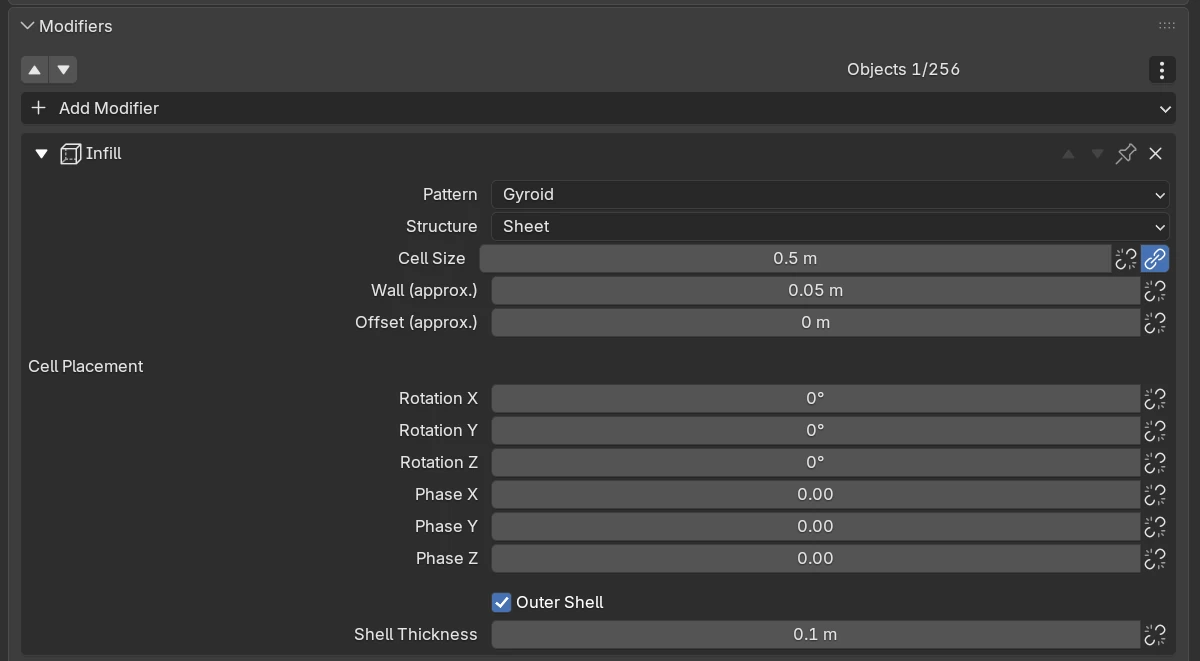
| Setting | Default | Range | What it does |
|---|---|---|---|
| Pattern | Gyroid | Gyroid / Diamond / Schwarz P | The surface that repeats: smooth repeating gyroid, diamond or primitive surface |
| Structure | Sheet | Sheet / Positive / Negative | Sheet: a wall around the periodic surface. Positive: fills one of the two networks the surface divides space into. Negative: fills the other |
| Cell Size | 0.5 m | 0.0001 and up (soft 10) | The length of one cell. The chain button after it links the number to a Value; the icon next to that, Link Cell Axes, is on by default. Off, it becomes X, Y and Z rows, a cell size per pattern axis, each with its own chain button |
| Wall (approx.) | 0.05 m | 0 and up (soft 1) | Sheet only. The wall’s thickness, measured in the scene’s units: it stays the same when you scale the object, though the cells stretch. The thickness varies a little across the surface |
| Offset (approx.) | 0 | soft -1 – 1 | Moves the surface, which changes the split between the two networks. The distance varies across the surface |
| Cell Placement | A label for the next two rows | ||
| Rotation X / Y / Z | 0° | angle | Turns the pattern, in the shape’s own frame |
| Phase X / Y / Z | 0 | Slides the pattern, in fractions of a cell | |
| Outer Shell | off | Keeps a solid skin inside the shape’s boundary | |
| Shell Thickness | 0.1 m | 0 and up (soft 1) | Shown with Outer Shell on. How far the skin reaches inward. 0 switches the shell off |
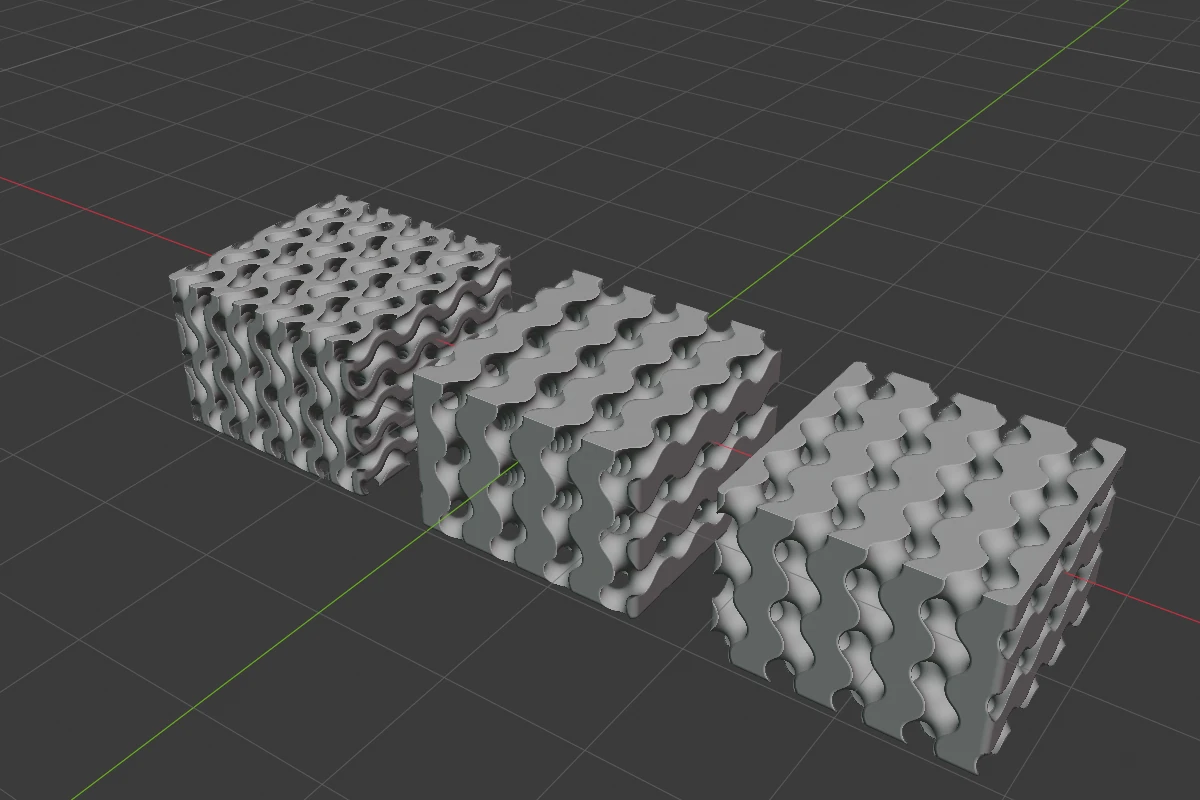
Wall, Offset and Shell Thickness are lengths in the scene’s units, like Solidify’s Thickness. Cell Size and Rotation follow the shape’s own frame, so they turn and scale with the object. Moving the shape’s origin does not move the pattern. With a Wall (approx.) of 0 a Sheet leaves nothing, and only the shell remains if it is on.
There are no handles on the modifier.
The shape
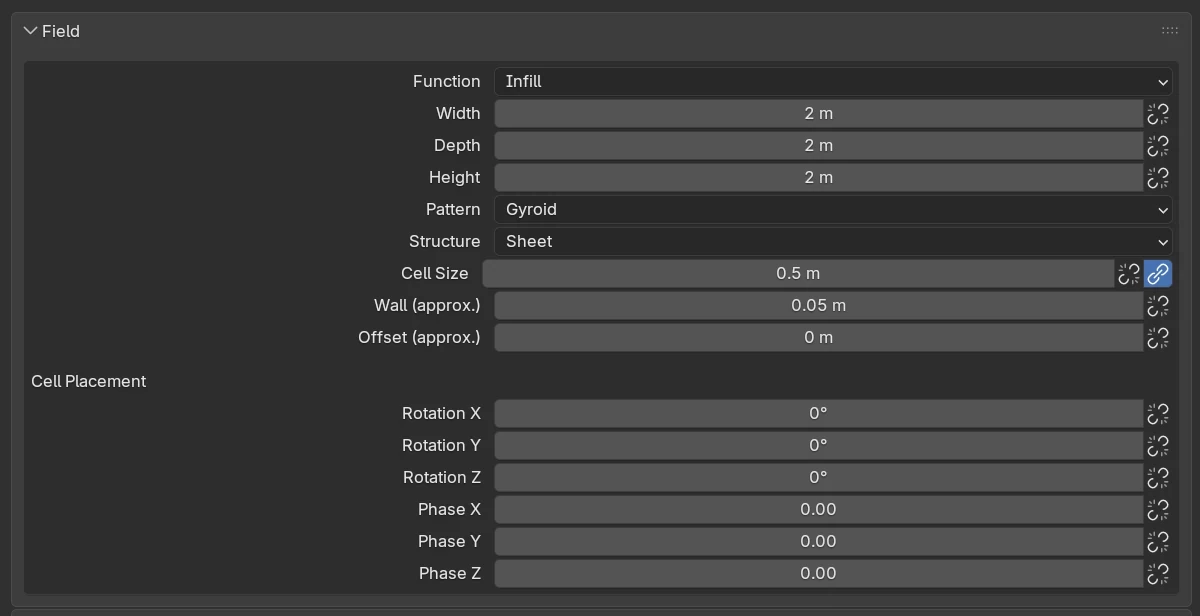
The Field panel’s Function list has an Infill entry, and the Add menu an Infill: a 2 × 2 × 2 box of the lattice, with Width, Depth and Height rows and the same rows as above. In Edit it has the arrows of a box, and blue heads for Cell Size, Wall (approx.) and Offset (approx.); see Edit. 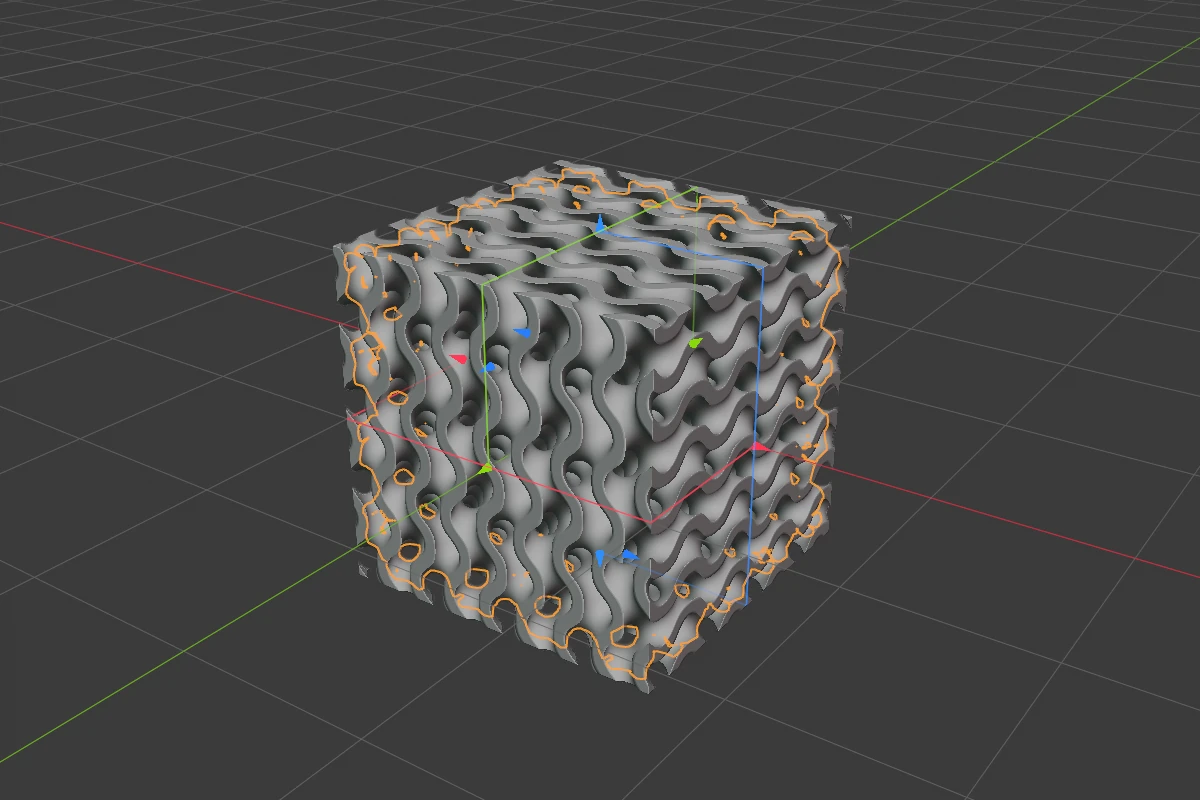
Files saved with the separate Gyroid, Diamond and Schwarz P shapes open as an Infill with that Pattern.
Limits
Note
Wall and offset are lengths of the field, not a promise of an even wall: the real thickness varies across the surface. Small cells with thin walls need a finer Resolution under Quality to draw cleanly.
See also
- Field Panel: the Function list
- Array: repeats the lattice along with the rest of the stack
- Solidify: a plain wall of one thickness