
Modifiers
Modifiers cut, repeat and deform Chisel shapes. A shape’s modifiers are listed in its Modifiers panel, in the Modifier tab of the Properties editor, between the Field panel and the Values panel. The joins (Boolean, Emboss & Engrave and Carve) are modifiers too and share the same panel and menus; they have their own section, Joins.
All modifiers
In the order of the panel’s Add Modifier menu:
| Modifier | What it does | |
|---|---|---|
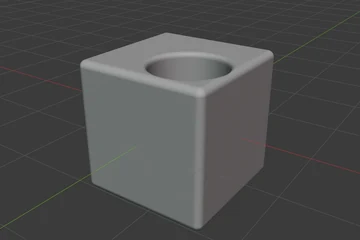 | Boolean | Join two shapes: Difference, Union, Intersect, or Slice into two parts |
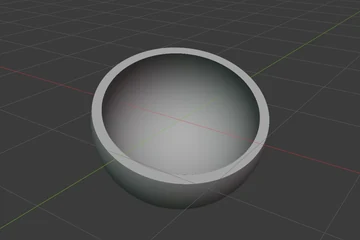 | Solidify | Hollow a shape into a shell of a given thickness |
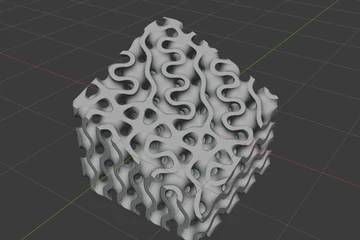 | Infill | Fill a shape with a repeating gyroid, diamond or Schwarz P lattice |
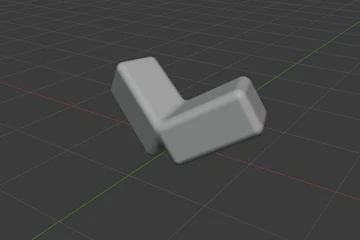 | Mirror | Reflect a shape across one, two or three planes |
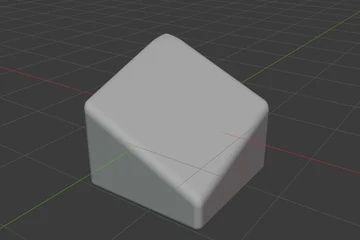 | Bisect | Cut a shape with a plane or a fence of planes |
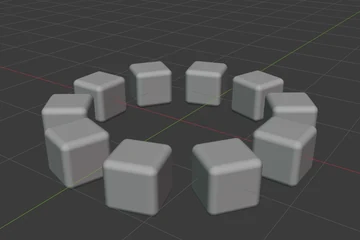 | Array | Repeat everything above it along a line or around a circle |
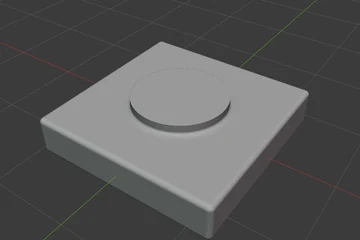 | Emboss & Engrave | Raise a shape out of a surface, or sink it in |
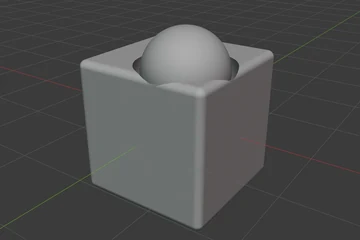 | Carve | Cut a pocket in the shape of another shape, which keeps rendering |
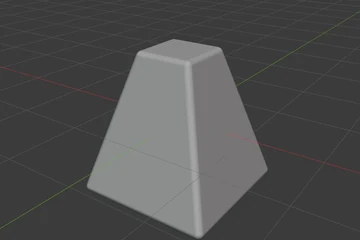 | Taper | Shrink one end of a shape, or widen it |
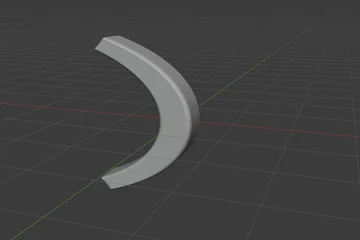 | Twist & Bend | Twist a shape around an axis, or bend it into an arc |
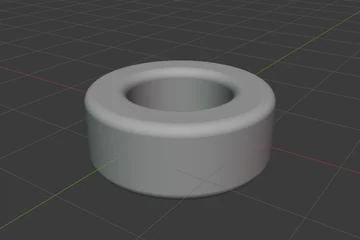 | Revolve | Spin the shape’s cross-section a full turn round an axis |
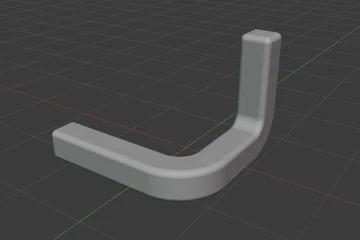 | Sweep | Run the shape along a path of points |
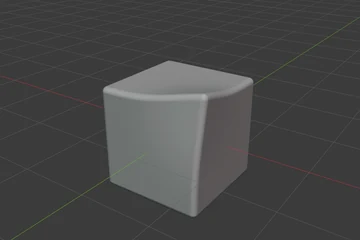 | Lattice | Deform the shape with a cage of points |
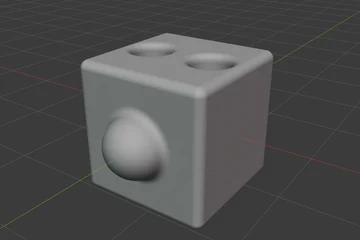 | Smooth | One rounding radius for every join and edge of a model |
Values are not modifiers: they are named numbers that any modifier’s number can follow.
Adding a modifier
| Where | What gets the modifier |
|---|---|
| Add Modifier in the Modifiers panel | Boolean, Emboss, Engrave and Carve: the active shape, with an empty Target to pick in its row. Every other modifier: every selected shape |
Pie menu Q, South wedge | Joins (Difference, Union, Intersect, Slice, Emboss, Engrave, Carve): the selected shapes become targets of the active one. Every other modifier: every selected shape |
| Right-click ▸ Modifiers | As the pie menu |
| Tape tree ▸ + Mod | Every shape whose row is selected. A join opens a list: Selected joins the selected shapes into the active one; a shape name makes one new shape of that kind and joins it into each selected row’s shape |
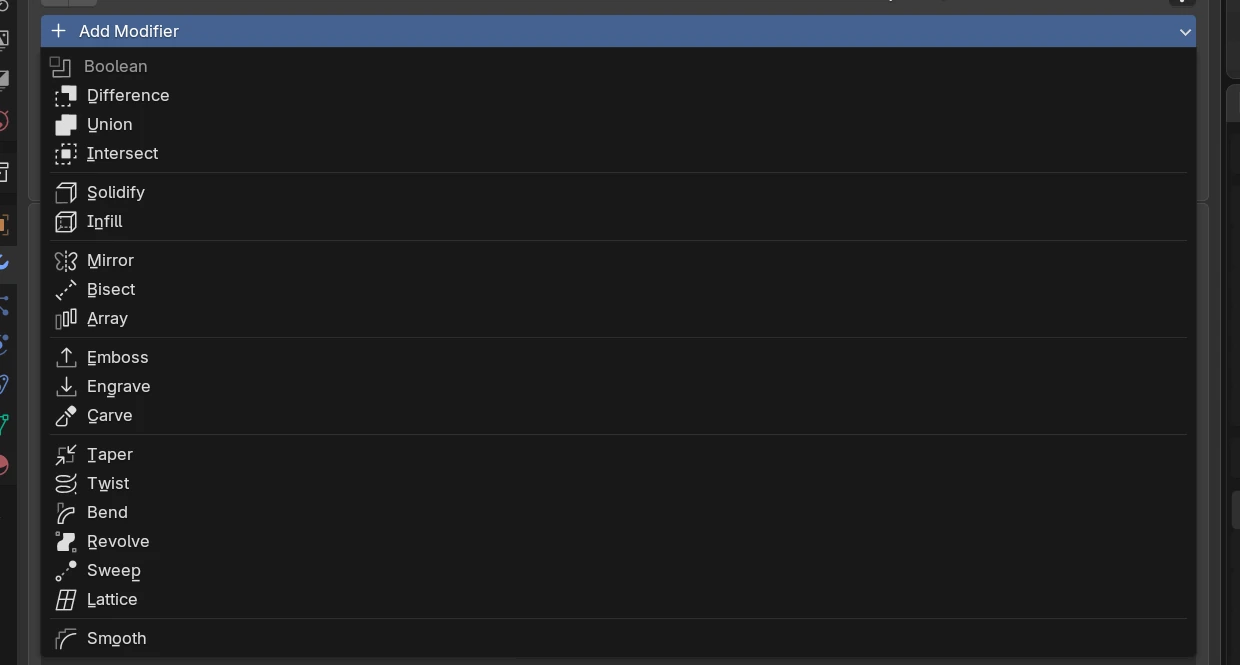
The panel’s Add Modifier menu lists Boolean (Difference, Union, Intersect), Solidify, Infill, Mirror, Bisect, Array, Emboss, Engrave, Carve, Taper, Twist, Bend, Revolve, Sweep, Lattice and Smooth, in groups. The pie, the right-click menu and the Tape tree list Mirror, Bisect, Solidify, Infill, Array, Twist, Bend, Taper, Revolve, Sweep, Lattice and Smooth.
The panel’s own controls
| Control | What it does |
|---|---|
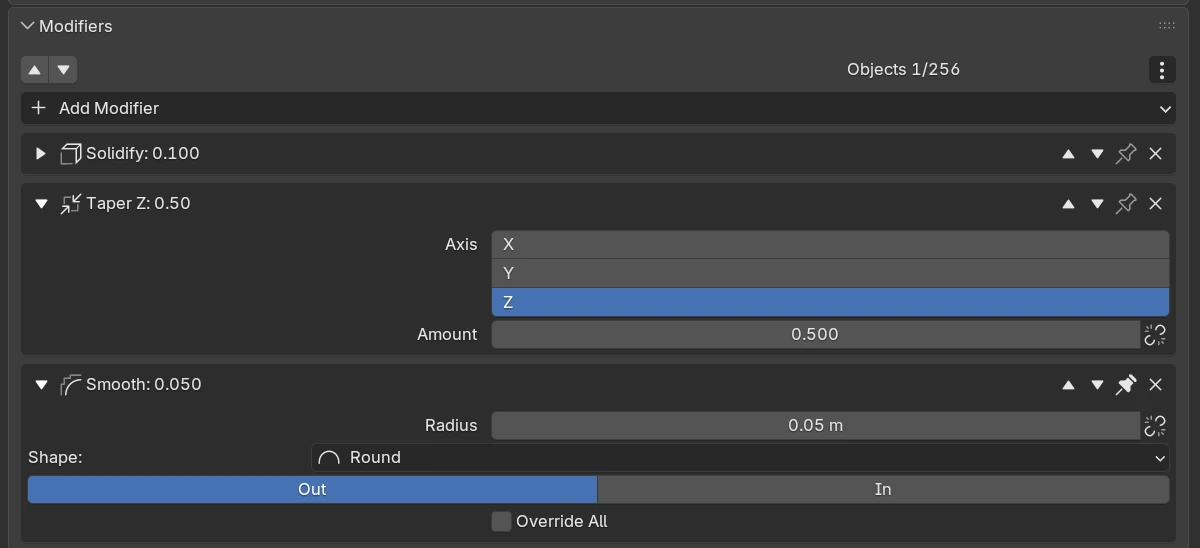
| ▲ / ▼ at the left of the toolbar | Collapse or expand every row |
| Budget readout | Objects N/M always, red from 80 % of the limit; Modifiers N/M appears once more than half of the limit is used, red from 80 %. Smooth is not counted |
| Modifier Options (three dots) | Opens the menu below |
| Add Modifier | Opens the menu above |
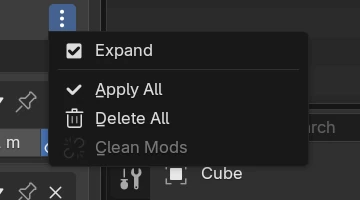
| Modifier Options | What it does |
|---|---|
| Expand | Opens every newly added modifier’s row. Off by default |
| Apply All | Bakes the whole stack into a sampled shape |
| Delete All | Asks first, then removes every row. Values stay; a number that followed one keeps its number |
| Clean Mods | Removes the joins that have no target. Greyed out when there are none |
A row’s header has an expand arrow, the modifier’s icon, its title, then ▲ and ▼ to move it, a pin and × to remove it. The title carries the main setting: Solidify: 0.100, Array Line 3x, Bisect: Custom Plane, Twist Y: 1.00, Taper Z: 0.50, Lattice 3x3x3, Sweep: 2 points, Smooth: 0.020. Rows start collapsed.
Every number in a row has a chain button that links it to a Value.
Each Its Own
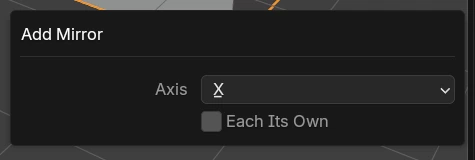
A Mirror or a Bisect added to several shapes reflects or cuts every other shape across the active one. Each Its Own in the redo panel (F9) gives every selected shape its own mirror or cut at its own origin instead. The Tape tree’s + Mod always adds them that way.
The modifier stack
Modifiers apply from the top of the stack down: each one works on the result of the ones above it, so changing the order can change the result. The row arrows in the panel move a modifier up or down; so does dragging its row in the Tape tree.
Pin
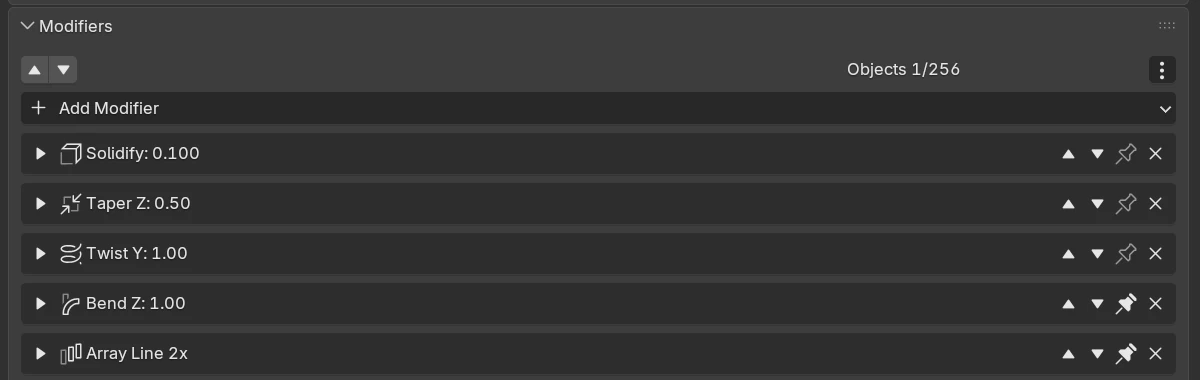
A pinned modifier stays at the bottom of the stack: every modifier added later goes in above the pins. The row arrows never move a modifier across that line. Unpinning puts the modifier at the bottom of the unpinned ones. A Smooth and a mirror added with Rotor are pinned when added.
Swap Modifier
Swap Modifier changes the operation of every modifier that uses the selected shapes, keeping their targets. It is the Shift + click on a join button in the pie and the right-click menu. With exactly one shape selected and a modifier already using it, the plain click swaps and Shift + click adds a new join. A join button lights up when the selected shape is already used that way.
With the Block tool, ' steps the same swap forward through Difference, Union, Intersect, Emboss, Engrave and Carve, and ; steps back.
The origin is the pivot
Mirror, Twist, Bend, Revolve and a Circle array work from the shape’s origin: the mirror plane, the axis a circle array turns round, and the twist, bend and revolve axes all pass through it. To move the origin without moving the shape, use Blender’s Set Origin, or Affect Only Origins in the transform options. A Bend’s Center slides the bend along its axis, away from the origin.
See also
- Gizmos: every viewport handle
- Properties Panels: the Modifiers panel
- Tape tree: the stacks of the whole scene
- Rounding & Blending: the profiles of joins and edges