
View Markdown
Taper
Taper shrinks one end of a shape along an axis, or widens it. The end with the lower coordinate on that axis keeps its size; the size changes smoothly along the shape toward the other end. It works on the whole shape as it stands at its place in the stack.
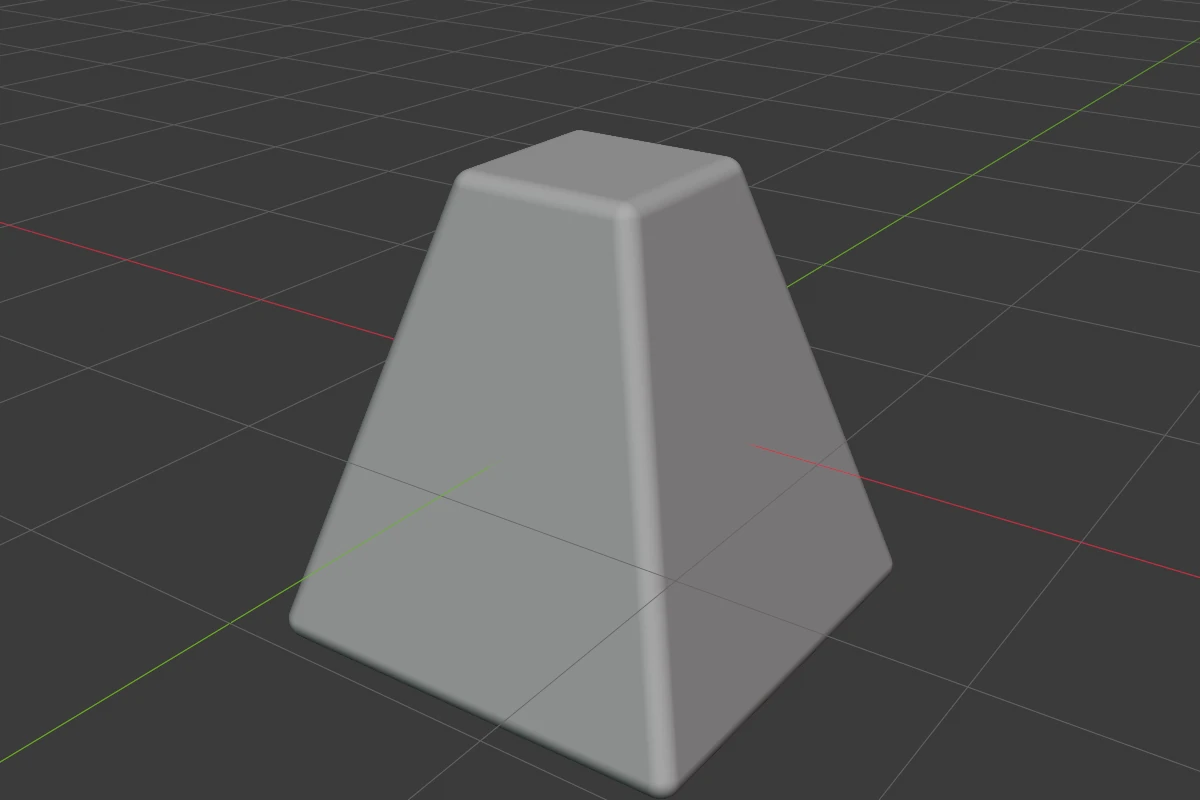
Of the shapes, only a Cone and a Trapezoid have a Taper of their own in the Field panel. Every other shape tapers through this modifier.
Settings
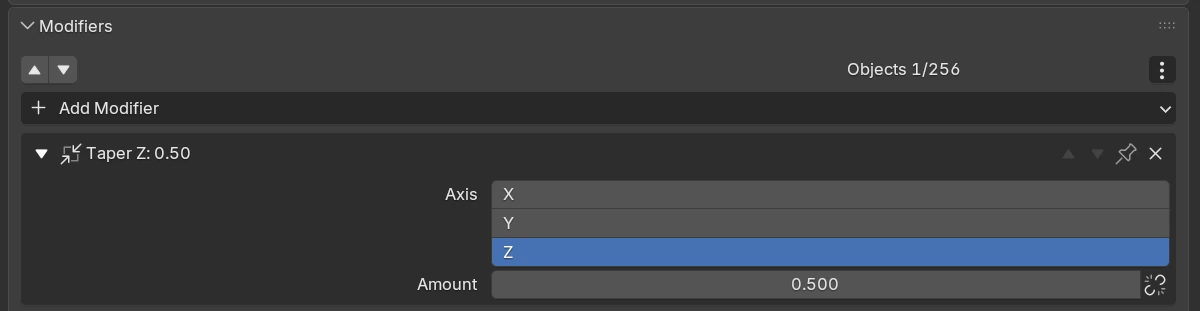
| Setting | Default | Range | What it does |
|---|---|---|---|
| Axis | Z | X / Y / Z | The shape’s own axis, running from the unchanged end to the tapered end |
| Amount | 0.5 | -1 – 0.99 | How much the far end shrinks. 0 leaves the shape alone; at 0.5 the far end is about half its size, and values near 1 close it to a point. A negative amount widens the far end |
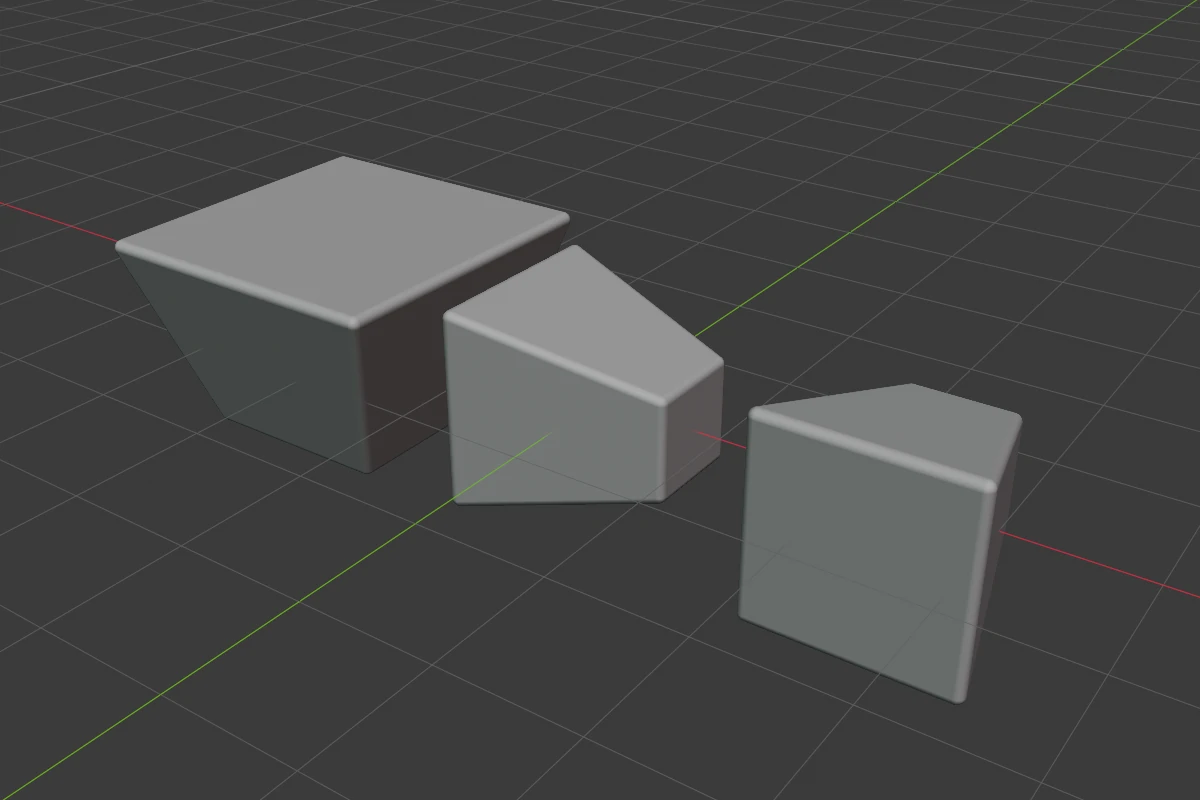
The row’s title shows the axis and the amount, for example Taper Z: 0.50. Amount has a chain button that links it to a Value. The modifier has no handle in the viewport and no drag in the pie menu: the pie has the axis buttons and a plain Amount field.
See also
- Field Panel: the Taper of a Cone and a Trapezoid
- Twist & Bend: the other deformers along one axis
- Gizmos: the Taper arc, which drags the Taper of a Cone or a Trapezoid