
View Markdown
Cone
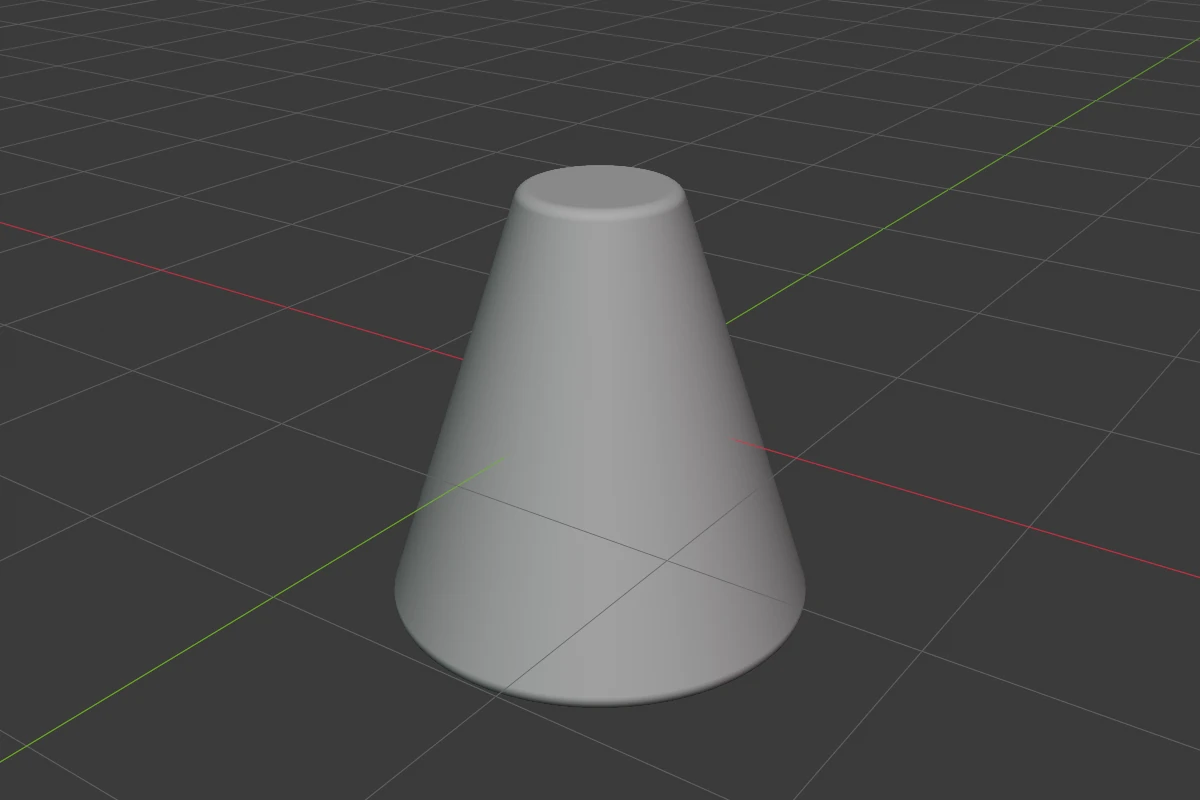
A cone along the object’s local Z axis. Taper sets the size of its top, from a cylinder (0) to a point (1), and its rims can be rounded.
Settings
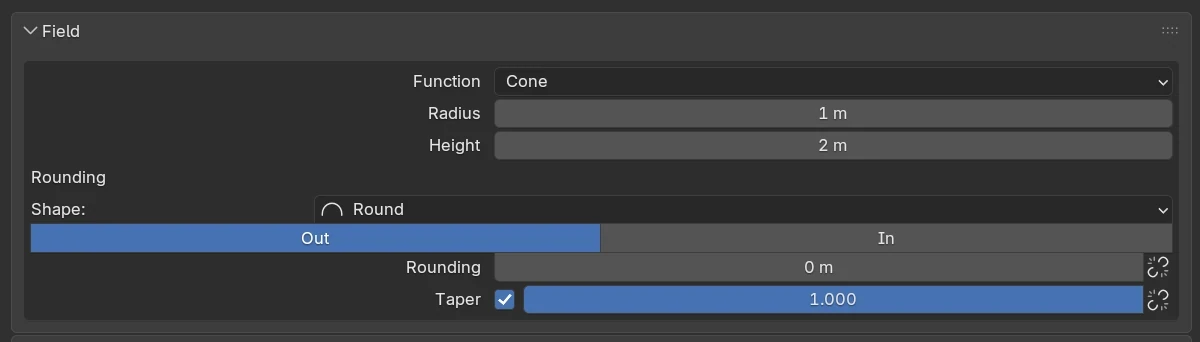
| Setting | Default | Range | What it does |
|---|---|---|---|
| Radius | 1 m | > 0 | The radius of the base |
| Height | 2 m | > 0 | Size along Z |
| Shape | Round | Round · Sharp · Soft · Tight · Chamfer · Steps | The curve of the rim rounding, see Rounding Shapes |
| Out / In | Out | Rounds the rims outward, or cuts them inward | |
| Steps (Steps) | 1 – 16 | The number of steps | |
| Rounding | 0 | ≥ 0 (soft 2) | Rounds the rims |
| Smooth (Chamfer, In, Steps with In) | 0 | ≥ 0 (soft 0.5) | Softens the seams where the curve meets the faces |
| Taper | ticked, 1 | 0 – 1 | The top radius shrinks from the base radius (0, a cylinder) to a point (1). Unticking the box turns the Cone into a Cylinder |
The rows every shape has are in Properties Panels.
Handles
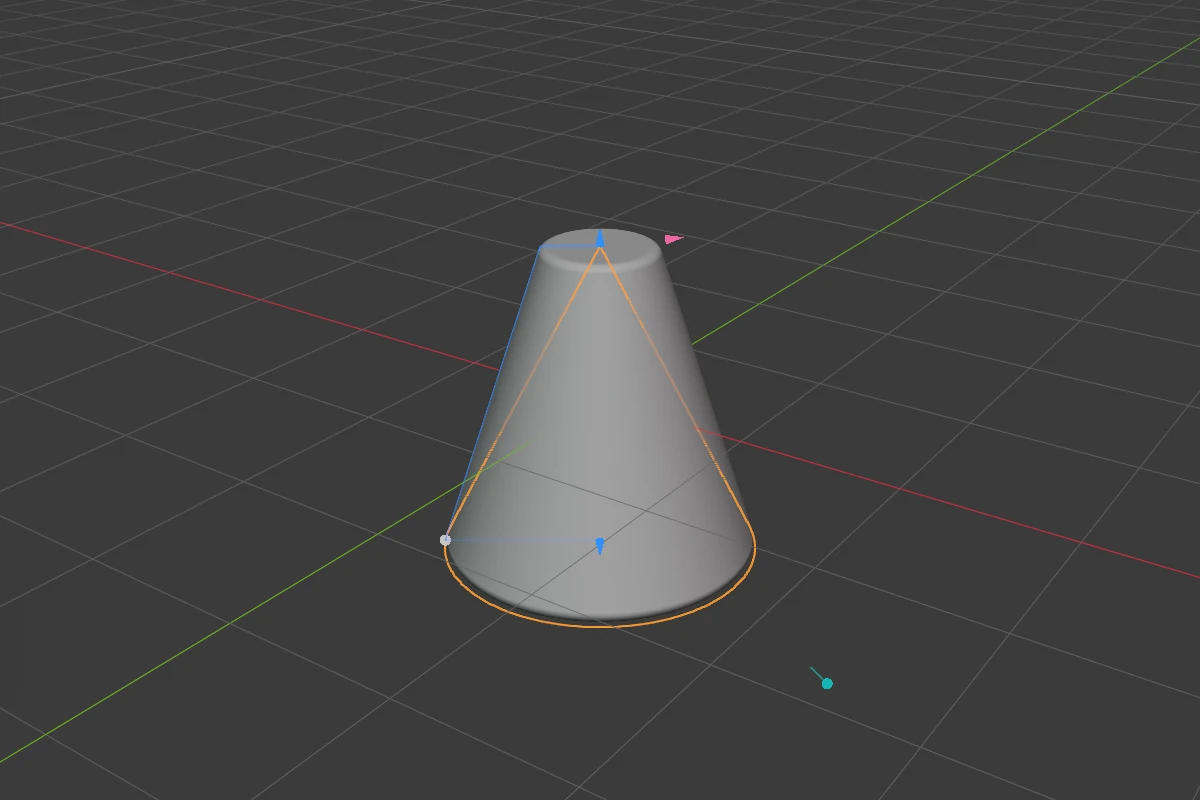
| Handle | Looks like | Drag | Keys while dragging |
|---|---|---|---|
| Height arrows | Two blue arrow heads on the top and bottom, joined by a U-shaped line | Moves that face. With Shift the opposite face stays | Ctrl snaps to 0.1 |
| Radius dot | A white dot at the lower corner of the U | Sets the base Radius from the centre. With Shift the far side stays | Ctrl snaps to 0.1 |
| Rounding dot | A teal dot at the lower right | Away from the shape: a larger Rounding | 1–6, I, O, S, Ctrl, Shift as on Box |
| Taper head | A rose arrow head at the top | Towards the shape: more taper; away from it: less | Ctrl snaps to 0.1, Ctrl + Shift to 0.01, Shift is precision |
Taper
Right-click ▸ Taper (also in the Q pie’s West wedge) starts a drag: move the mouse away from the shape for more taper, towards it for less. Ctrl snaps, Shift is precision.
Rounding
In the Block tool’s Select state, B, or the Rounding arc of the adjust arcs, changes Rounding on every selected shape with the mouse. During the drag 1–6 pick the shape and S switches to Smooth; Ctrl snaps, Shift is precision.
Redo panel
After adding, the redo panel (F9) has:
| Setting | Default | Range | What it does |
|---|---|---|---|
| Radius 1 | 1 | > 0 | Base radius |
| Radius 2 | 0 | ≥ 0 | Top radius: sets the taper |
| Depth | 2 | > 0 | Height along local Z |
| Align | World | World · View · 3D Cursor | Rotation of the new shape |