
Profiles
Five fillet shapes, identical across rounding and blending. Pick the one that matches the look you want.
| Profile | Curve | Best for |
|---|---|---|
| Round | Classic circular fillet | Default. Soft, even rounding. |
| Sharp | Pulls in toward the corner | Hard-surface knees, mech panels |
| Soft | Gentle, smoothly continuous | Organic forms, ergonomic surfaces |
| Tight | Squared, deep but tight | Industrial fillets, near-square edges |
| Chamfer | Flat 45° bevel | Beveled hardware, machined edges |
Round

Sharp
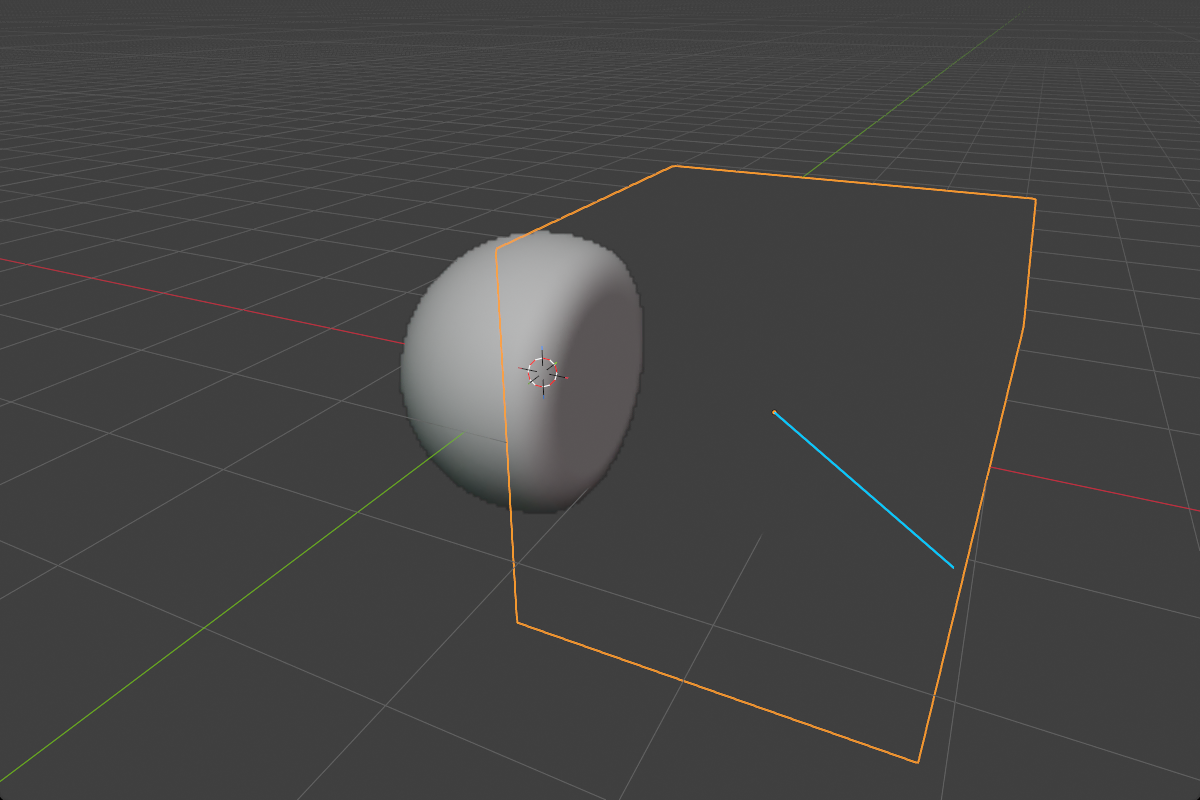
Soft
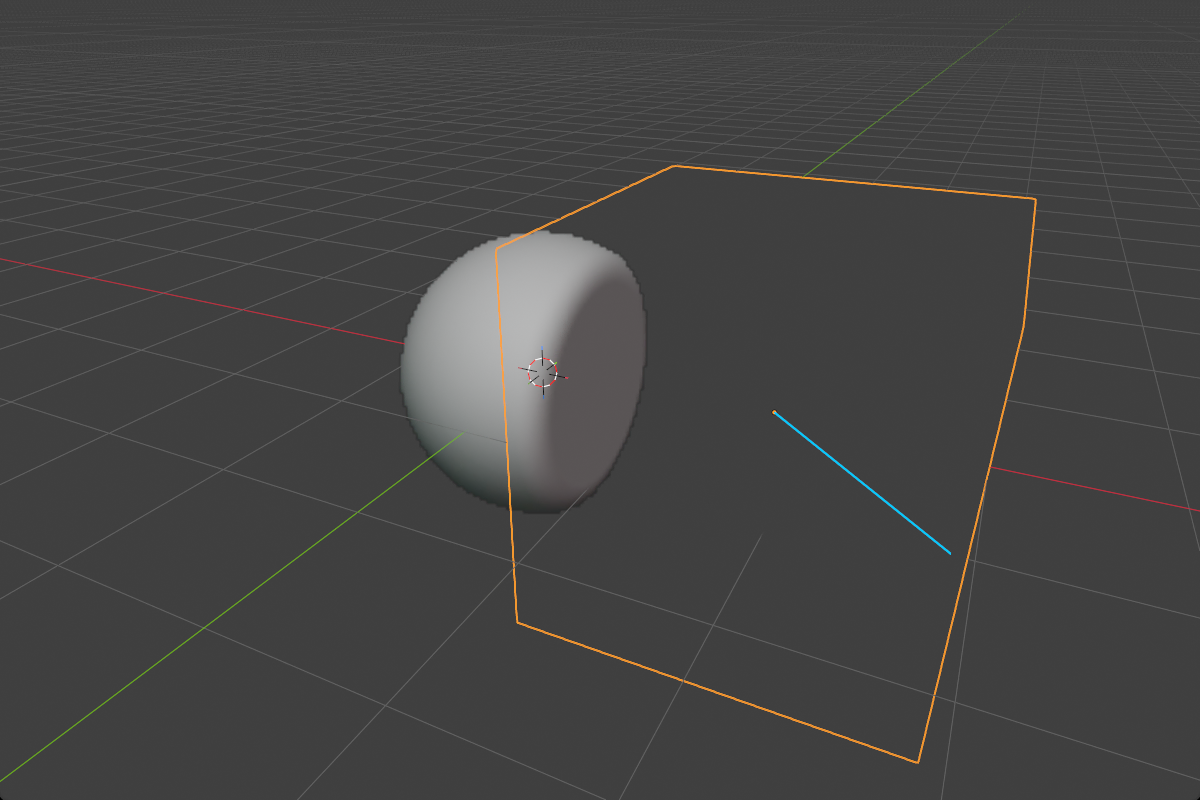
Tight

Chamfer

Profile keys in the modal
While a rounding or blend drag is active (B for primitives, Ctrl+B for boolean and carve blends, the Ngon and bisect corner handles, the bisect blend ring, or the Smooth modifier’s radius) the number keys snap between profiles instantly:
| Key | Profile |
|---|---|
1 | Round |
2 | Sharp |
3 | Soft |
4 | Tight |
5 | Chamfer |
While the modal is open, S toggles between adjusting the radius and the Chamfer Smooth parameter (only meaningful when the profile is Chamfer). The Smooth modifier’s radius drag has no S; its chamfer smooth is set in the panel.
Chamfer Smooth
The Chamfer profile produces a flat 45° bevel, sharp where it meets the adjacent faces. Chamfer Smooth softens those two seam edges so the chamfer blends in instead of stopping abruptly.

- Range:
0.0–5.0(soft max0.5for primitives,1.0for blends) - Only visible when the profile is set to Chamfer
You’ll find a Chamfer Smooth control alongside every Chamfer-enabled profile setting: primitive, boolean and carve blend, bisect edge and corners, emboss inner corner, prism bevel, the Smooth modifier.
Material Blend
Boolean modifiers also have a Material Blend width multiplier, independent of the geometry’s blend. It controls how the color seam spreads across the boolean:
1.0: color follows the geometry exactly (default)> 1.0: color bleeds wider than the fillet0.0: color snaps even when the geometry is smoothly blended
Useful when you want a smooth physical join between two materials but a sharp visual line between their colors, or vice versa.