
Ngon
An editable extruded polygon. The outline lives on the object’s local XY mid-plane and extrudes symmetrically along ±Z; you edit the points directly in the viewport with the Ngon gizmo, and each corner carries its own bevel radius and profile.
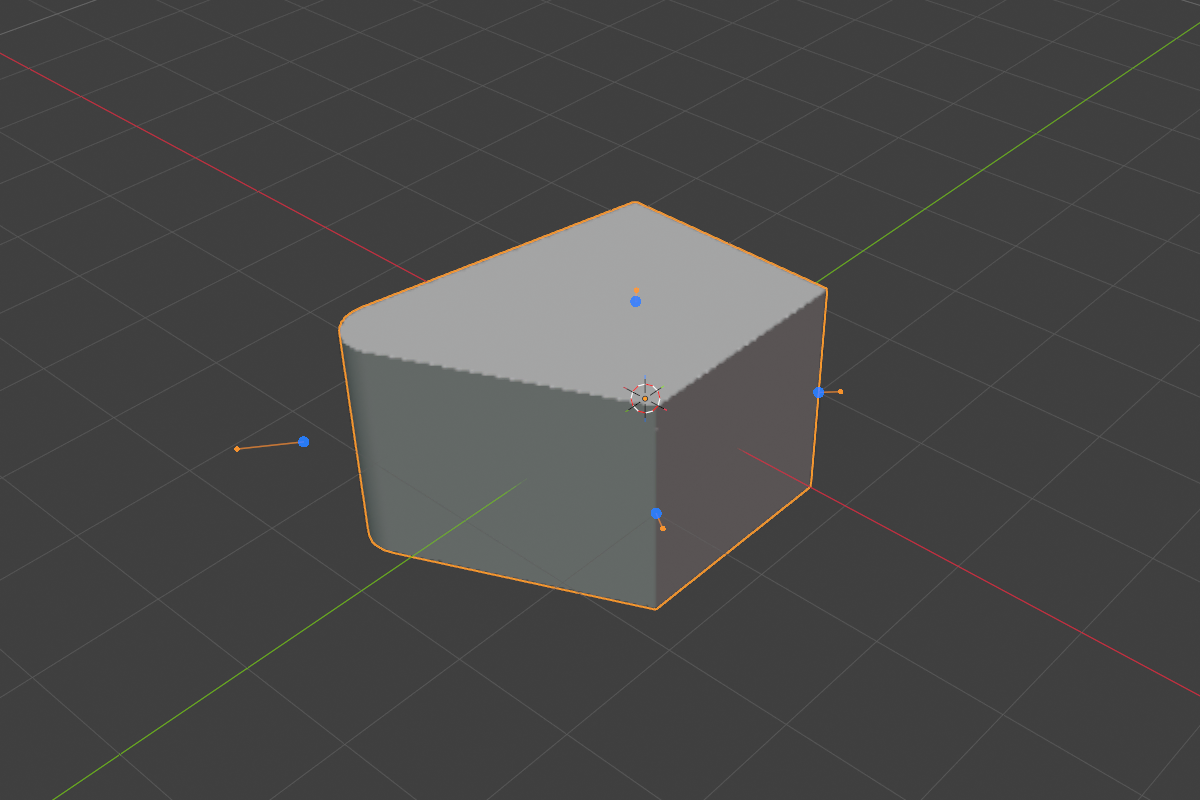
Parameters
- Points: the polygon vertex list in the Object Properties → SDF panel. Each row is
X,Y, corner rounding, corner smooth, and a corner-profile icon dropdown - Depth: half-height of the symmetric ±Z extrusion (default
1.0, soft max10.0) - Per-corner Rounding: fillet radius at that vertex (soft max
2.0, default0.0) - Per-corner Profile: Round / Sharp / Soft / Tight / Chamfer, chosen independently for every corner
- Per-corner Smooth: rounds the two seams where a chamfered corner’s cut meets the faces (chamfer profile only)
Editing the outline
A new Ngon starts as a square. Add points with the + button next to the list, or hover an edge in the viewport and click its green add-dot; delete with the − button or by hovering a vertex dot and pressing X / Delete. Three vertices is the minimum. The delete operator refuses to go below it.


Dragging a vertex dot moves that point; dragging its orange handle sets that corner’s rounding, with 1–5 picking the profile and S jumping to the chamfer smooth. Clicking a row in the panel list makes that vertex active, so panel and viewport stay in sync.
Select several Ngons and every one of them shows its dots. A dot on a non-active Ngon edits that shape and makes it active, so you can walk through a set of outlines without reselecting. The gizmo’s Show setting in Render Properties → Gizmos limits it to the active Ngon, or hides it.
Corners
Corner bevels are exact at any corner angle, including concave (reflex) corners. A star or an L-profile fillets cleanly without the pinching a mesh bevel would produce. Because every corner is independent, one outline can carry a tight chamfer on one vertex and a wide round on the next.
Because the outline is a real distance field, an Ngon blends with its neighbours like any other primitive:

Moving the object’s origin (Set Origin, or a transform with Affect Only Origins) leaves the outline where it is; the origin moves freely within the outline’s plane but not along its depth. Per-corner rounding is left alone by a Smooth modifier.
See also
- Interface: Ngon gizmo: every handle and key
- Revolve and Sweep: an Ngon is the natural profile for both
- Prism: a regular polygon when you don’t need arbitrary points
- Curve: an extruded profile driven by a Bezier instead of points