
Twist & Bend
Two simple deformers that warp a shape along an axis. The result stays smooth and watertight, so you can keep adding booleans, mirrors, or rounding on top.
Both are added from Add Modifier, the pie or the right-click menu, and go onto every selected shape at once. The buttons grey out, with a reason in the tooltip, when nothing suitable is selected. The axis passes through the object’s origin; see The origin is the pivot.
Twist
Rotate the SDF along an axis at a constant rate.
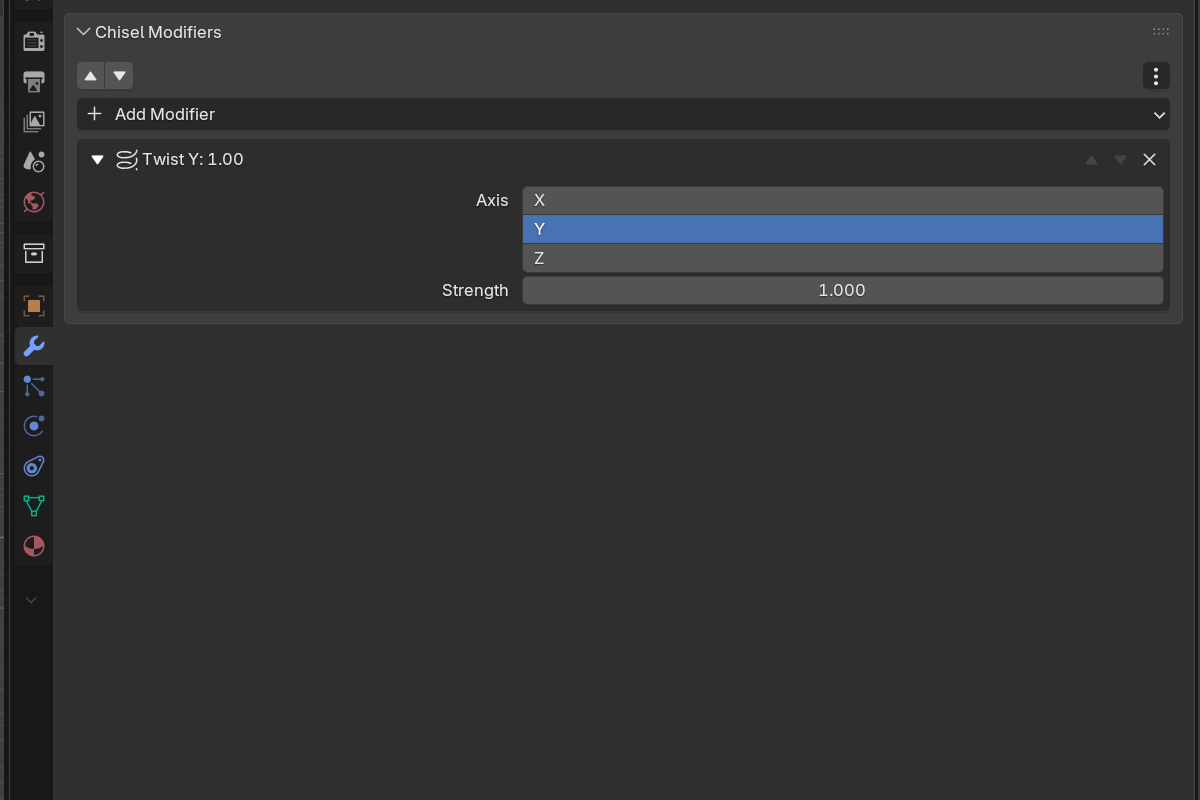
- Axis: X / Y / Z (default Y)
- Strength: radians per unit distance along the axis (
-10.0–10.0, default1.0). Negative values twist the other direction.
Combine Twist with Array or Mirror to build helices, screws, augers, and decorative columns.
Bend
Curve the SDF around an axis. Higher strength = tighter bend.
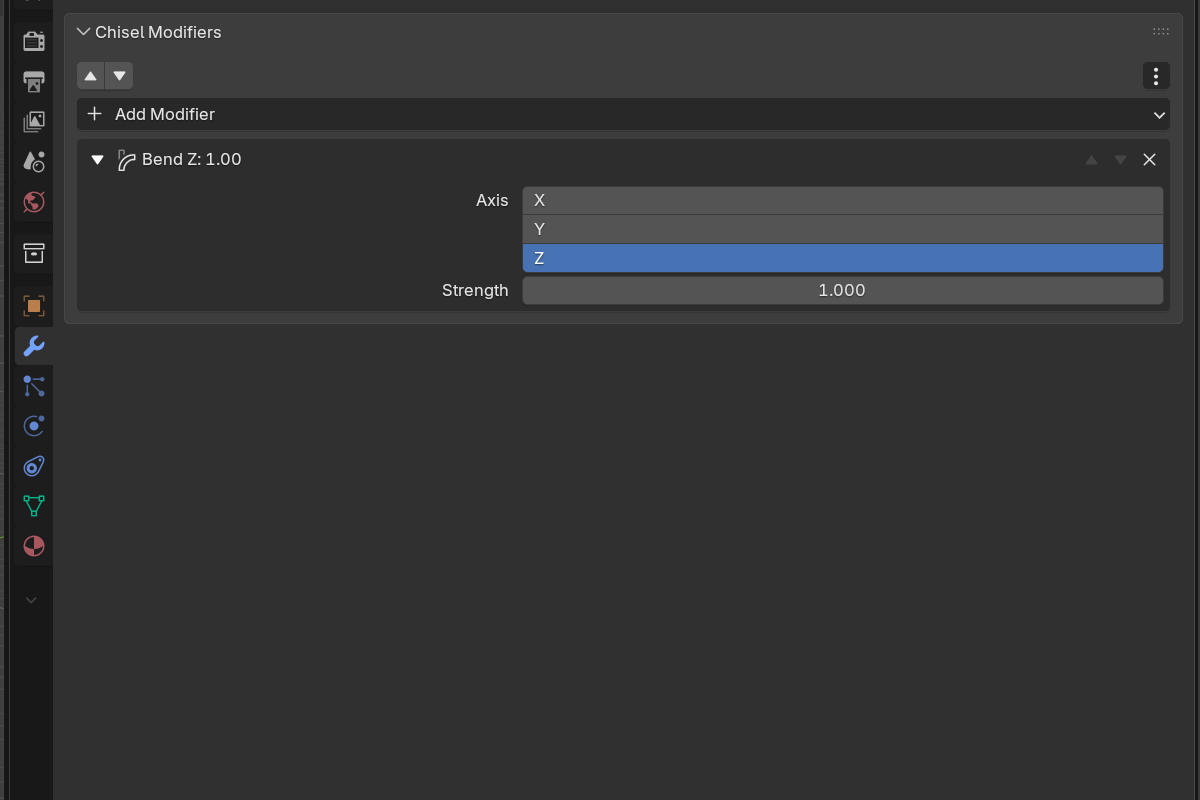
- Axis: X / Y / Z
- Strength: bend curvature amount (
-10.0–10.0, default1.0)
Bend is useful for making horns, tubing, arched panels, and bow shapes from straight primitives.
Stacking deformers
Both Twist and Bend are deformations of the underlying field, as are Revolve, Sweep and Lattice. They stack in the modifier list, so you can chain Bend → Twist → Mirror to build complex helical-curved-symmetric shapes from a single primitive.
Order matters. Twist before Bend gives a helically-twisted bend; Bend before Twist gives a curved arc that twists around itself.